 PlcConsole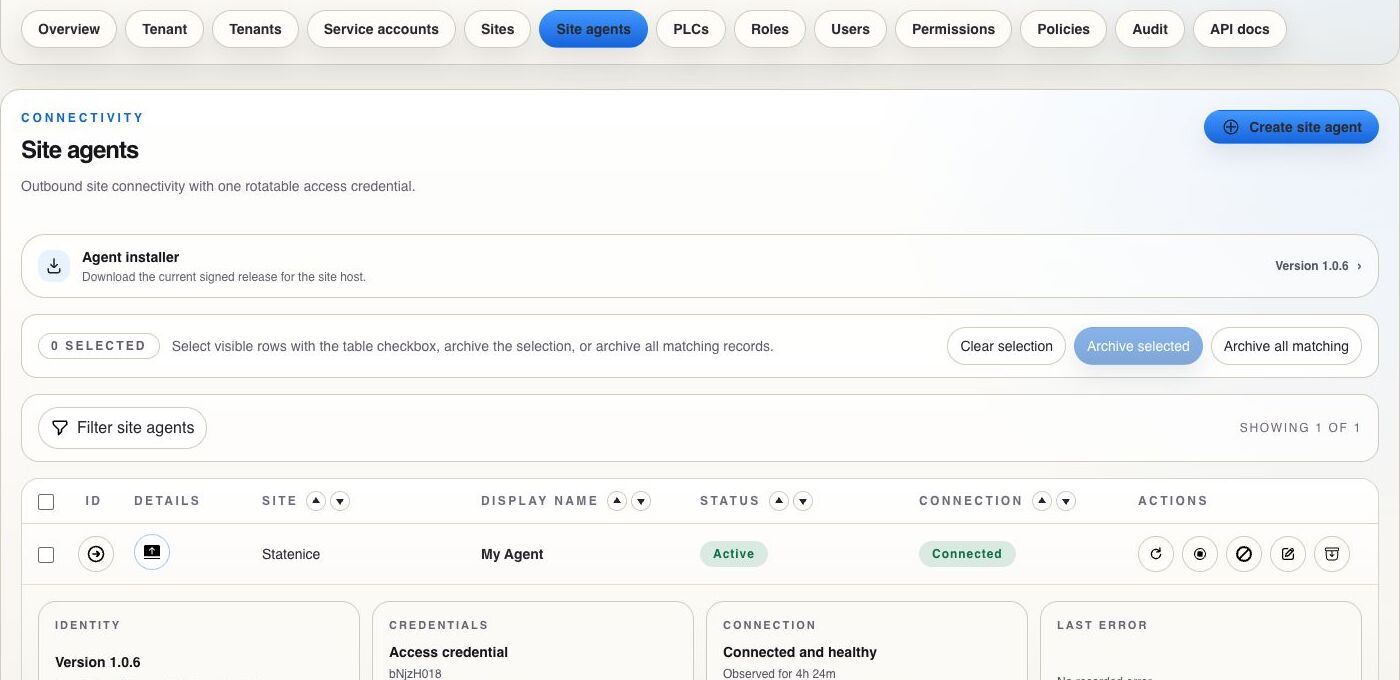
Filter
Build one or more criteria to narrow the visible records. Criteria are combined with AND until you clear them.
Choose a topic below. Each guide keeps the main screen, filters, expanded details, dialogs, confirmations and related audit evidence together.
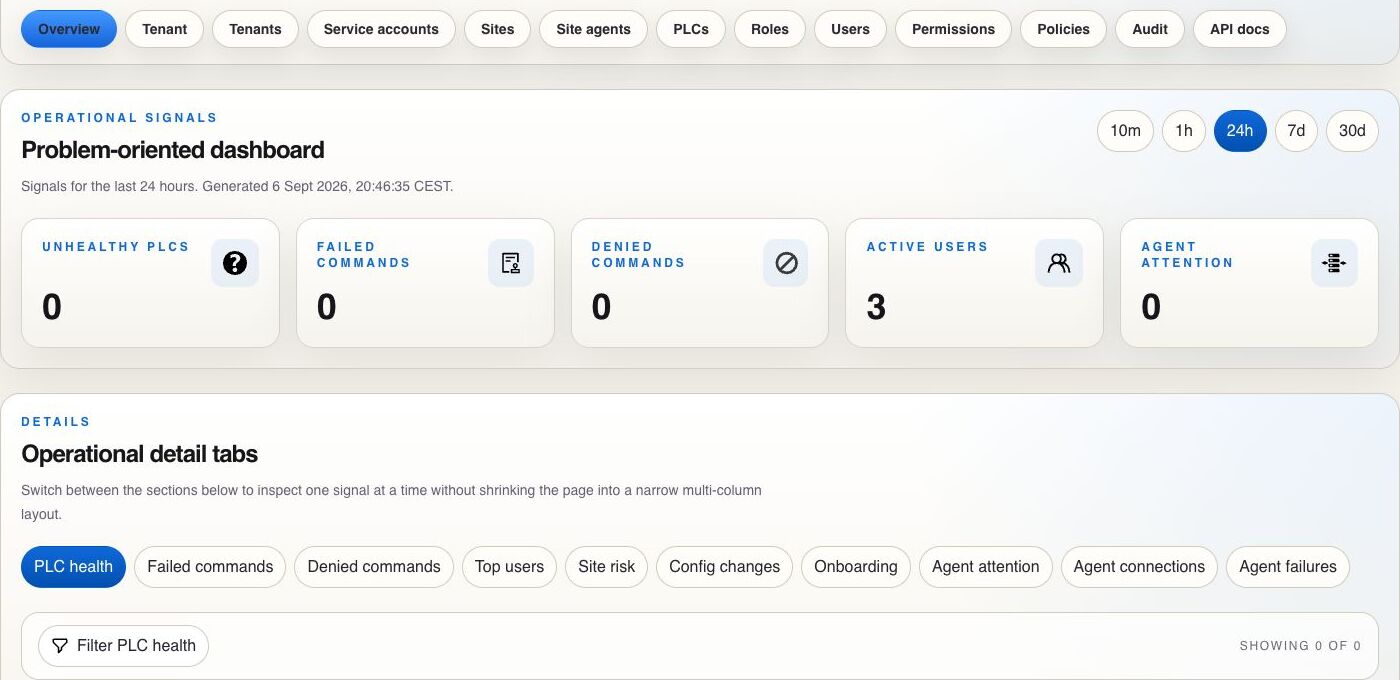
Dashboard · 1 of 5
The topic pages explain each domain. These two guides cover behavior shared across screens and complete workflows that cross several catalogs.
Interface reference
Understand filters, sorting, pagination, row expansion, copying IDs, selection, export and the difference between selected rows and all matching records.
End-to-end procedures
Onboard a tenant, bring a site online, grant bounded PLC access, investigate an incident and rotate credentials with verification at every stage.
Start with the task you are performing. Related screens and lifecycle actions remain on the same page.
01 · Access
Sign in, recover access, understand the active tenant context and change your password.
02 · Platform
Create tenants, invite the first administrator and manage disable or archive lifecycle actions.
03 · Signals
Use time windows, summary signals, detail tabs, filters and expanded operational evidence.
04 · Estate
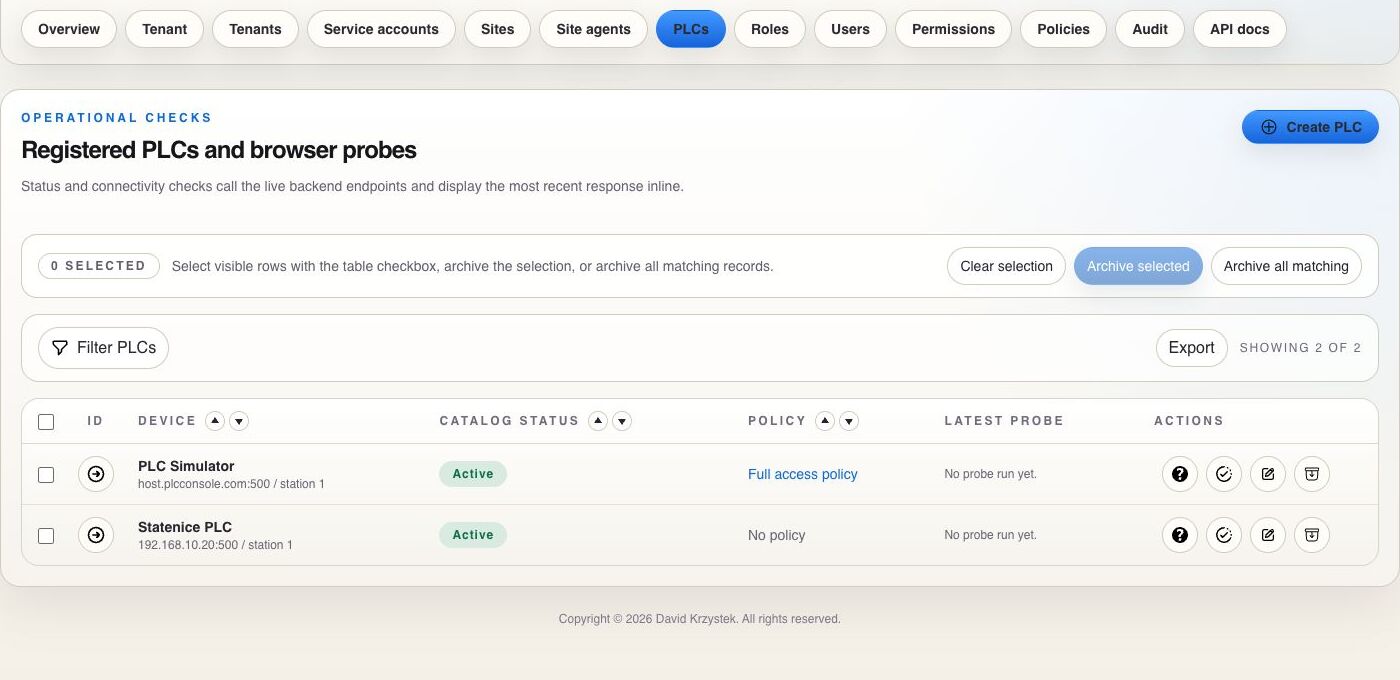
Model physical locations, register PLCs, understand status and manage both catalogs.
05 · Connectivity
Download signed artifacts, create agents, inspect connections and manage credentials.
06 · Authorization
Build tenant-scoped human access and understand how role and user assignments combine.
07 · Guardrails
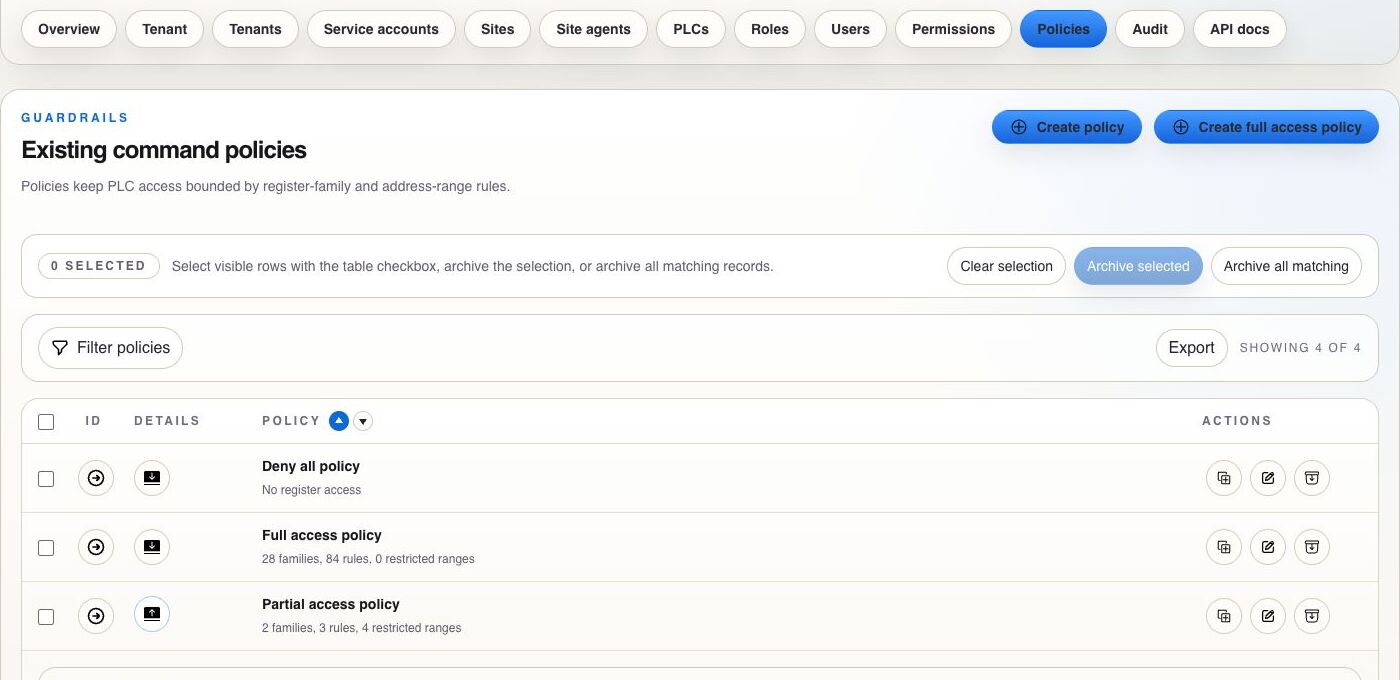
Restrict register families and ranges after permission has allowed an operation.
08 · Evidence
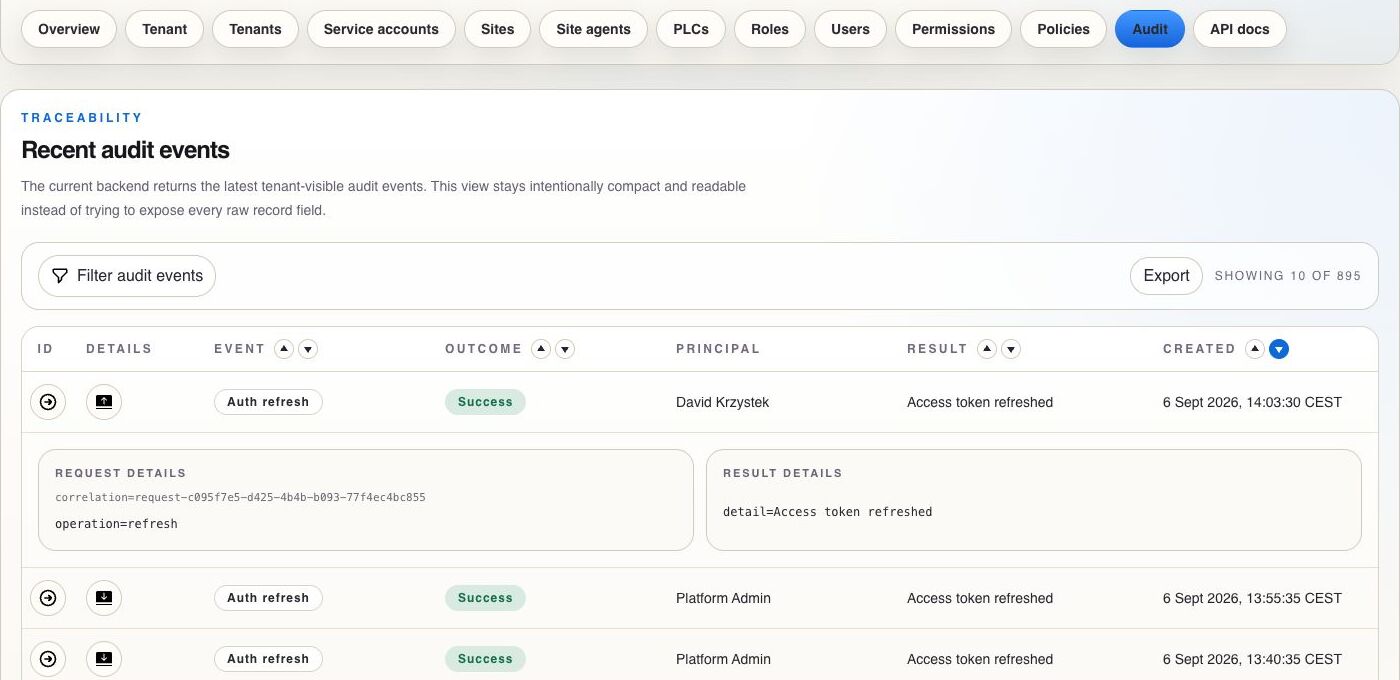
Filter audit history, inspect request and result details and trace failures or denials.
09 · Machines
Create machine identities and manage token rotation, revocation and archive.
Catalogs and audit tables share a compact set of controls. Use them in the same order: narrow the working set, inspect the relevant row, then perform the lifecycle action.
Build one or more criteria to narrow the visible records. Criteria are combined with AND until you clear them.
Use the arrows beside sortable headers to order the current result by the field that matters.
Choose the rows per page and move through the result with First, Previous, numbered pages, Next or Last.
Export the currently filtered evidence set when you need a portable record for review or follow-up.
Archive selected visible rows or all records matching the active filter. Archiving is a lifecycle action rather than a hard delete.
Copy the record identifier when coordinating support, joining audit evidence or referring to a specific resource.
Open a row to inspect secondary details such as request data, register rules, credentials or connection evidence. Collapse it to return to the compact list.
Route A
Create the site, establish an approved connection path and finish by checking operational evidence.
Open site onboardingRoute B
Combine the operator role and permissions with the PLC policy that narrows effective access.
Open bounded accessRoute C
Trace a failed or denied operation from its signal through correlated audit evidence.
Open incident route