PlcConsole
Remote Manual · Connectivity

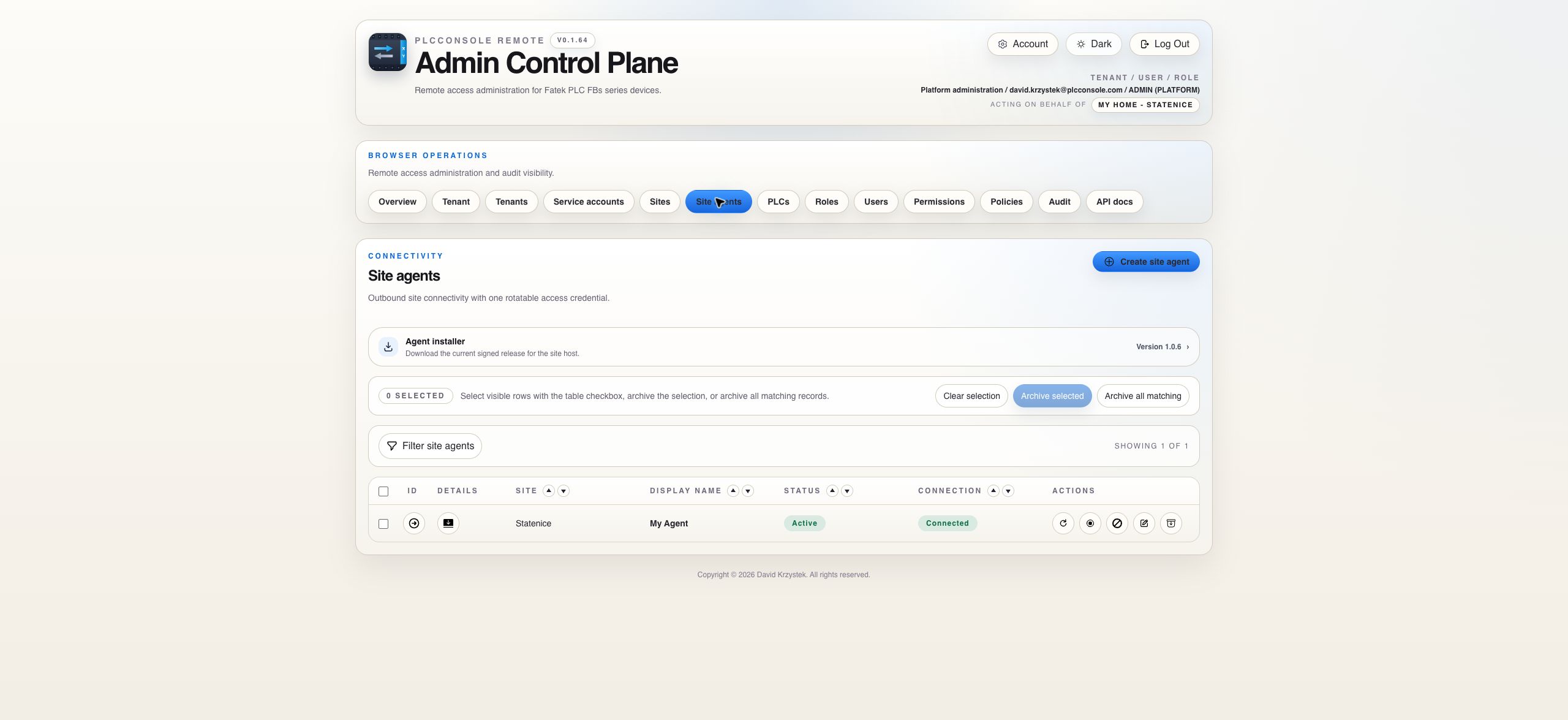
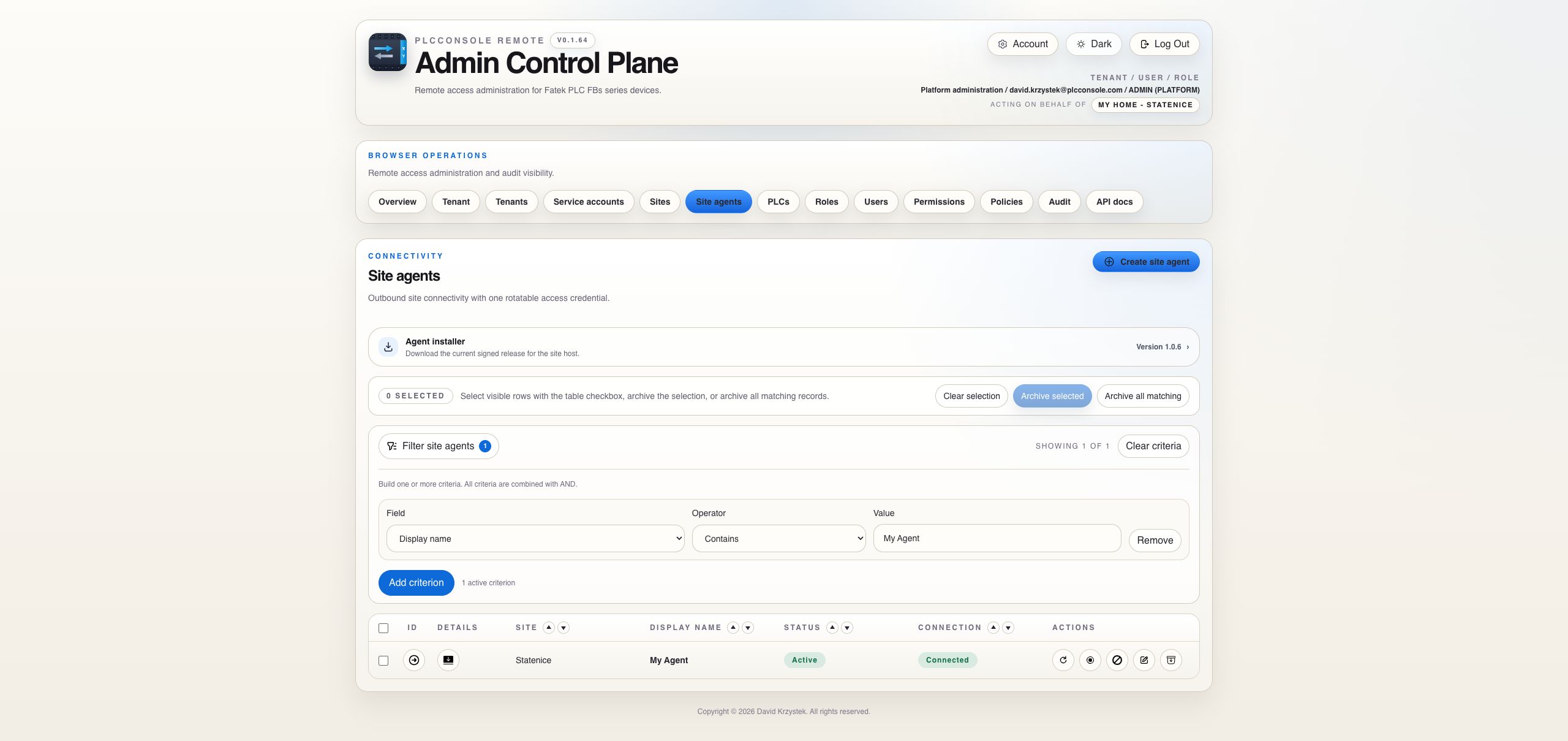
Site agents

Connect a customer site outward to the control plane, keep credentials rotatable and verify the installed release.

Agent Catalog

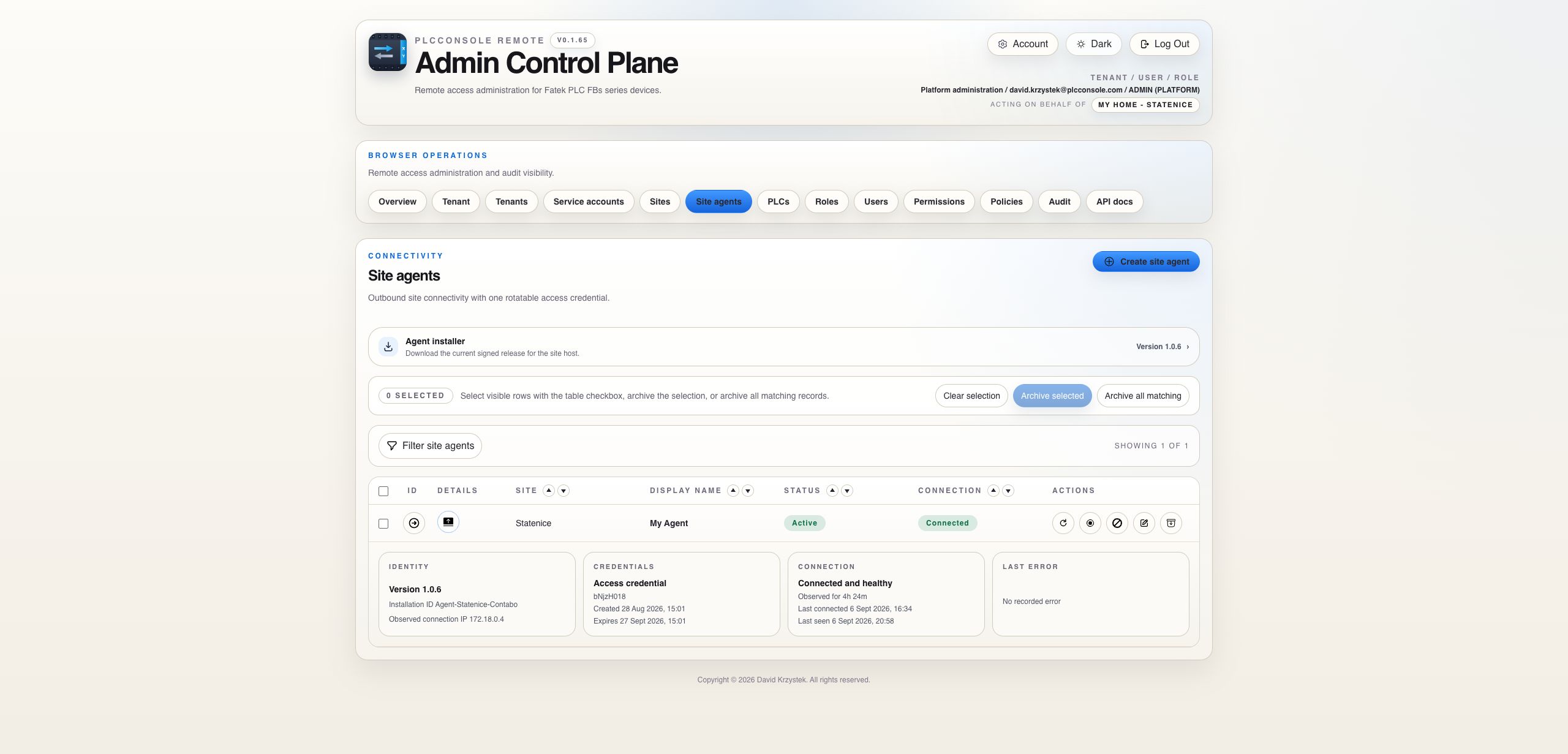
Observe the site connection and installed identity

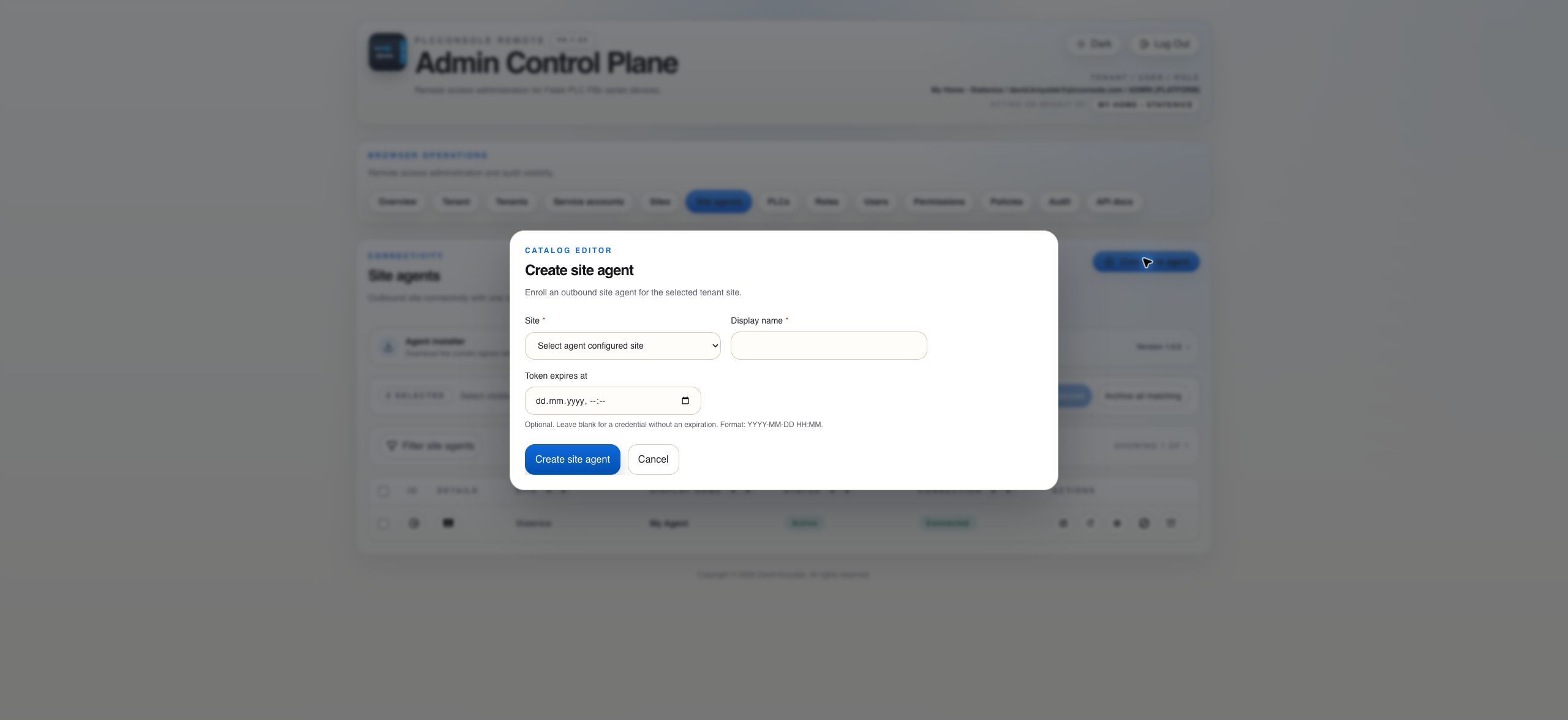
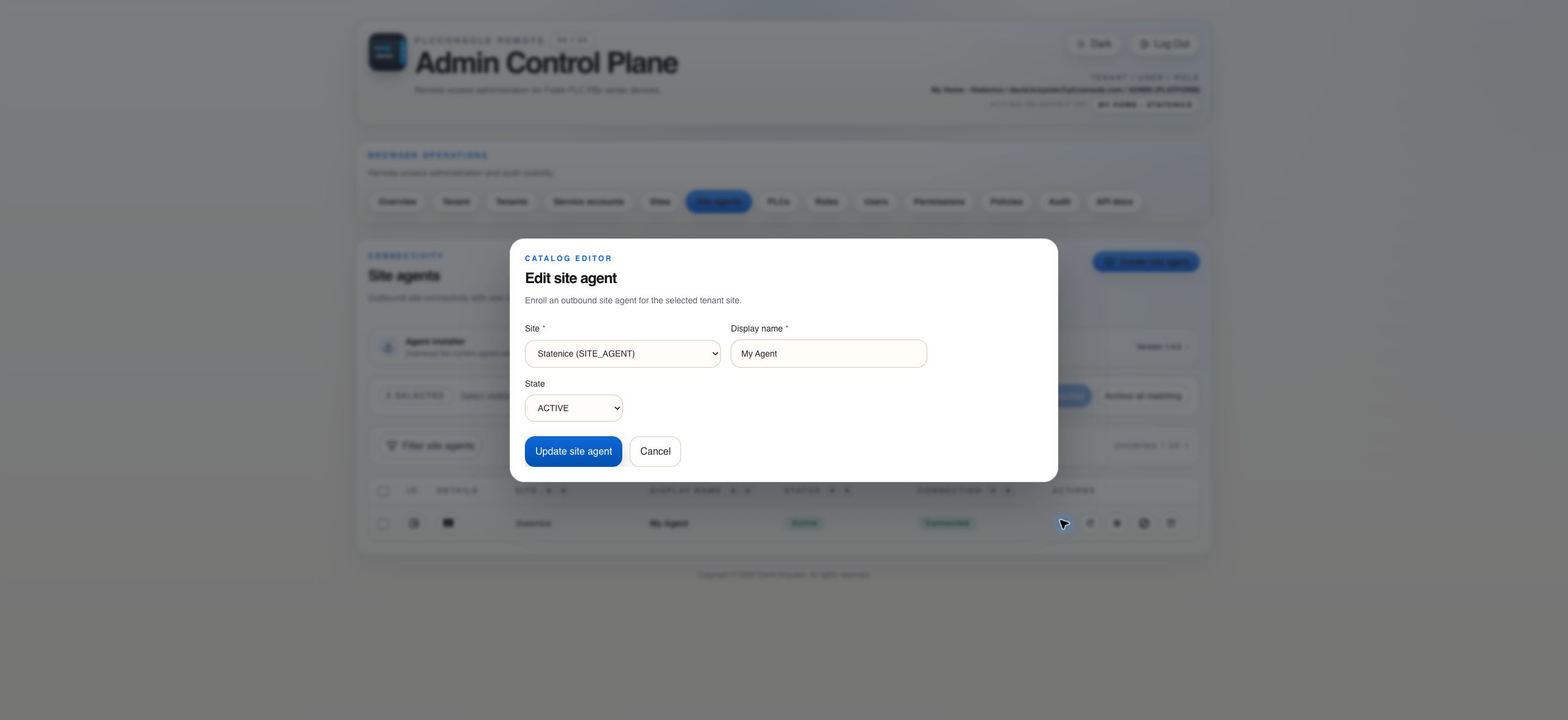
Each agent belongs to one tenant and site. The compact row shows lifecycle and connection state while expansion provides the operational detail.

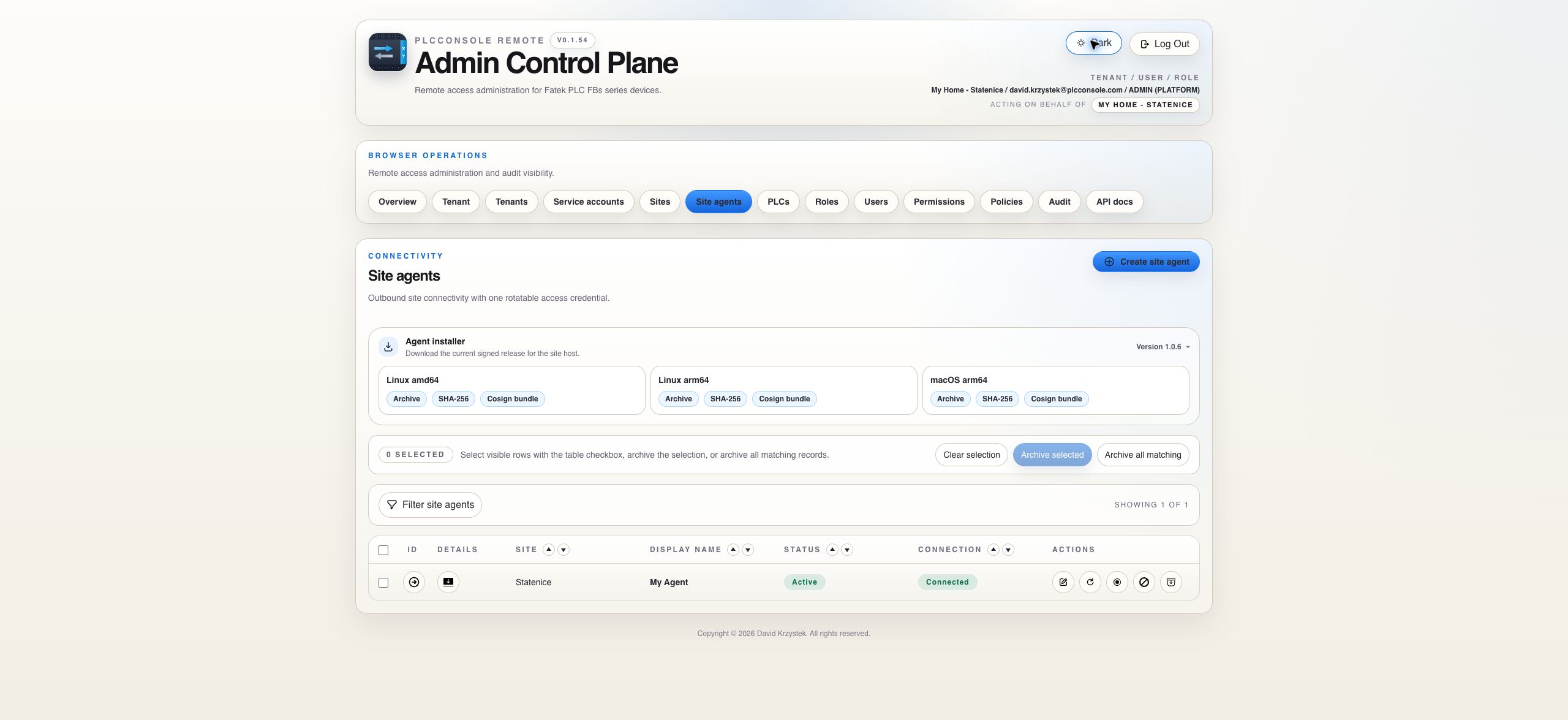
Signed Installer

Download the release and its verification material together

Credential Lifecycle

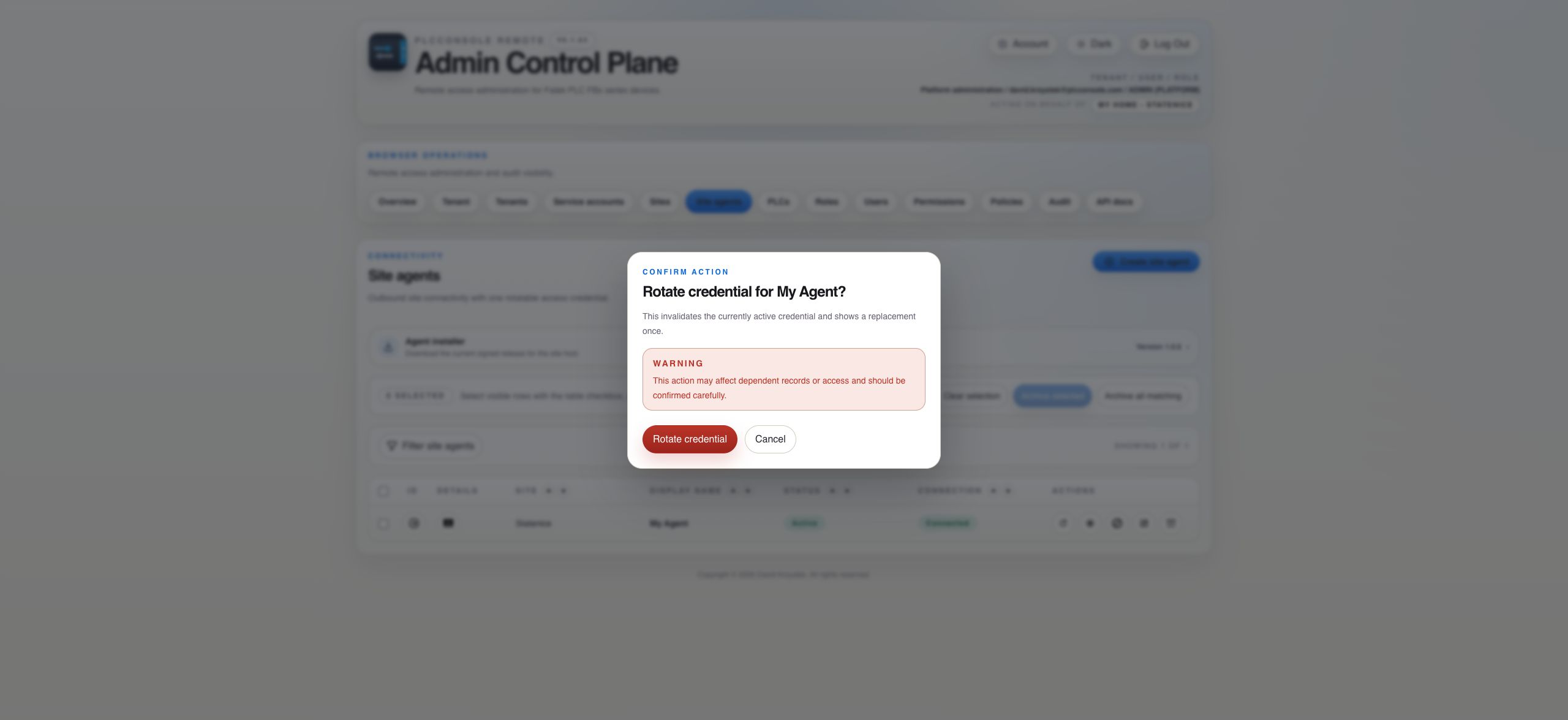
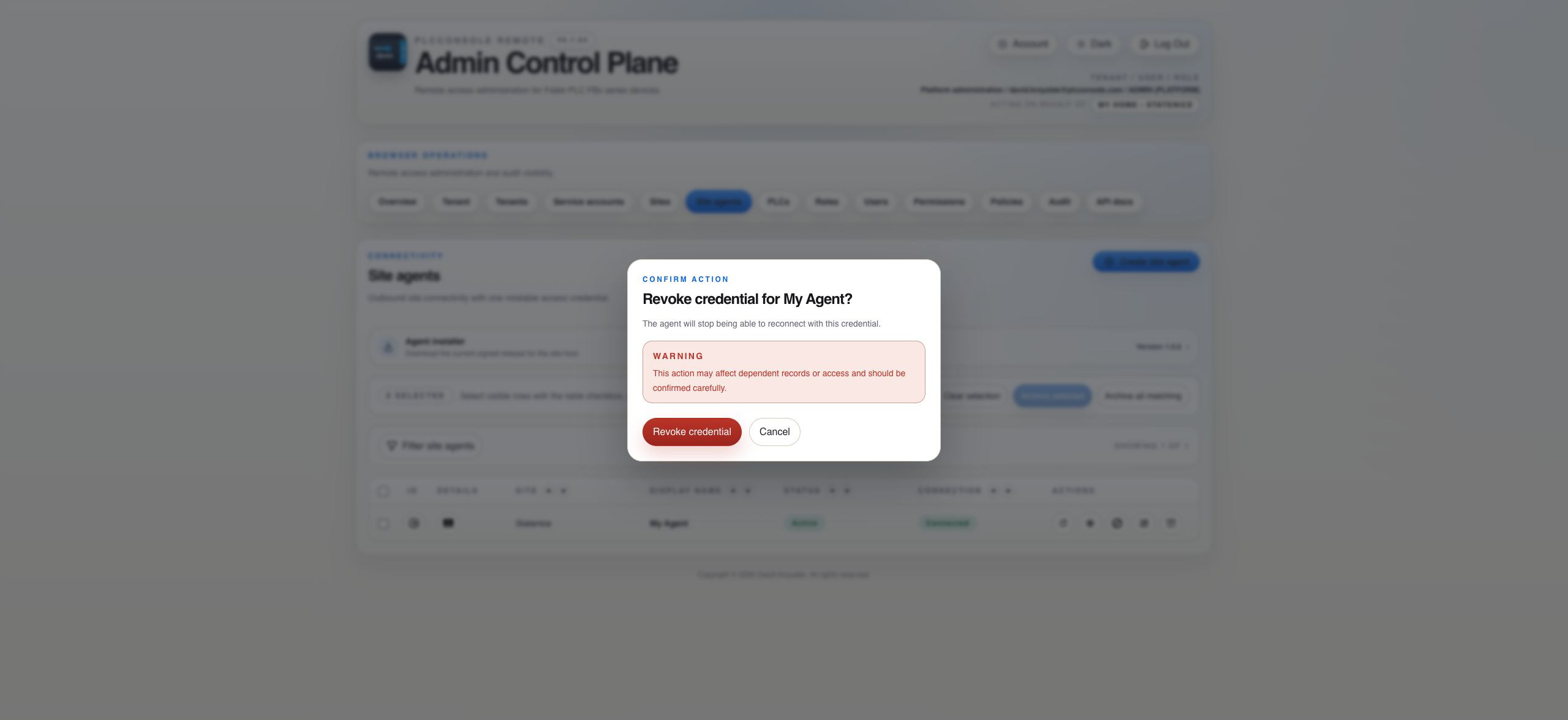
Rotate deliberately and revoke immediately when trust changes

Credential actions affect the agent’s ability to authenticate. Treat the newly issued secret as sensitive and update the site installation before removing the old path.

State Reference

Read lifecycle, session and heartbeat as separate signals

Visible stateMeaningNext action
Pending / Awaiting connectionThe agent record exists but no authenticated connection has been observed.Install the agent, verify configuration and check outbound WebSocket access.
Active / ConnectedThe configured agent has a current authenticated session.Expand the row and verify version, heartbeat and site assignment before relying on it.
DisconnectedThere is no live agent session.Check service state, network access, credential validity and Last error.
Heartbeat staleA live session exists but its expected heartbeat is overdue.Investigate agent load, network quality and server processing before assuming a full disconnect.
DisabledThe record remains available for history but is not allowed to serve commands.Re-enable only after the reason for suspension is resolved.
Credential revokedThe current credential can no longer authenticate.Rotate or reactivate through an approved process and update the protected site configuration.
Installation Procedure

Verify the artifact before placing the agent in service

Before you begin

  • The site must use SITE_AGENT connectivity.
  • The host must match a published operating system and CPU architecture.
  • The host must reach the PLC and the control plane over outbound HTTPS and WebSocket traffic.
  • The issued credential must be transferred through a protected channel.

Files to keep together

  • The platform-specific tar archive.
  • Its matching SHA-256 checksum.
  • Its matching Sigstore or Cosign verification bundle.
  • The target-specific README included in the archive.

Steps

  1. Create the agent under the correct site and copy the issued credential once.
  2. Download the archive, checksum and signature bundle for the host platform.
  3. Verify the checksum, then verify the signed bundle before extracting or installing.
  4. Follow the packaged README commands; version and architecture values are already substituted for that artifact.
  5. Place environment configuration and credentials outside the immutable release directory.
  6. Start the service and confirm an authenticated connection in the agent table.
  7. Expand the row and compare the reported version with the currently available release.
Updates

Keep automatic and manual update paths observable

Automatic update

The scheduled updater checks the stable release manifest, verifies the new bundle, installs the versioned release, switches the current release link and restarts the service. Verify both the updater result and the version reported by the next authenticated hello.

Manual update

When no updater is configured, download all verification material, verify it, install the new release beside the existing one, switch the current release link, restart the service and retain the previous release until the new connection is confirmed.

Do not trust only the updater message. Confirm the current release link, running process and version shown in the expanded Identity card. A successful download does not prove the service started from that release.
Troubleshooting

Diagnose before rotating or reinstalling

403 while downloading

Verify the release URL and nginx access rules. The manifest, archive, checksum and signature bundle must all be available to the intended downloader.

Signature verification cannot write

Give the verification tool a writable Sigstore or trust-material location. A read-only home directory can prevent initial trusted-root creation.

Old version still connects

Inspect the current release symlink and the service command. Restart only after confirming both point at the newly installed release.

Repeated handshake failures

Check server endpoint, TLS, WebSocket upgrade, credential state and the authenticated hello. A handshake exception by itself does not identify the failing layer.

NoClassDefFoundError for XML

The packaged Java runtime may be missing the XML module required by Logback configuration. Verify the produced distribution, not only the source build.

Need deeper agent evidence

Set the configured agent log level to DEBUG temporarily. Command response bodies are debug-only and must remain bounded and free of credentials.