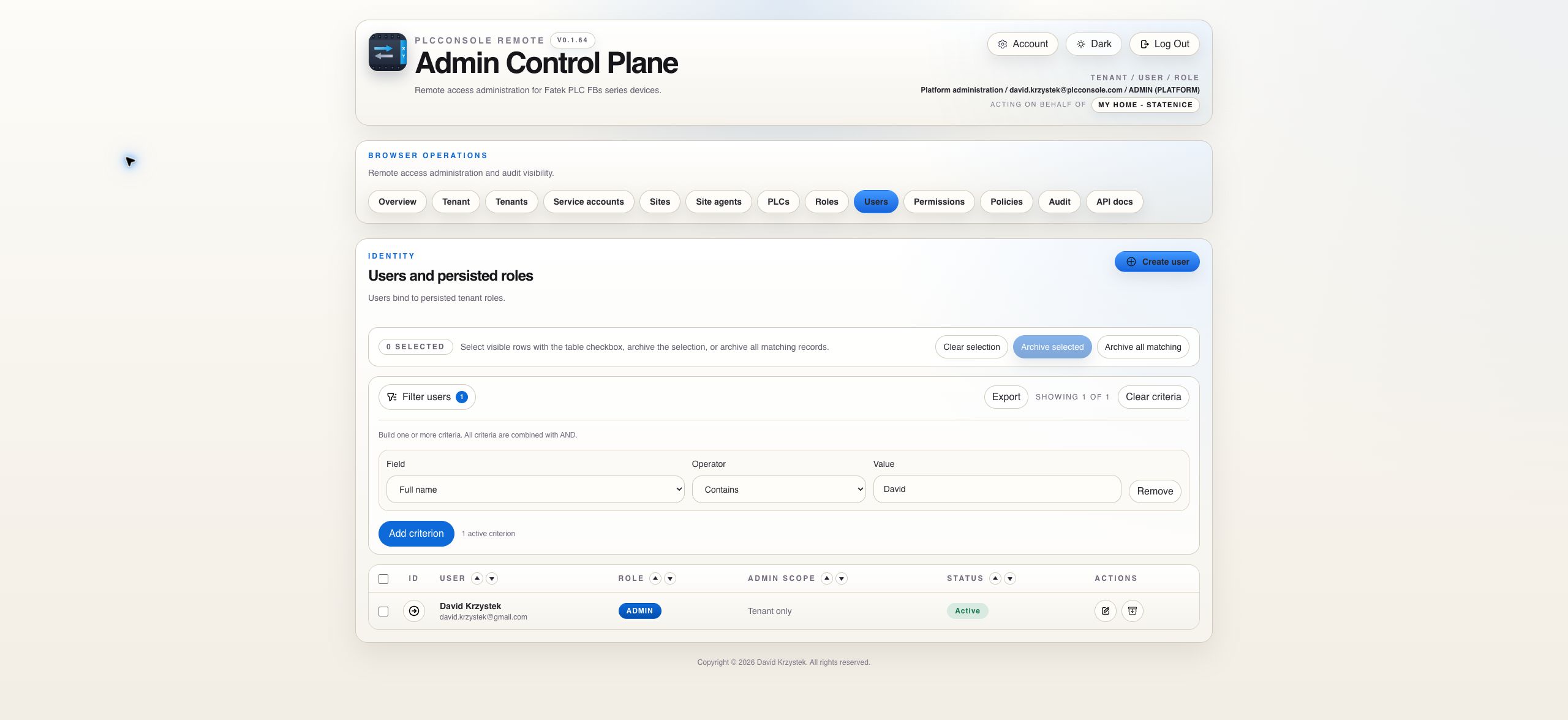
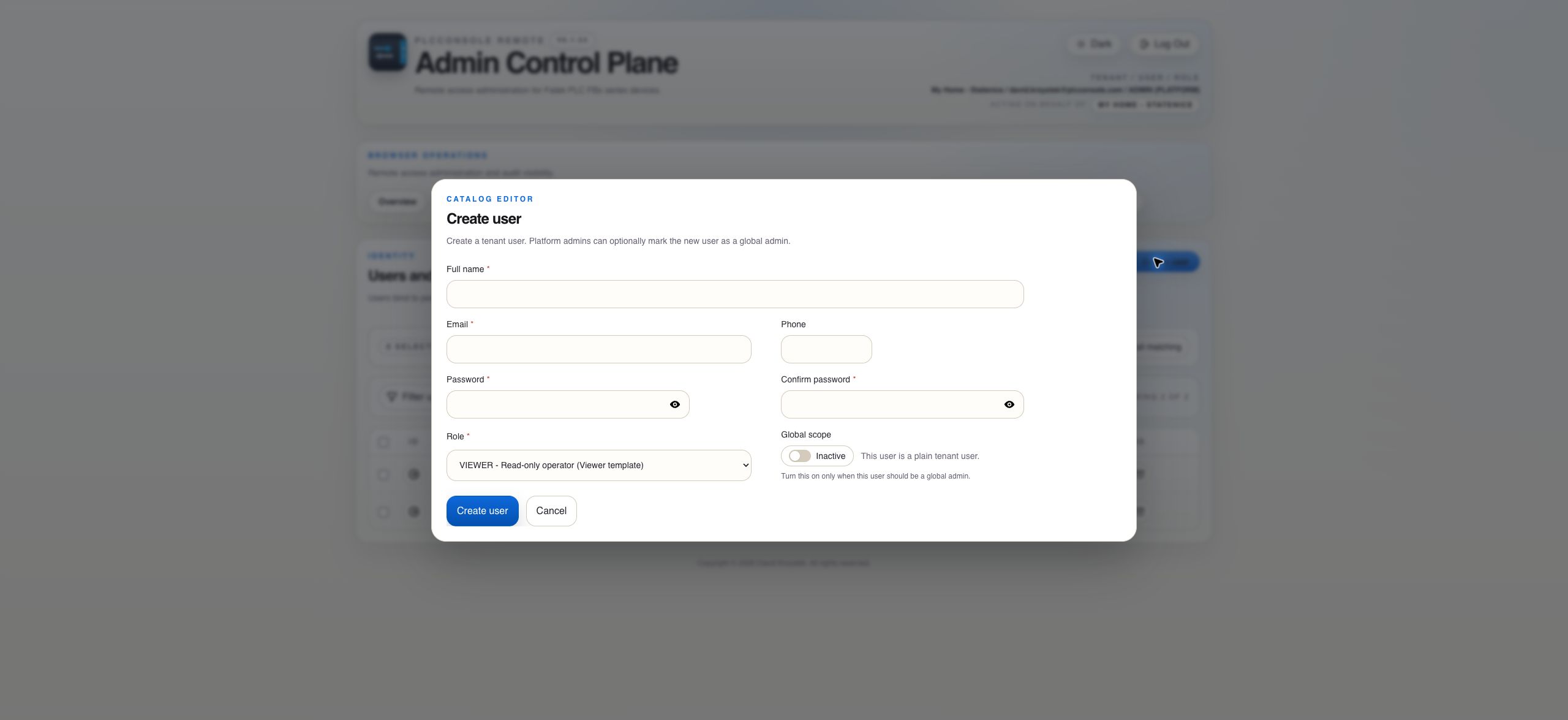
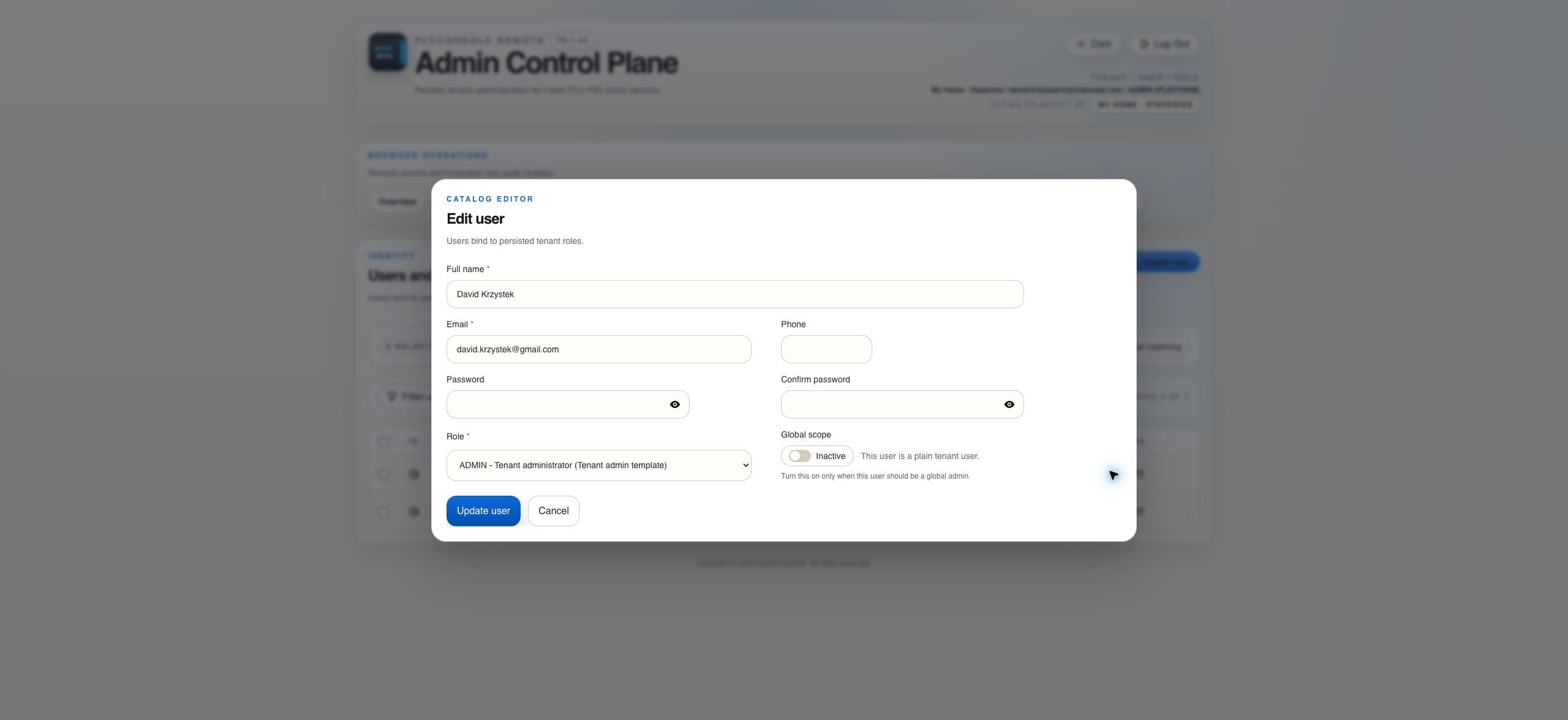
Create the identity
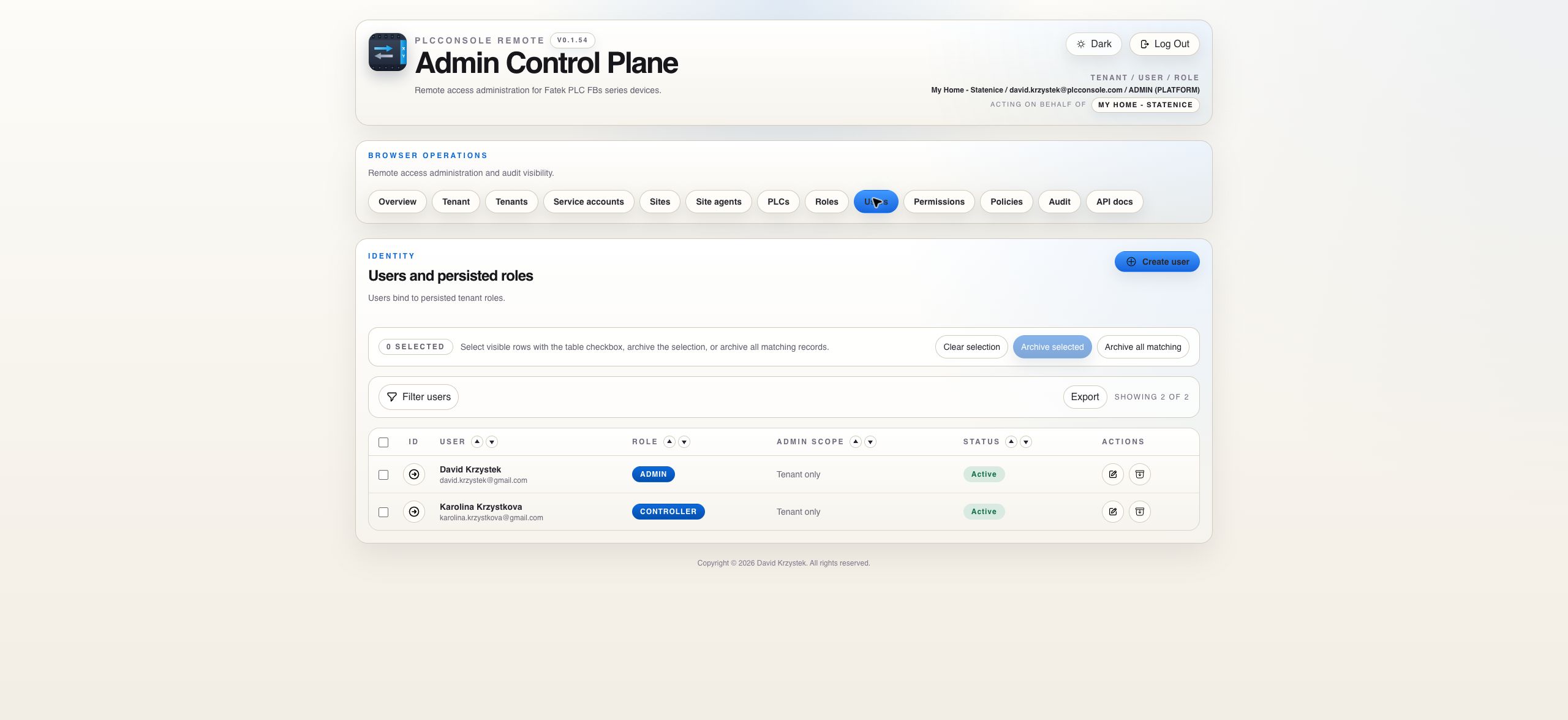
Human users authenticate by email and belong to one tenant in the current model.
 PlcConsole
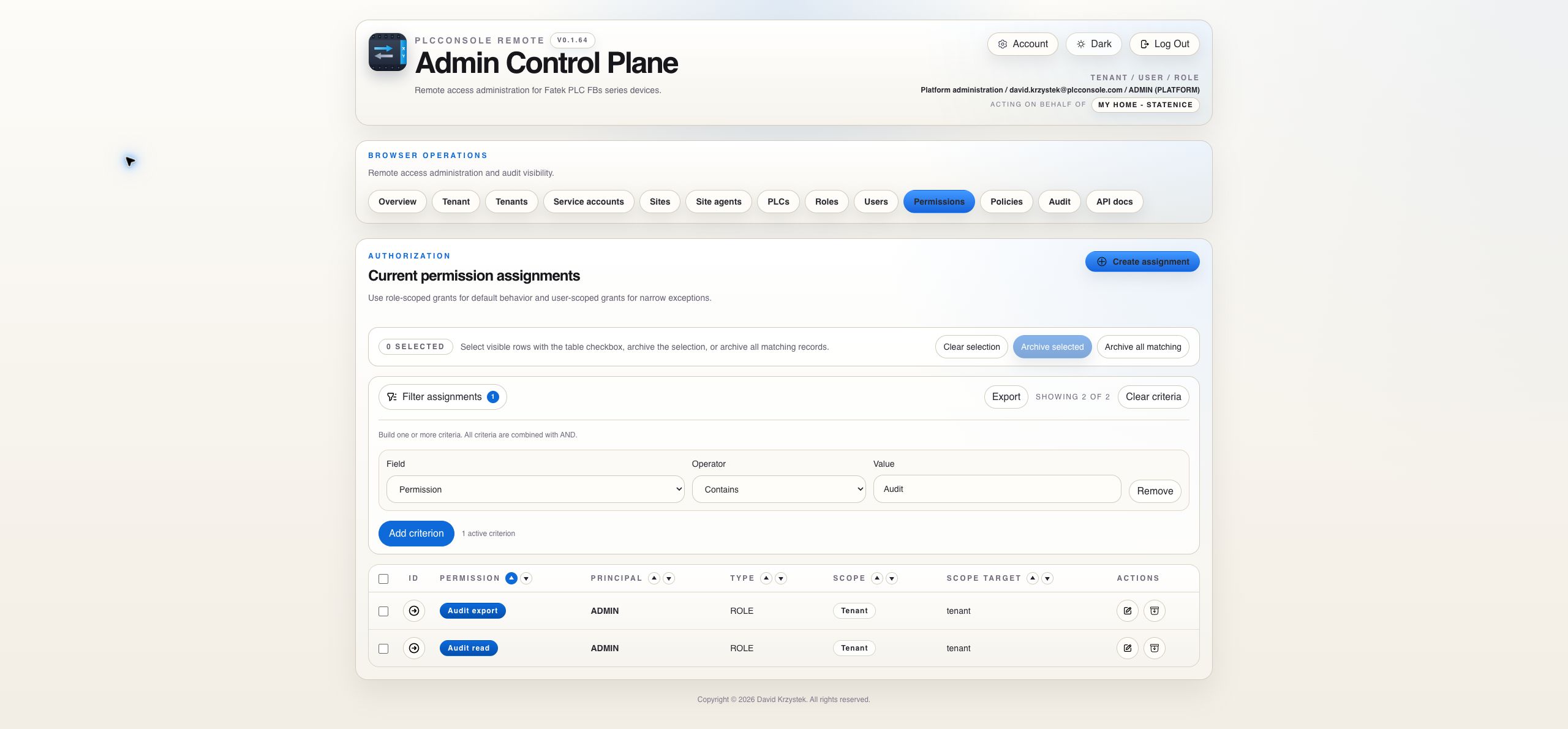
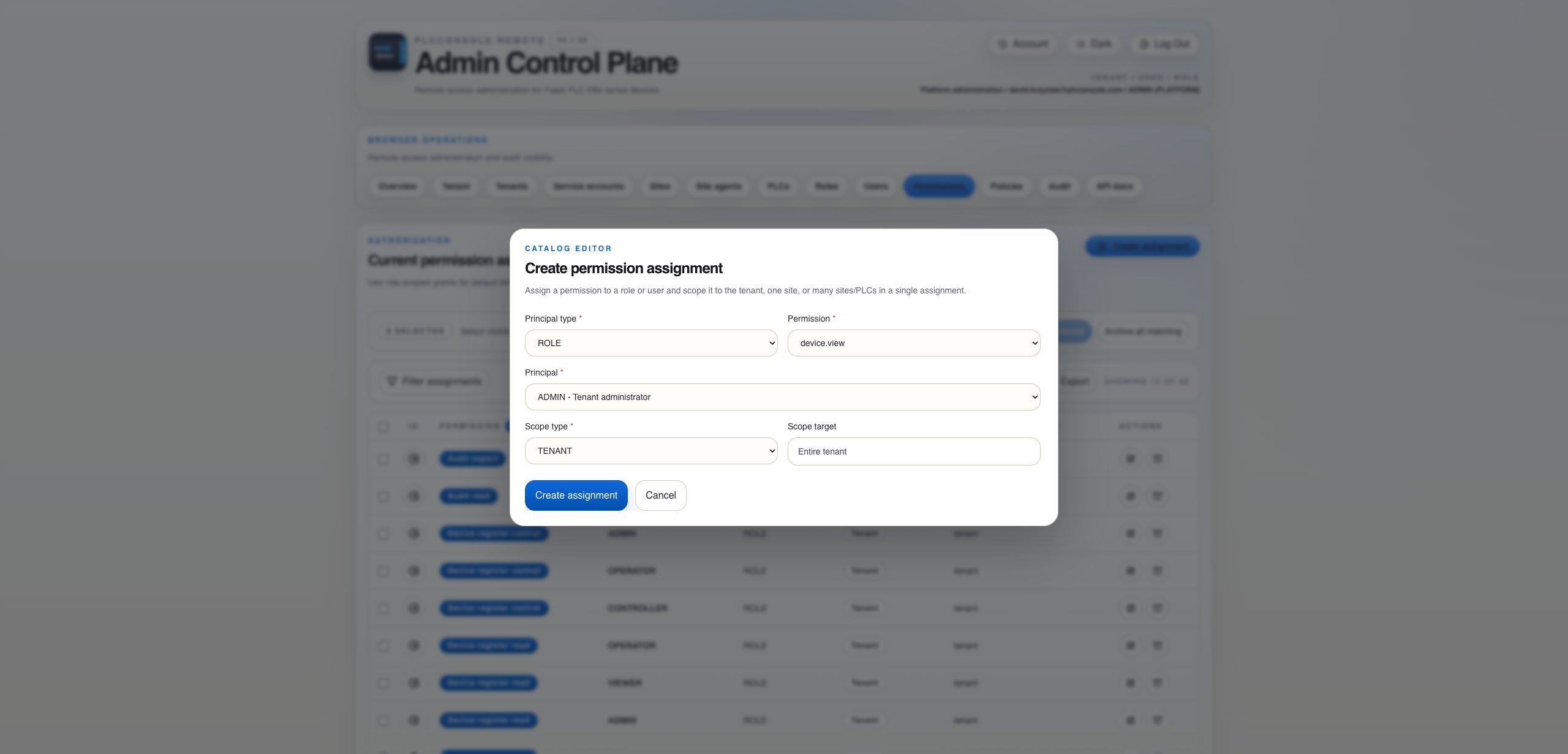
Start with a human identity, select its role baseline and add narrowly scoped permission assignments only where needed.
Human users authenticate by email and belong to one tenant in the current model.
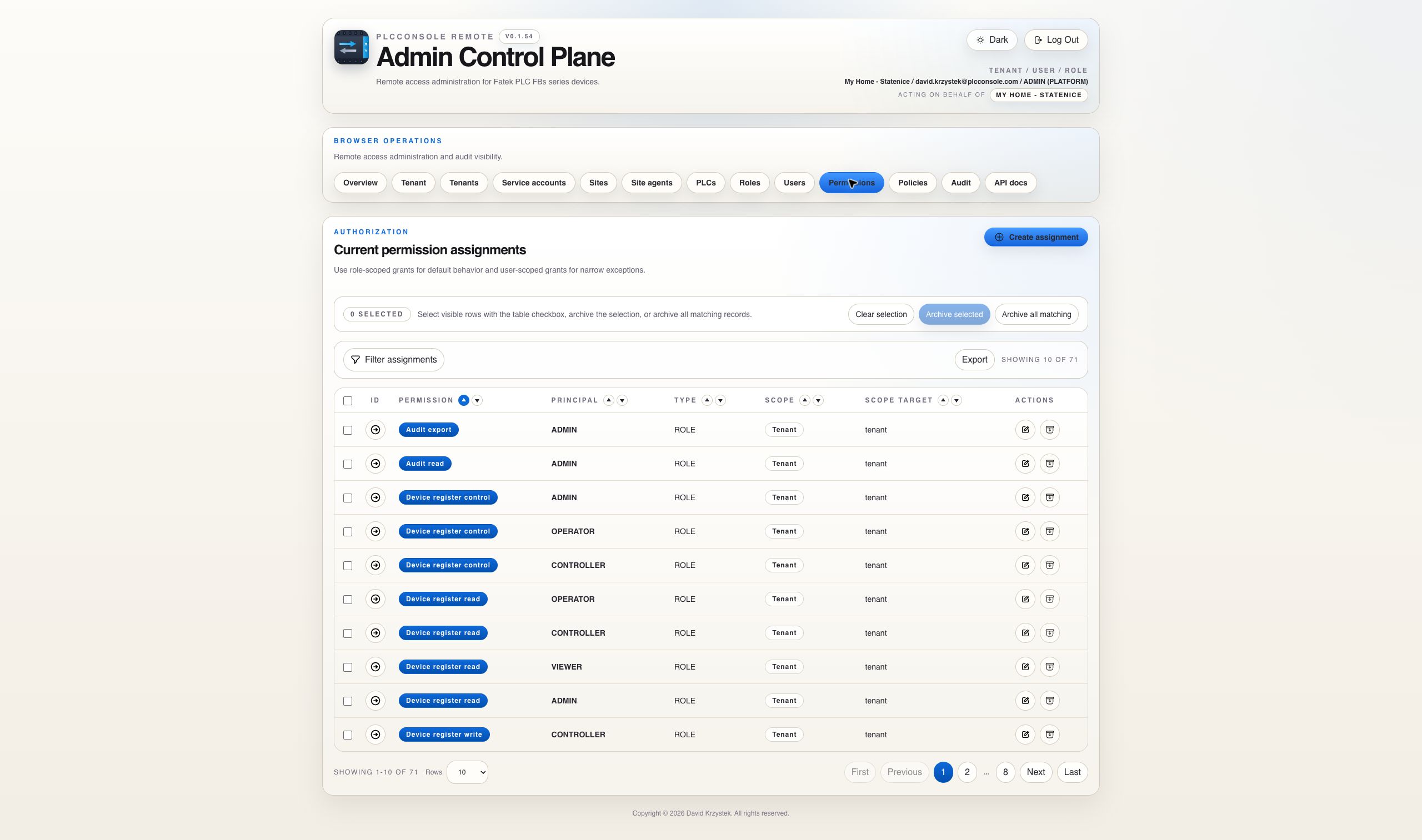
The role supplies the normal tenant, site or PLC-scoped permission baseline.
Direct user assignments can grant additional access. They do not subtract access already granted through the role.
For register operations the PLC’s command policy is evaluated after permission. A permission can make an operation available while the policy still restricts the register family, operation or address range.
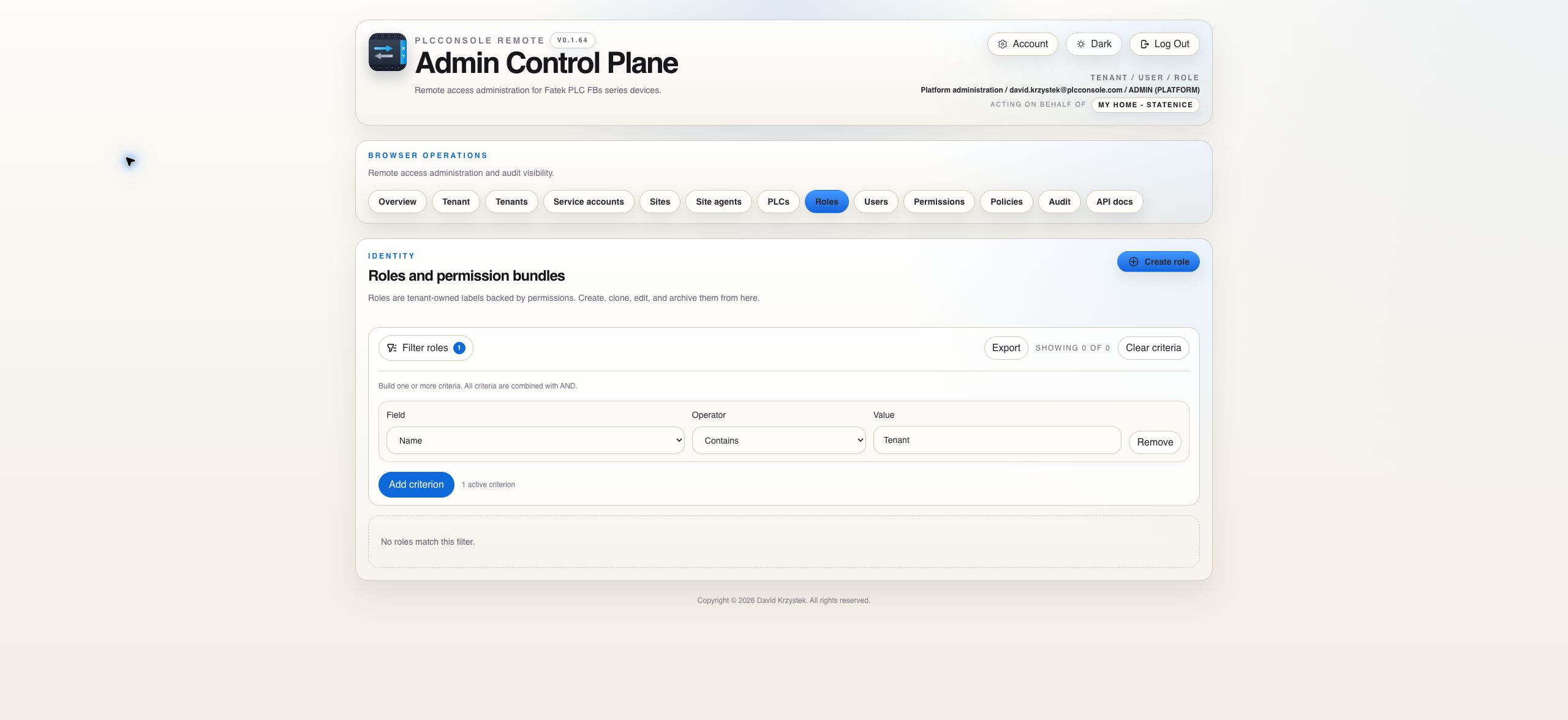
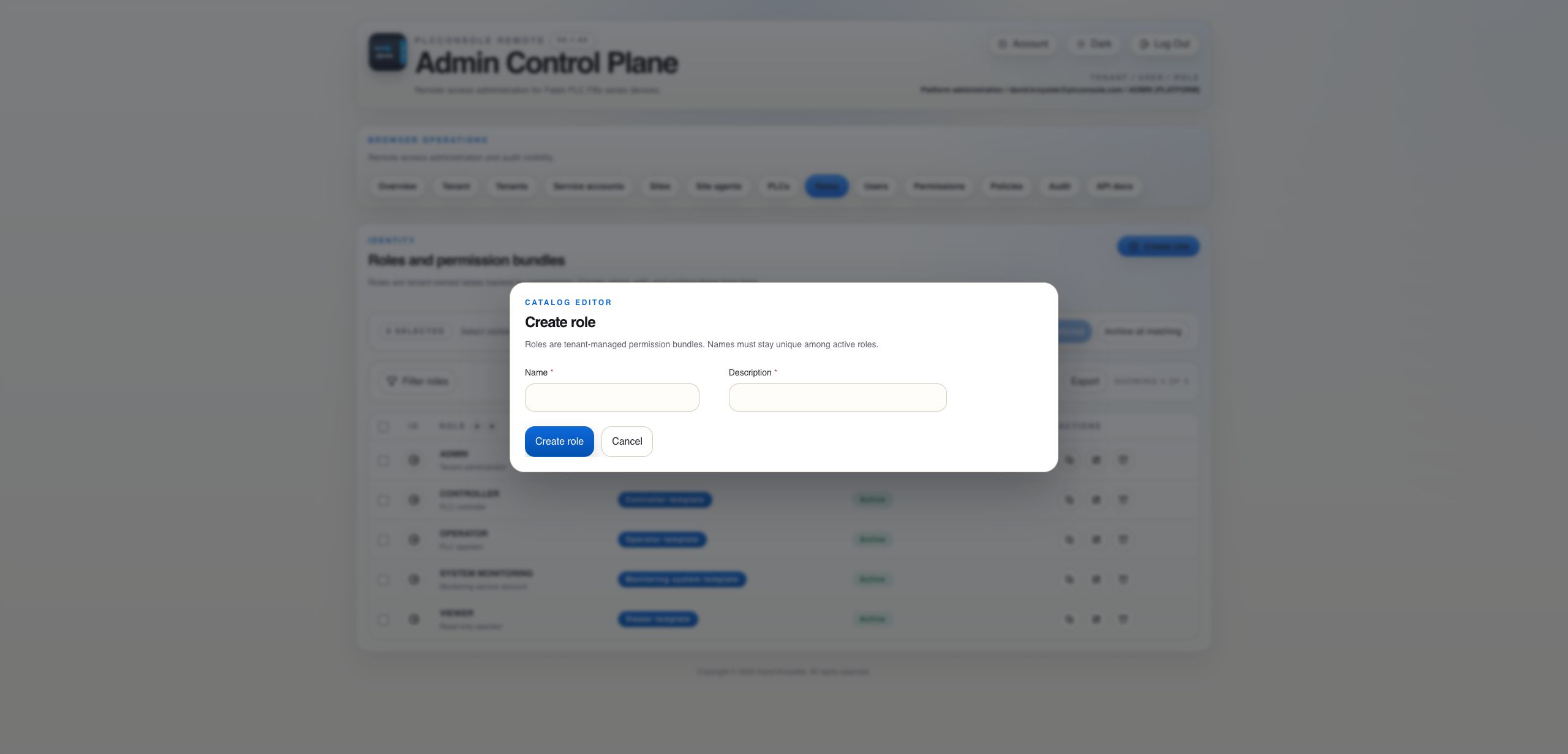
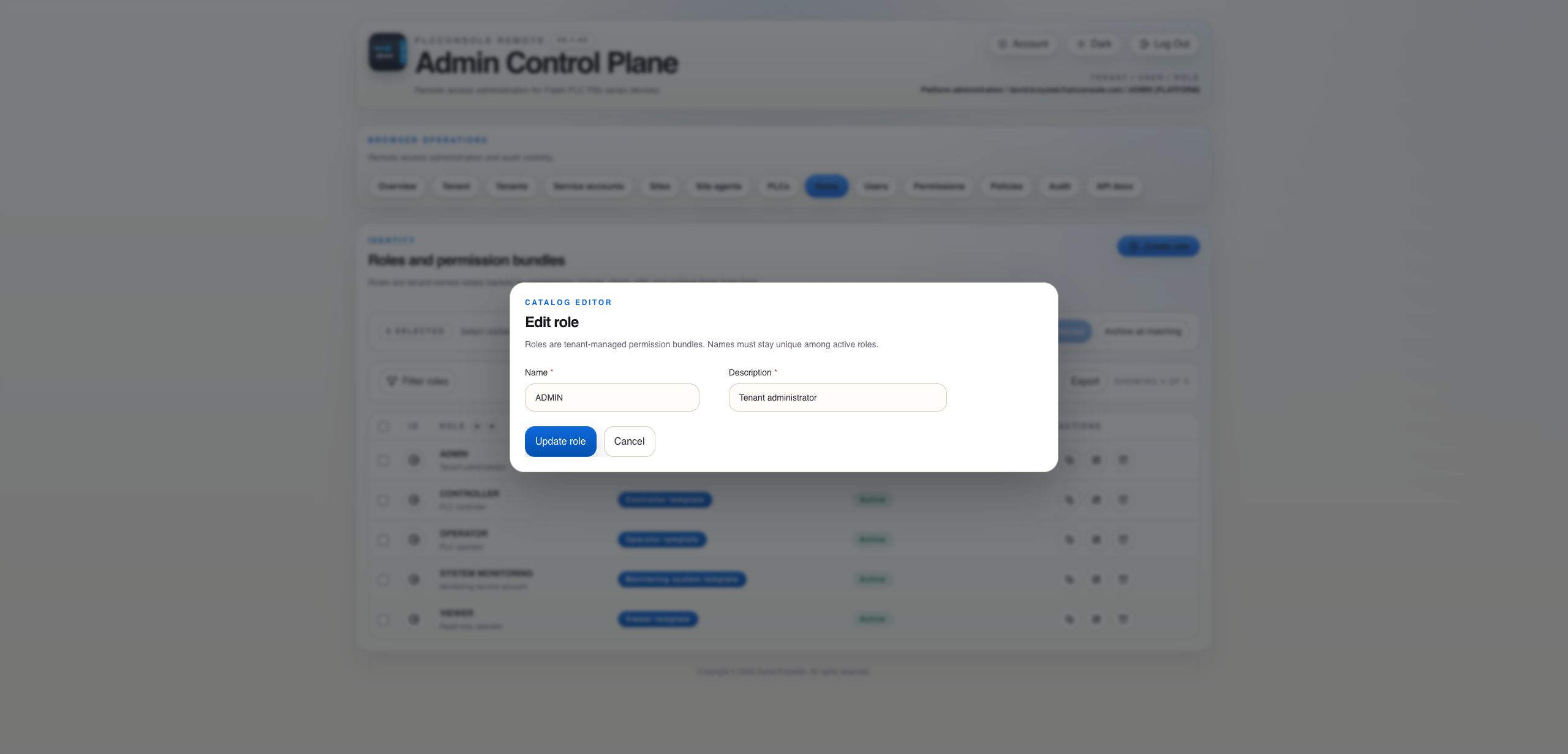
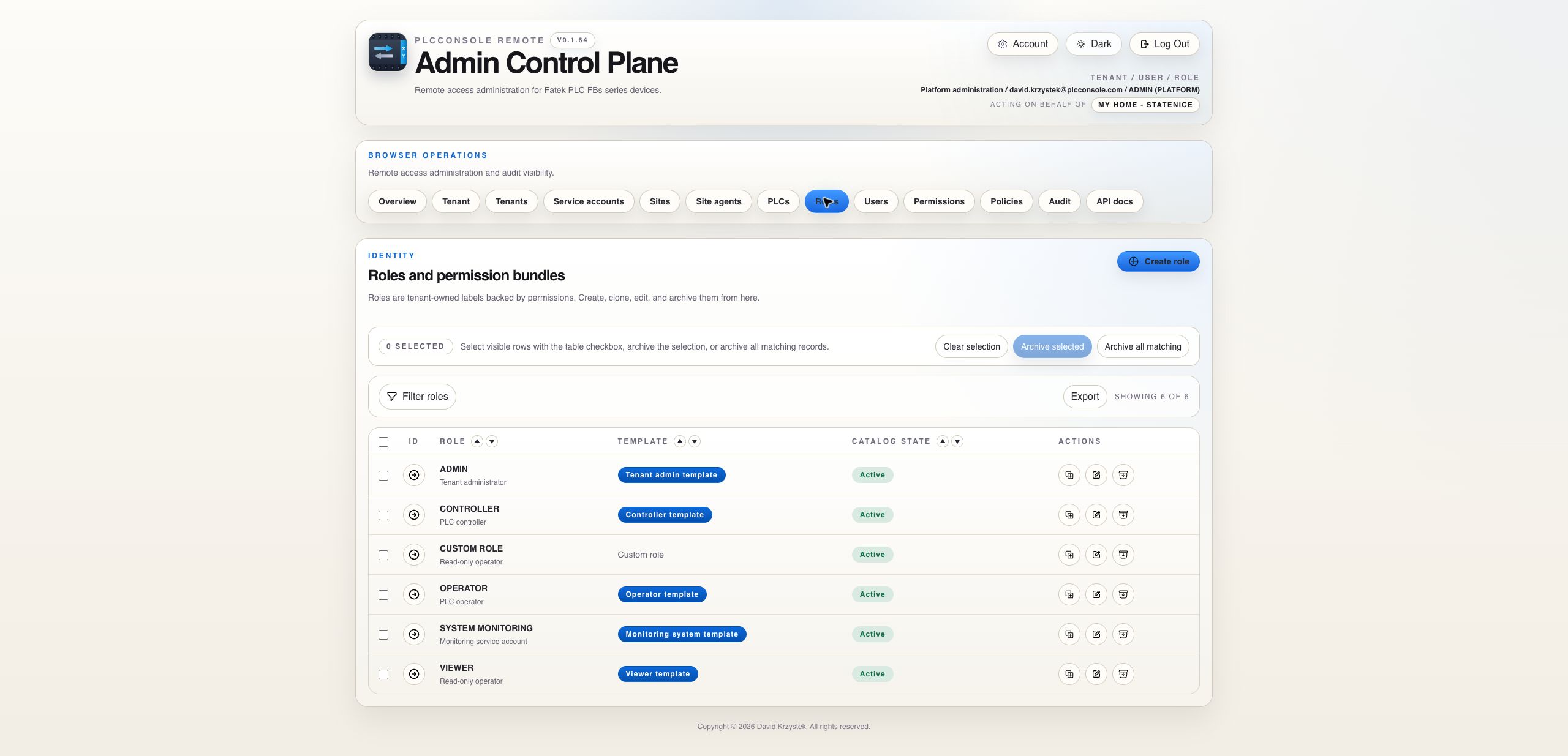
Roles are tenant-owned templates. Cloning a role copies its active permission assignments and scope targets.
| Gate | Question | Important behavior |
|---|---|---|
| Identity and tenant | Is the authenticated user active in the tenant that owns the target? | One human identity belongs to one tenant in the current model. |
| Visibility | Does an applicable role or direct-user assignment make the PLC visible? | Hidden resources cannot be operated by guessing their IDs. |
| Operation permission | Is test, status, read, write, control, run or stop granted at tenant, site or PLC scope? | Assignments are additive. A narrower assignment cannot deny a broader one. |
| Command policy | For register operations, does the PLC policy allow the family, operation and every requested address? | A policy only narrows access. It never creates permission. |
| Request validation | Are values, request size, register family and address step valid? | Backend validation remains authoritative even when the browser checked first. |
| Starter role | Typical baseline | Review before assigning |
|---|---|---|
| Viewer | Visible PLCs, connection test, status and permitted register reads. | Whether read access is tenant-, site- or PLC-scoped and whether policy ranges are appropriate. |
| Operator | Viewer capabilities plus allowed register writes. | Write families, ranges and whether control-style writes are excluded. |
| Controller | Operator capabilities plus run and stop where granted. | Operational responsibility and the exact PLC scope. |
| Tenant admin | Tenant catalog administration plus operational permissions. | Preserve at least one active administrative path before removing admin grants. |
| System Monitoring | Reserved machine-identity observability access. | Do not offer this role in human-user pickers. |
Use clone when a new responsibility mostly matches an existing role. Active permission assignments and their targets are copied into the new role for explicit review.
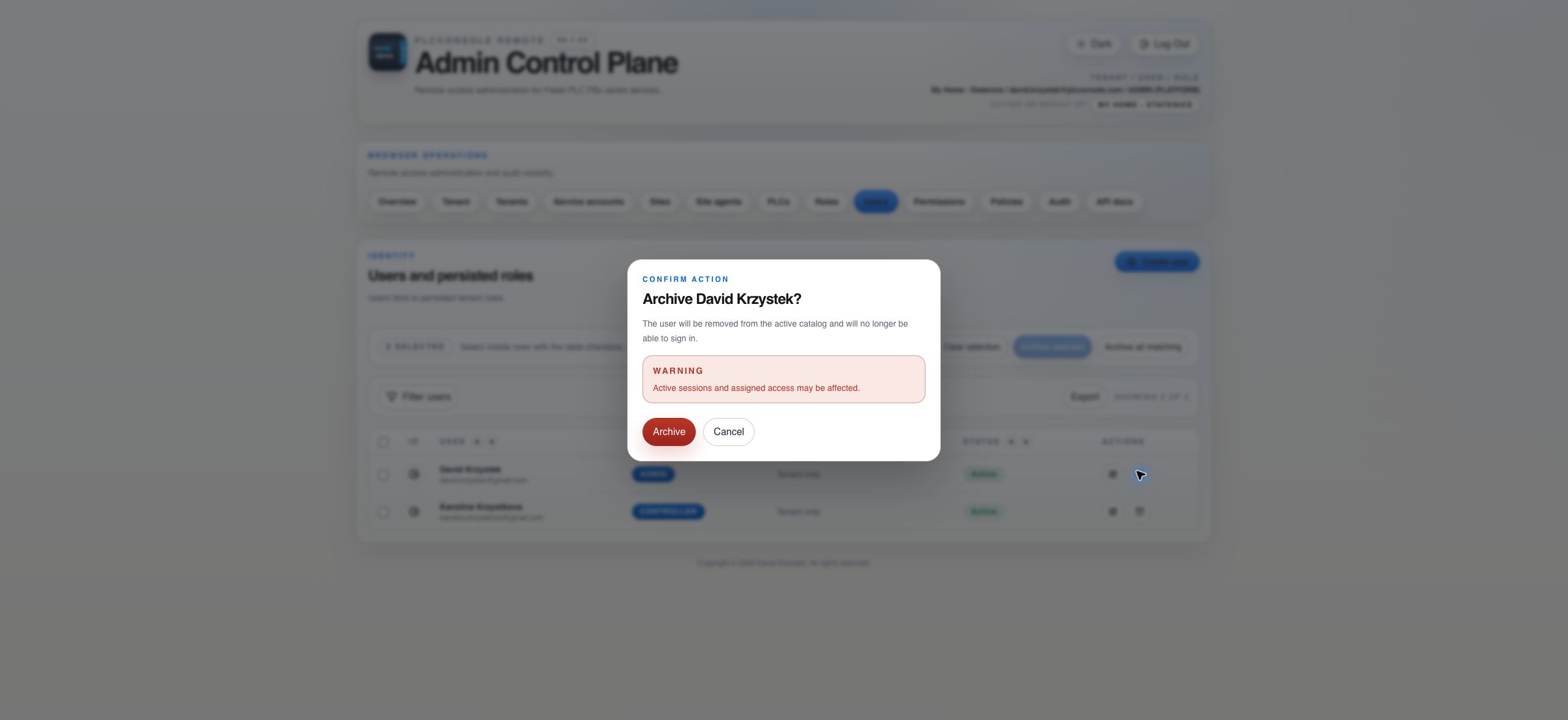
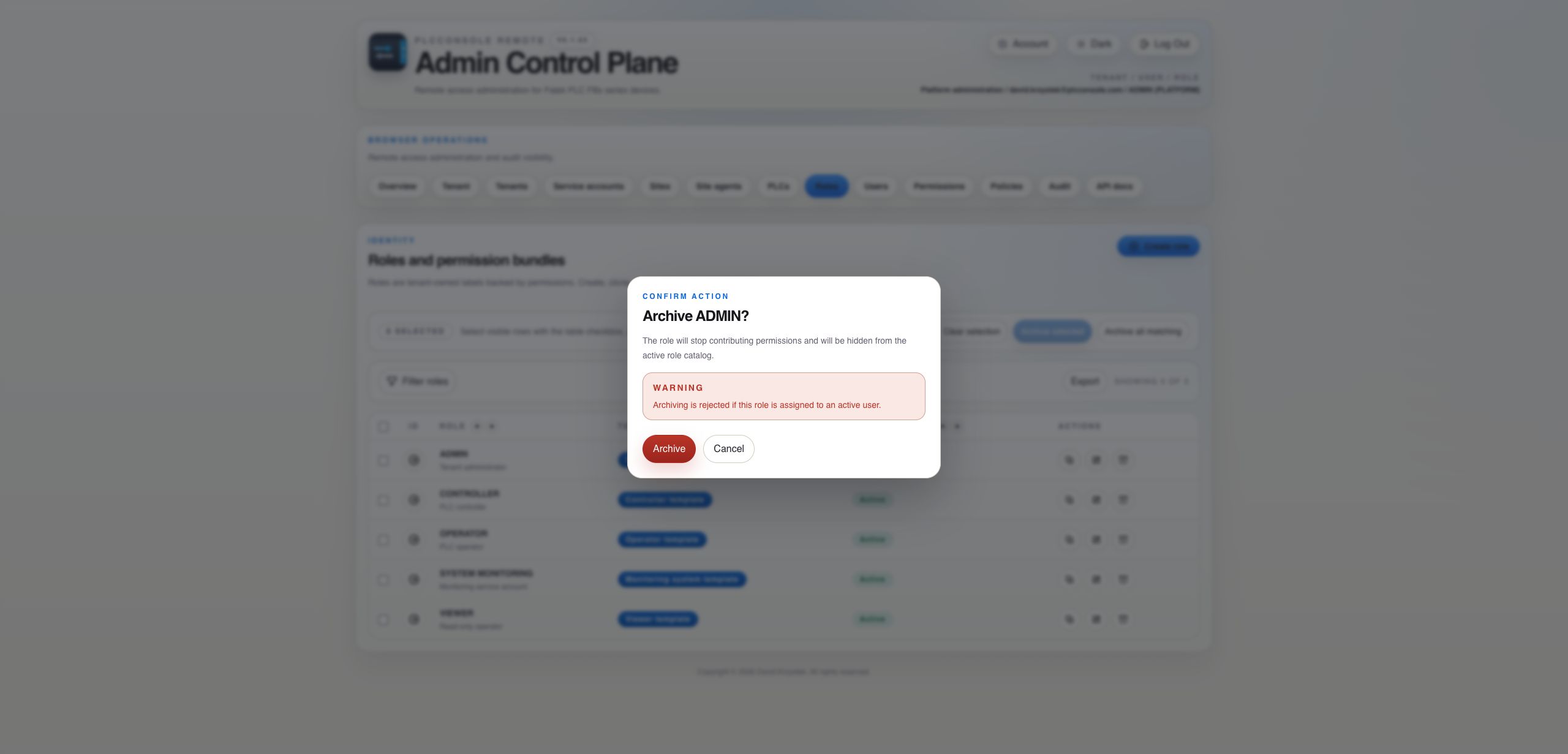
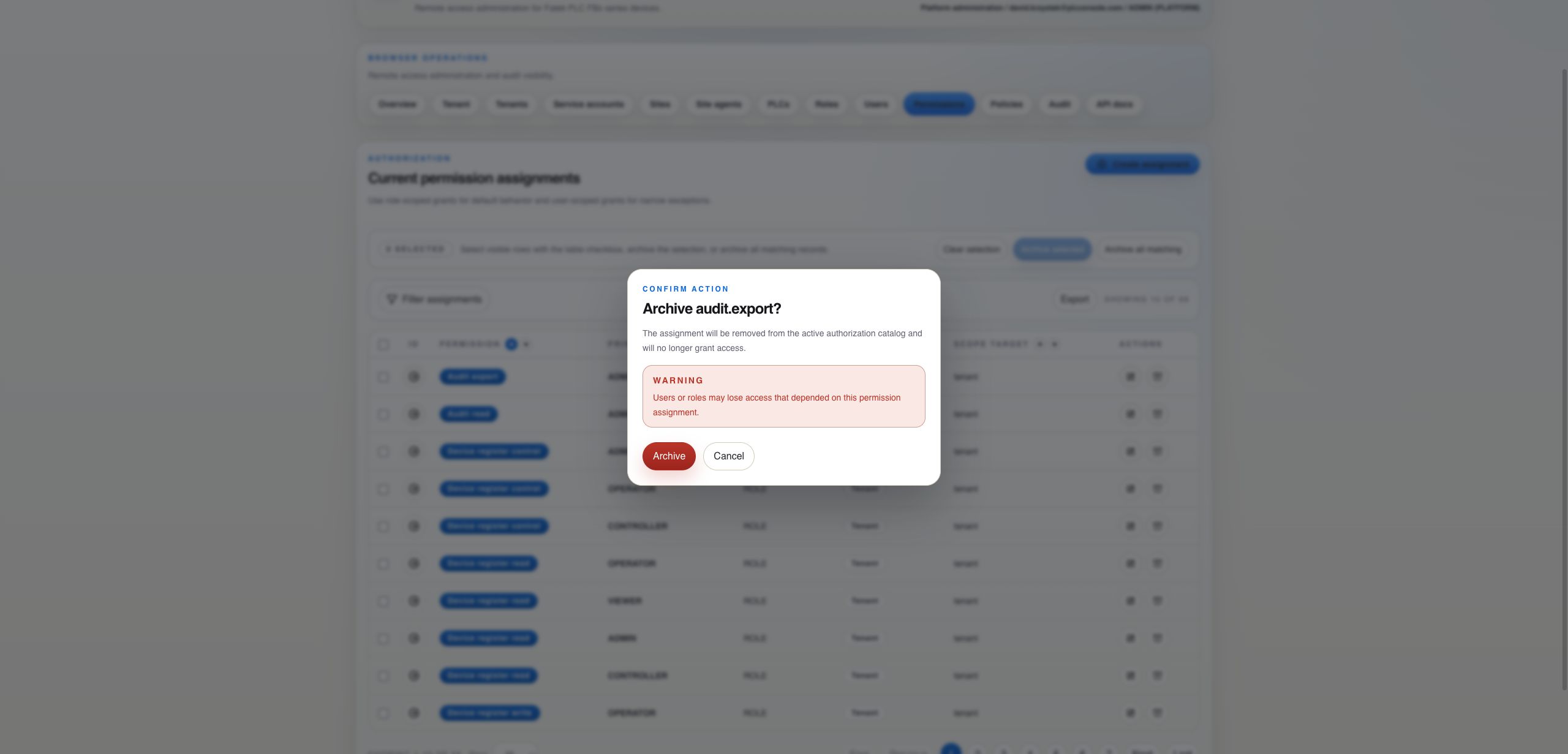
Reassign or deactivate active users first. Archived roles remain in history but stop contributing permission.
Search both role and direct-user assignments. A tenant-scoped grant can authorize resources beyond narrower site or PLC assignments.
Verify device.view first, then the requested operation permission and its scope. For register operations, inspect the PLC policy afterward.
Find active users assigned to the role and move them to a replacement role or deactivate them before retrying.
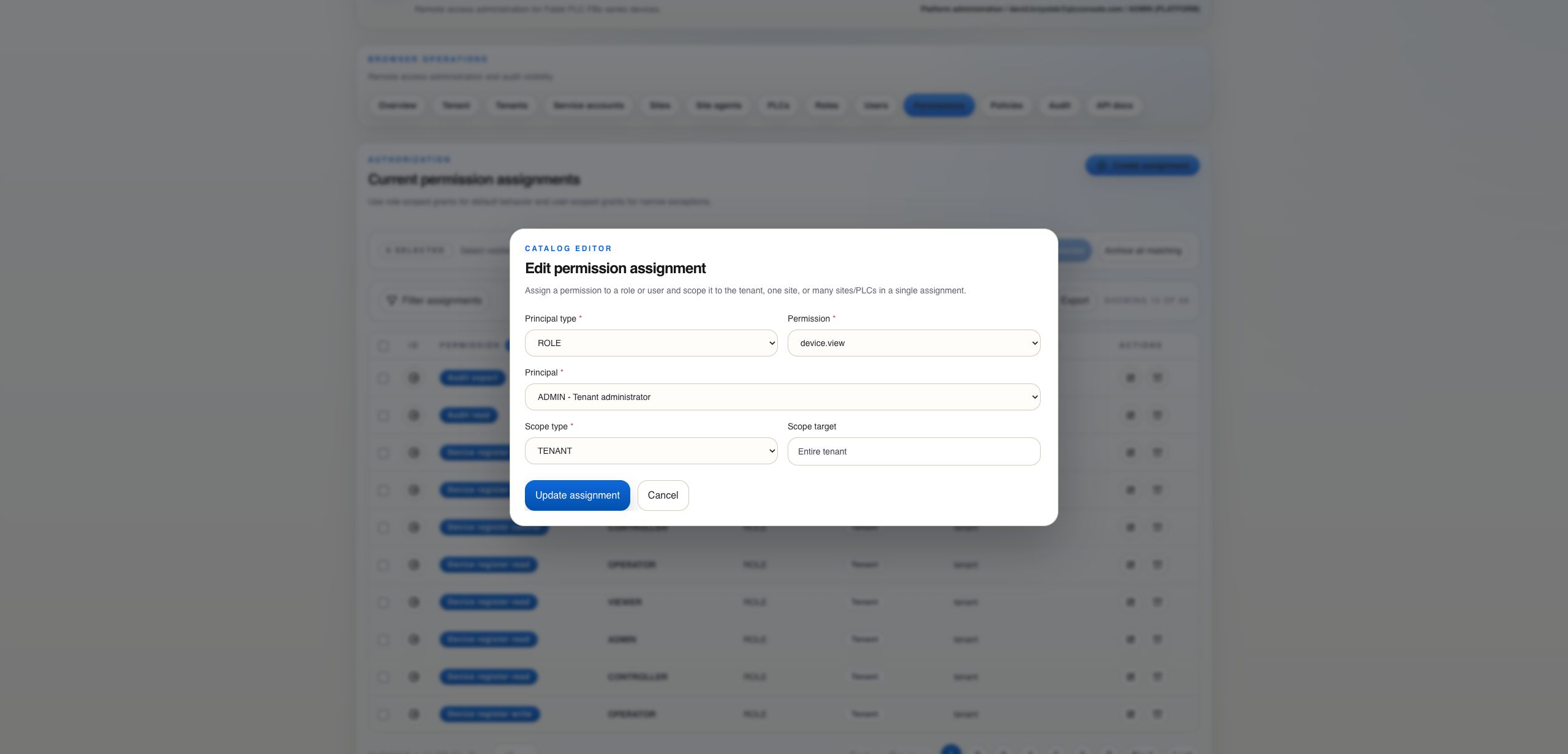
Confirm the correct principal, scope type and scope target. Then check whether another additive assignment still grants the same permission.