PlcConsole
Fatek FBs for iPhone and iPad

Fatek FBs Toolchain From Raw Protocol to Finished UI

PlcConsole puts native Fatek PLC diagnostics and visual building automation in one app for iPhone and iPad.

Trace low-level traffic, work registers and batch sequences, then turn the same PLC data into operator-ready dashboards, sensor tiles and controls.

Engineering Diagnostics

Low-Level Engineering and Power Diagnostics

Engineered for systems integrators, PLC programmers and maintenance technicians who need reliable field diagnostics without carrying a laptop onto the plant floor.

Live Developer Watchlists

Curated live views for the exact registers that matter

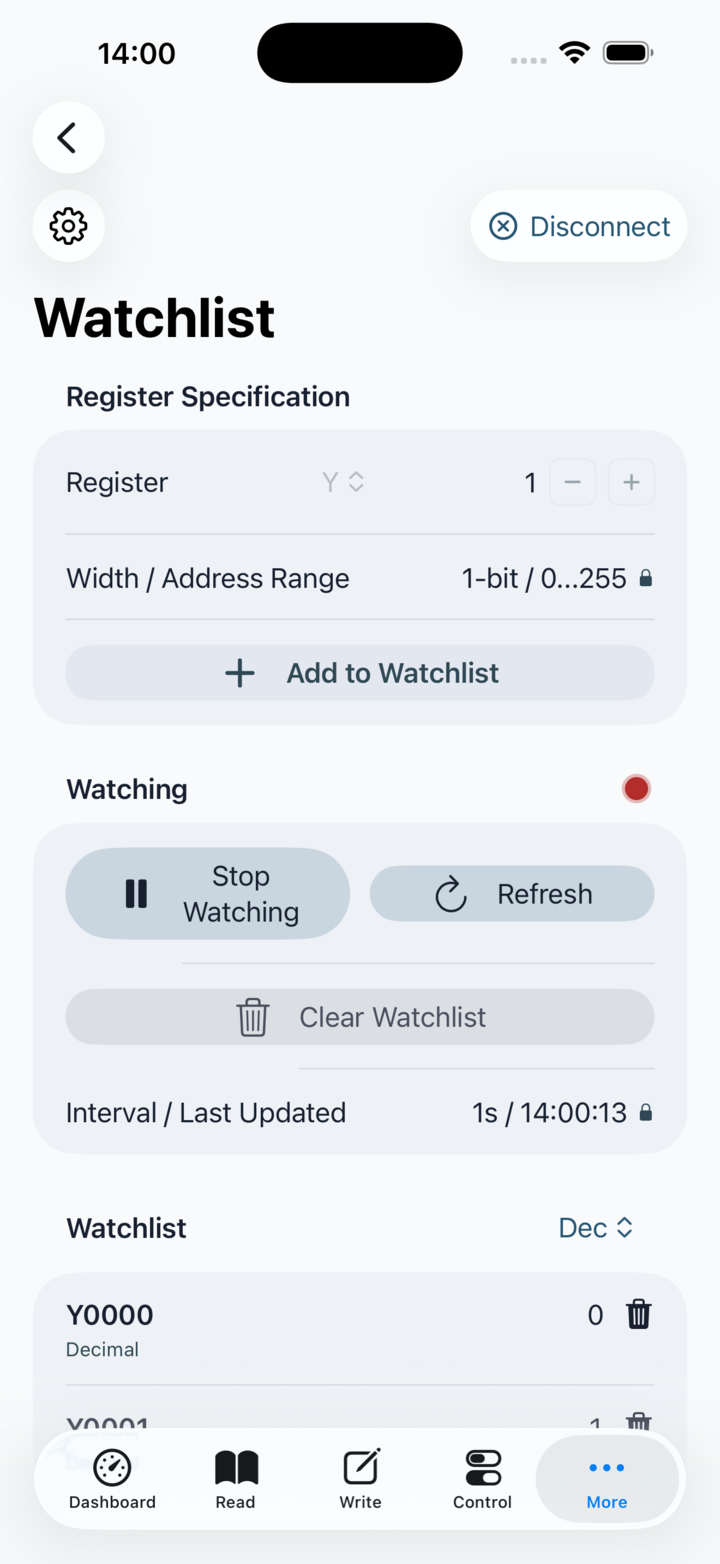
Scrolling through large memory blocks to find one unstable signal wastes precious troubleshooting time. PlcConsole lets you build focused watchlists of X, Y, M, D and R values so the important signals stay visible together.

  • Pin critical bits and data registers into one unified live view.
  • Use repeat refresh to catch transient inputs and flickering sensors.
  • Keep field diagnostics readable from an iPhone or iPad instead of a ladder sheet.
Watchlist screen showing live PLC register values

Multi-Step Batch Operations and Test Presets

Run real PLC macro sequences straight from your phone

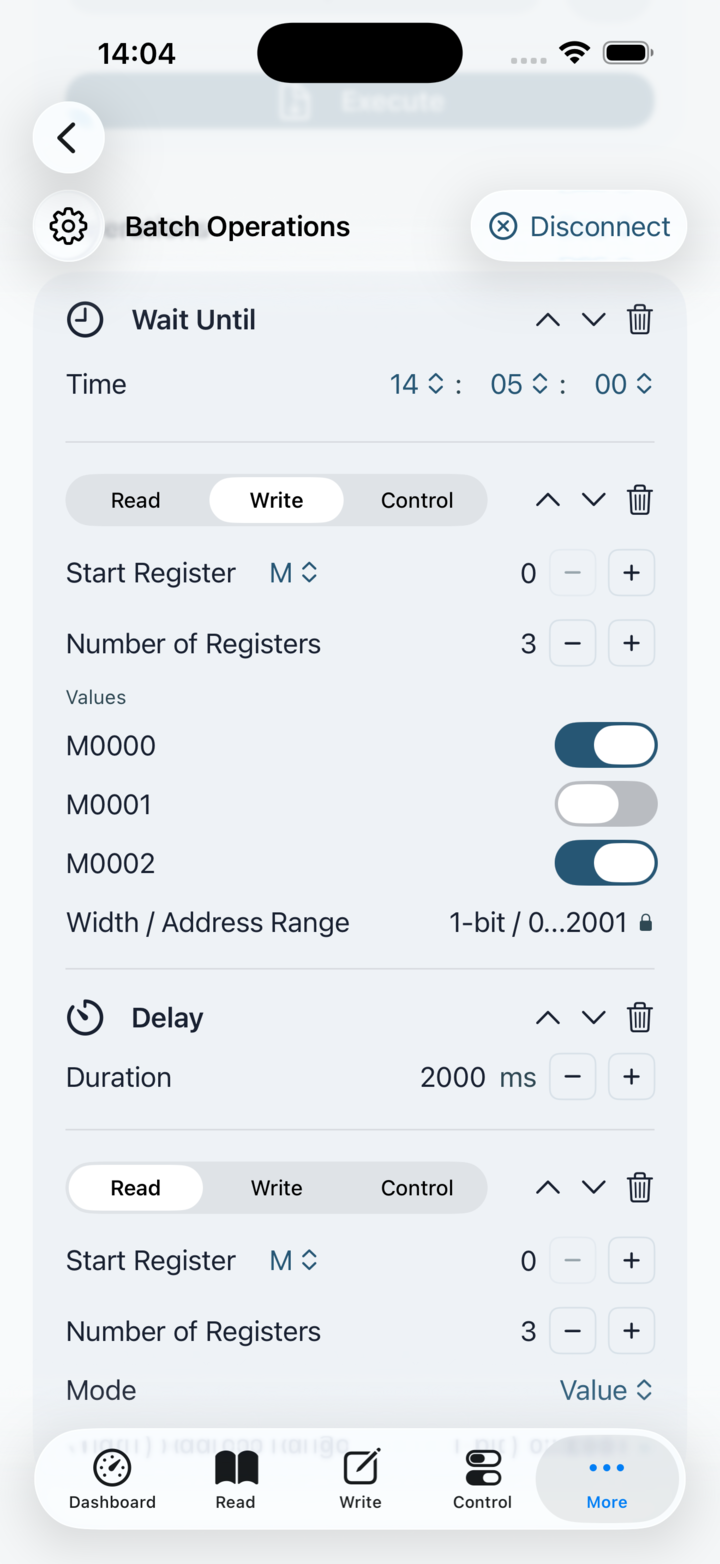
Single-bit forcing is not enough when you need to simulate a machine cycle, test interlocks or step through a maintenance sequence. PlcConsole lets you chain read, write, control, delay and wait-until rows into reusable batch presets.

  • Build timed command chains with millisecond delay control.
  • Save repeatable presets for commissioning, service and regression checks.
  • Export and import routines so teams can reuse the same field workflows.
Batch operations screen showing chained PLC actions

Protocol-Level Communications Auditing

Inspect native Fatek traffic instead of guessing at failures

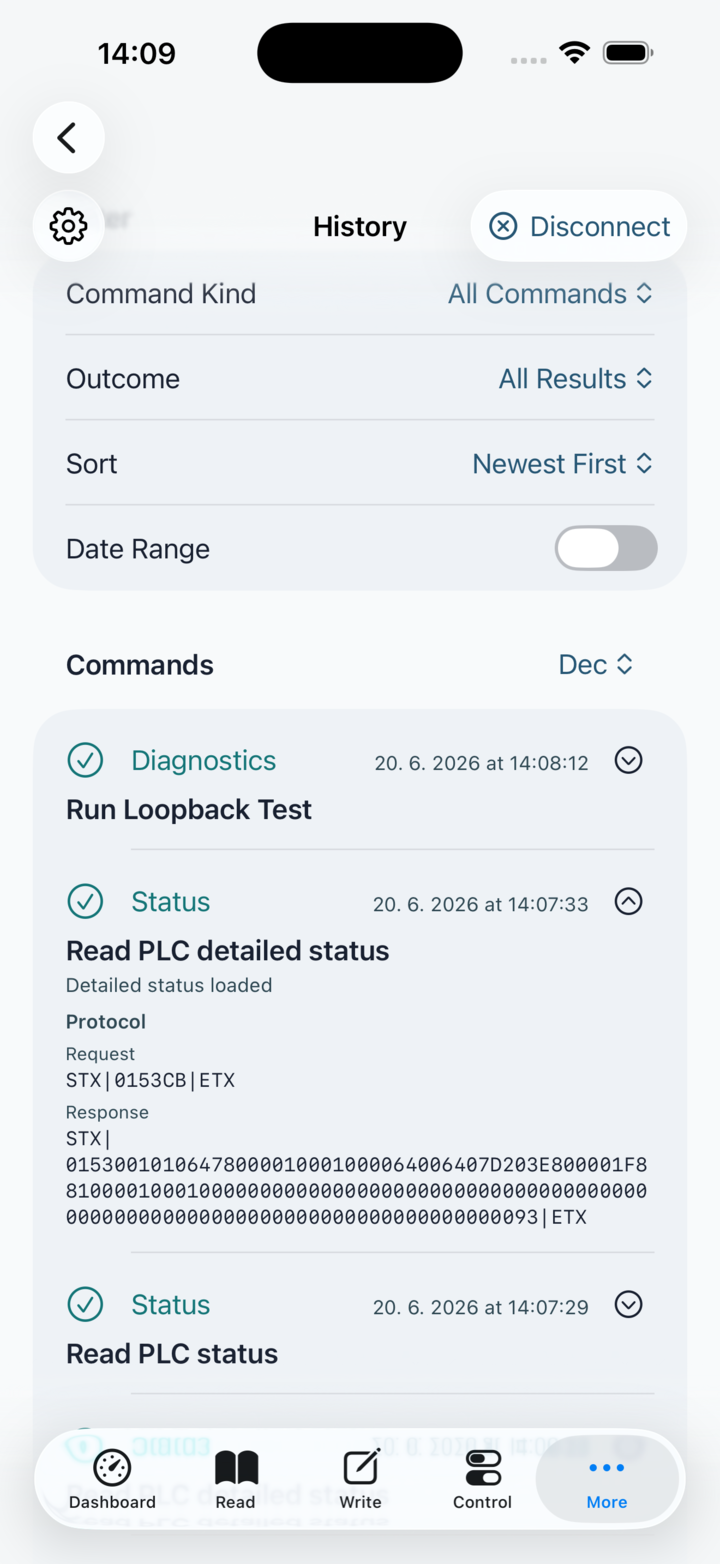
When a PLC stops responding, generic wrappers leave too much hidden. PlcConsole keeps the protocol visible so you can inspect command history, diagnose response issues and separate network problems from addressing or framing mistakes.

  • Review command history and diagnostics from the device itself.
  • Verify whether failures come from the network path or the PLC endpoint.
  • Keep native Fatek communication visible while you troubleshoot in the field.
History screen showing recorded PLC command activity
Visual Automation

Building Management and HMI Abstraction

Engineered for smart home installers and facility managers who want to move from raw register maps to practical dashboards that can be handed to operators and end users.

Visual Actor and Sensor Dashboards

Turn registers into tiles, controls and site-aware views

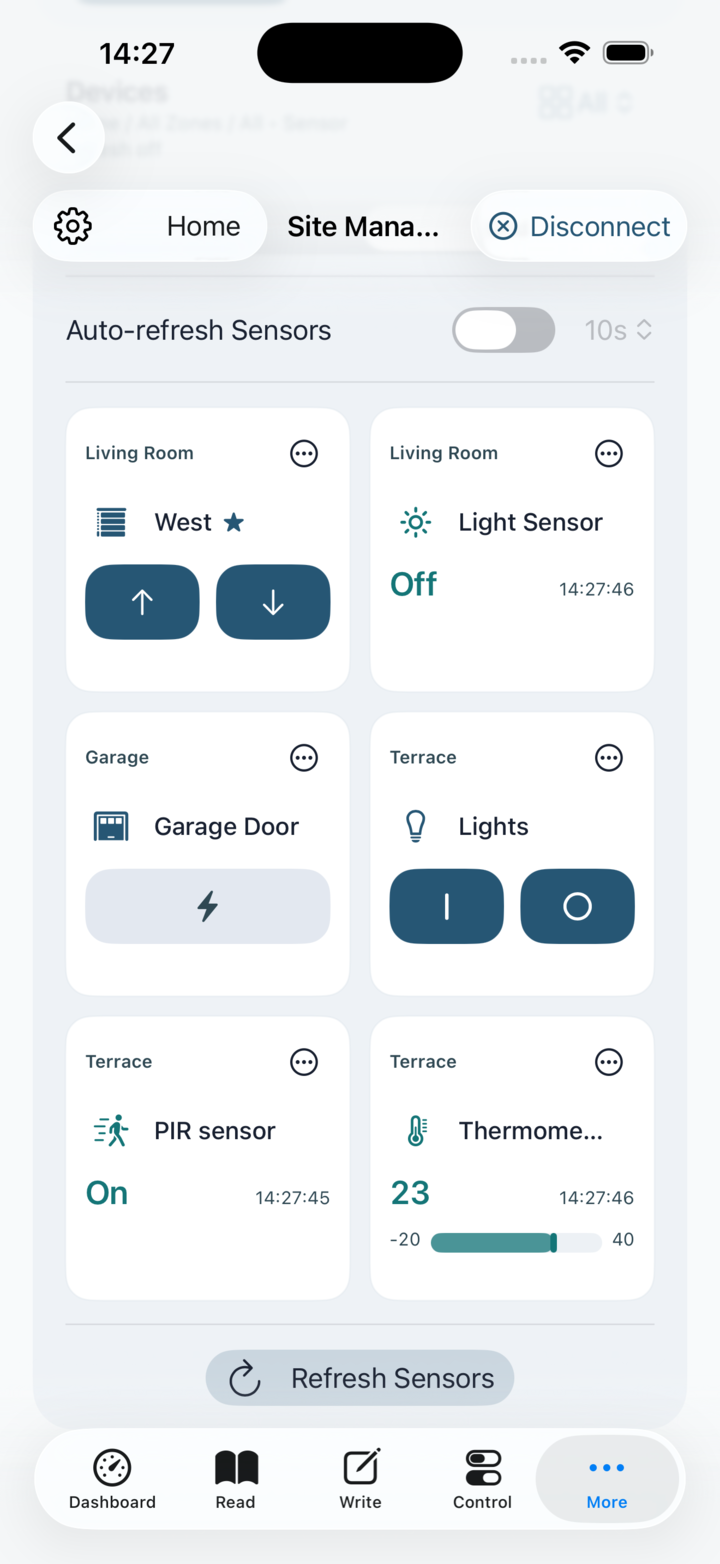
Operators do not think in ladder logic or hexadecimal frames. They think in rooms, devices and live conditions. PlcConsole maps raw registers into dashboards built around sites, zones, actors and sensors.

  • Expose lights, relays, blinds and sensors as direct touch controls.
  • Switch between list and grid presentation depending on the space.
  • Present automation states in a form clients can actually use.
Site automation grid showing sensors and actors as tiles

On-the-Fly Sensor Calibration and Thresholds

Calibrate raw PLC values without reworking the PLC program

Analog values are often just integers until someone scales and labels them properly. PlcConsole lets you shape the user-facing sensor output on the app side with scale, offset, formatting and threshold bands.

  • Apply scale multipliers and offsets to WX and data-register values.
  • Choose decimal precision for a cleaner operator-facing display.
  • Use threshold colors and optional range bars to surface drift instantly.
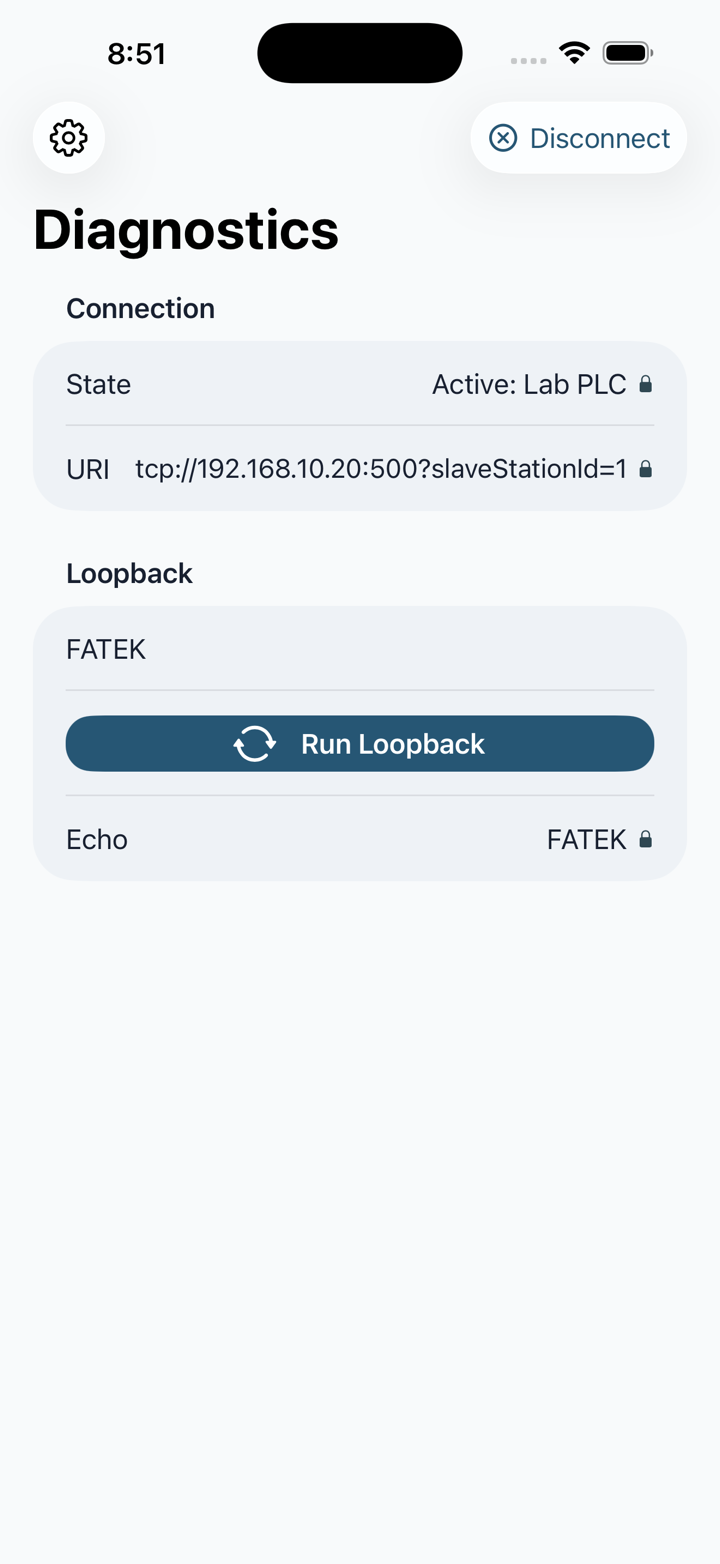
Diagnostics screen showing PLC connection and loopback details

Flexible Control Logic Without Re-Writing Code

Adjust app-side button behavior while the core PLC logic stays stable

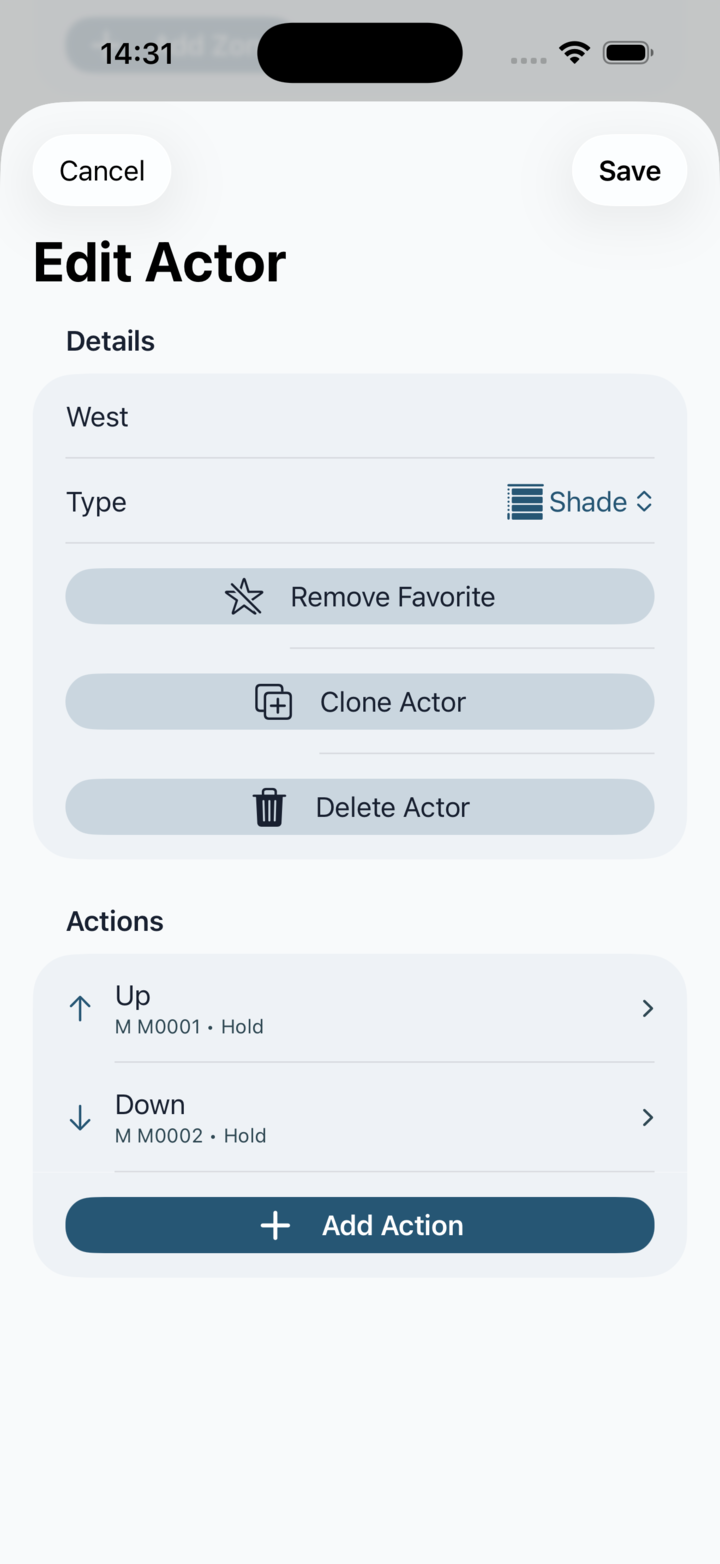
Installers often need to change how a control behaves without reopening the ladder program. PlcConsole lets you define actions such as pulse, hold, set on and set off directly in the actor and action configuration flow.

  • Bind named actions to specific registers and control behaviors.
  • Model site, zone and actor structure for repeatable deployments.
  • Clone and reuse layouts when a project scales beyond one panel or room.
Edit actor screen showing PLC actor and action configuration
Latest Release

PlcConsole 1.0.1

This update makes Site Automation easier to reach, presents PLC OS versions more clearly and simplifies the active automation context.

  • Added a preference that places Site Automation immediately after Dashboard for quicker access.
  • Corrected PLC OS version formatting in the detailed Status screen.
  • Simplified the Site Automation header.

Explore PlcConsole