 PlcConsole
Install Notes
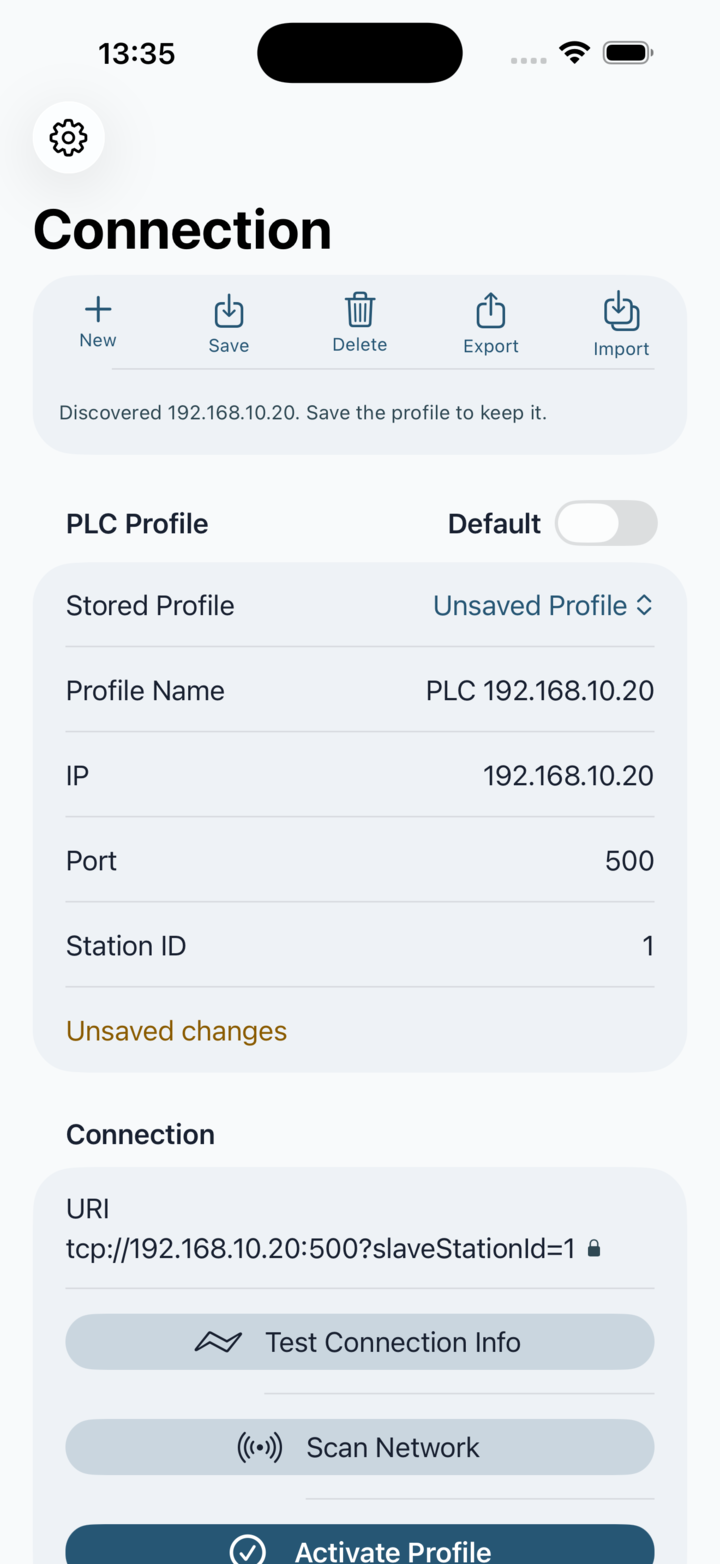
After download, create or select a connection profile, test it, then activate it before using the PLC tools.
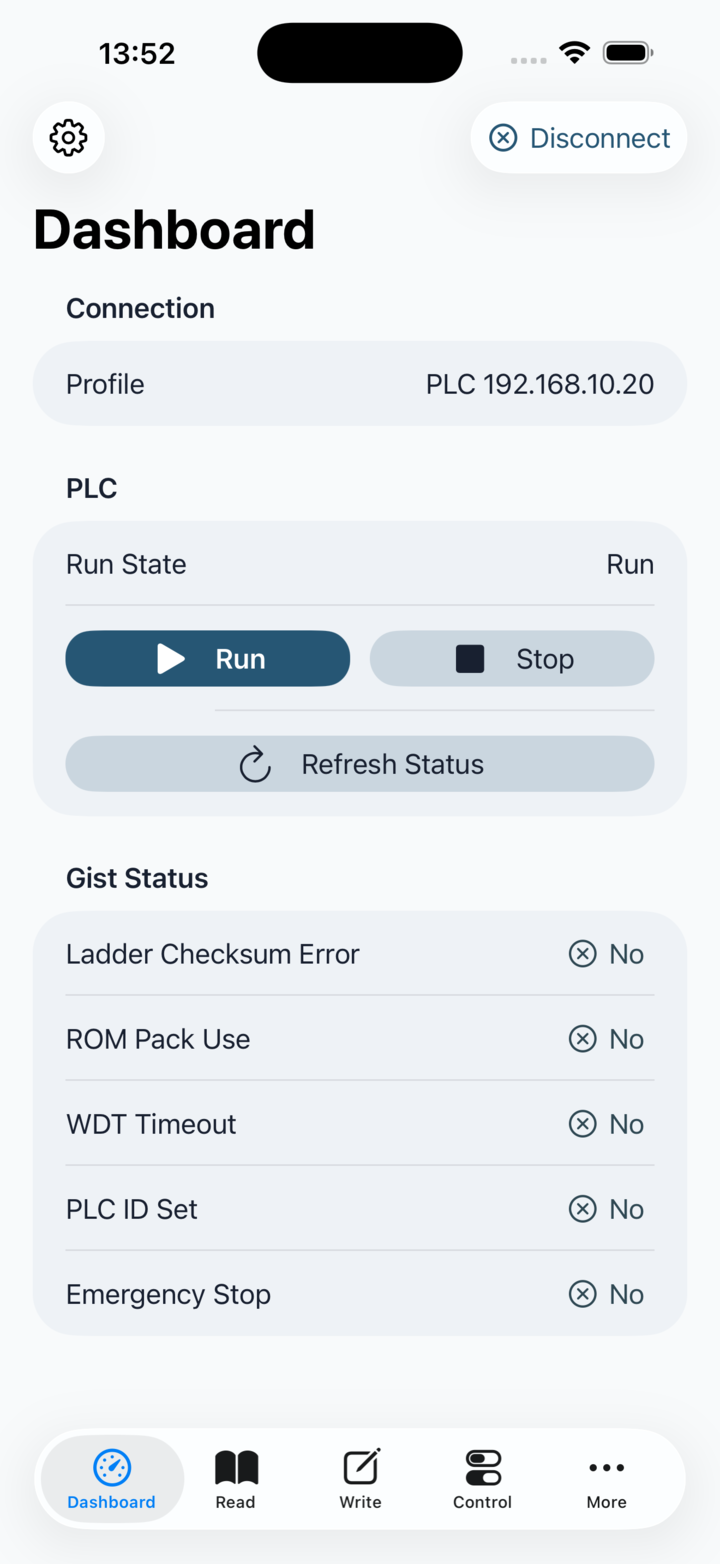
PlcConsole brings native Fatek PLC diagnostics, register tooling and site-oriented dashboards to phones and tablets in one focused field app.
PlcConsole is now available on the App Store and Google Play. Review the access, hardware and installation notes below before downloading the app.
Download for iPhone, iPad or Android.


Download the iPhone and iPad release from the App Store, or the Android phone and tablet release from Google Play.
Download the released app from the PlcConsole App Store listing.
Download the released app from the PlcConsole Google Play listing.
After download, create or select a connection profile, test it, then activate it before using the PLC tools.
Use PlcConsole with a Fatek FBs-series PLC device that your phone or tablet can reach on the local network.
The iOS and Android builds are designed to cover both precise PLC engineering work and operator-facing site automation from the same install.
Native PLC Tooling
After install, you can move straight into profile setup, register inspection, write actions, watchlists, history and batch execution without switching between separate utilities.
Visual Automation Layer
PlcConsole does more than poll registers. It lets you shape the same PLC data into dashboards, tile views and structured site automation screens that are easier to understand in day-to-day use.
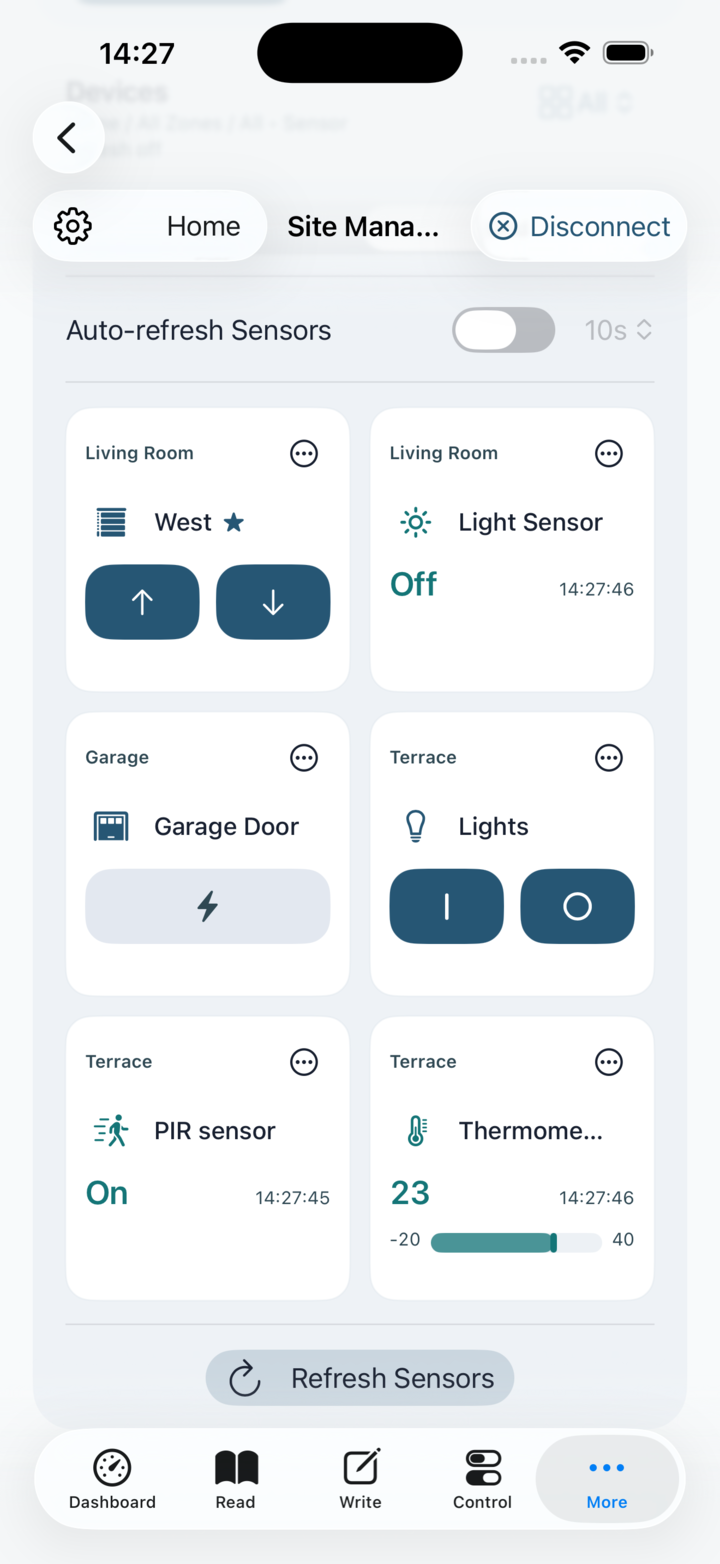
If you want to understand the app before the final download link goes live, the manual is the best place to start. It already documents the connection workflow, monitoring pages, register tools, batch sequences and site automation screens using real app screenshots.
Manual first: Use the manual when you want a guided walkthrough of the app flow before installation.
Privacy entry point: The privacy page links the public policy and store privacy disclosures from one place.
Local-network mindset: PlcConsole is most valuable when your phone or tablet can actually reach the target PLC or review environment.
See the real app flow with documented screens for connection, registers, monitoring, batch work and automation.
Open the public privacy policy and the store privacy disclosures from a single privacy entry point.
Use one direct email address for product questions, feature ideas and issue reports.