Permission
The user must first have the relevant read, write or control permission at an effective scope.
 PlcConsole
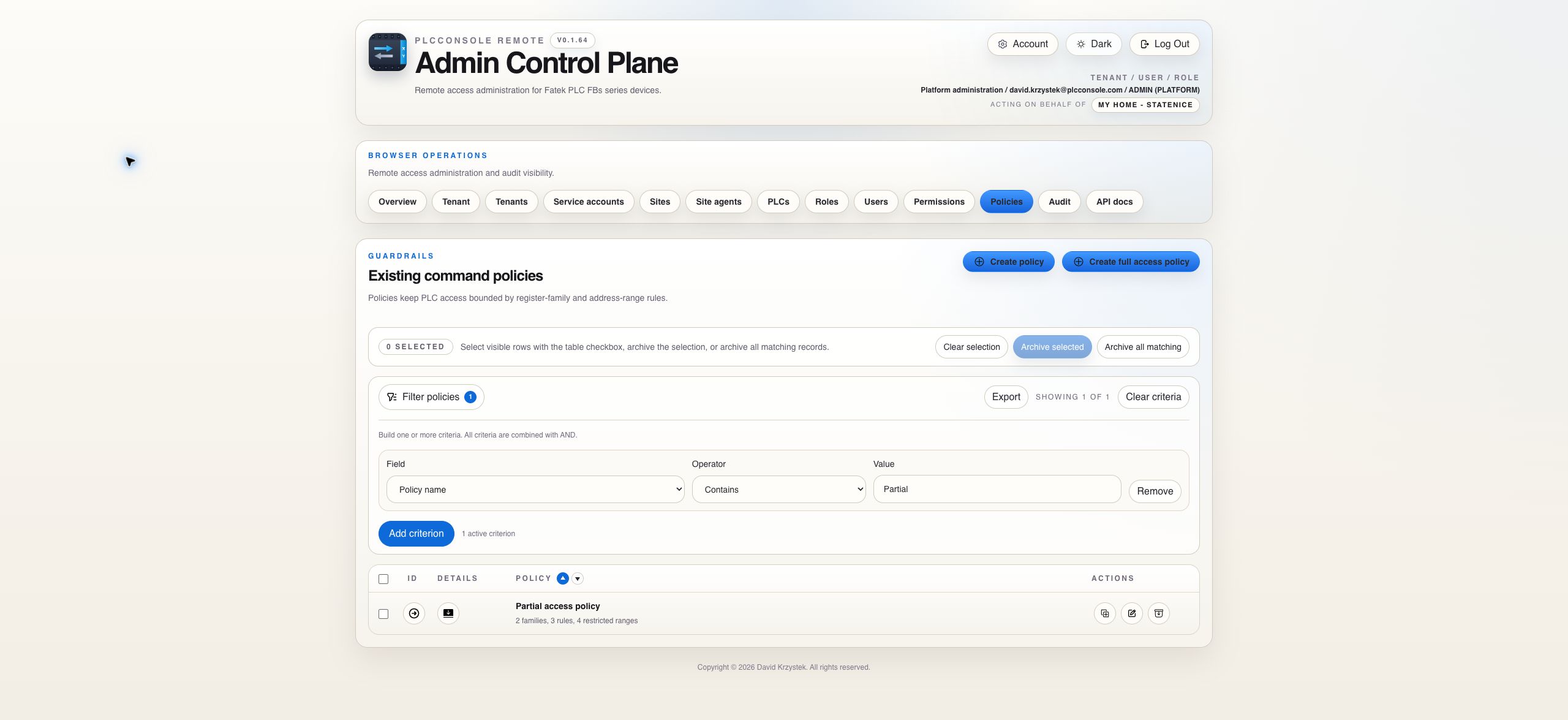
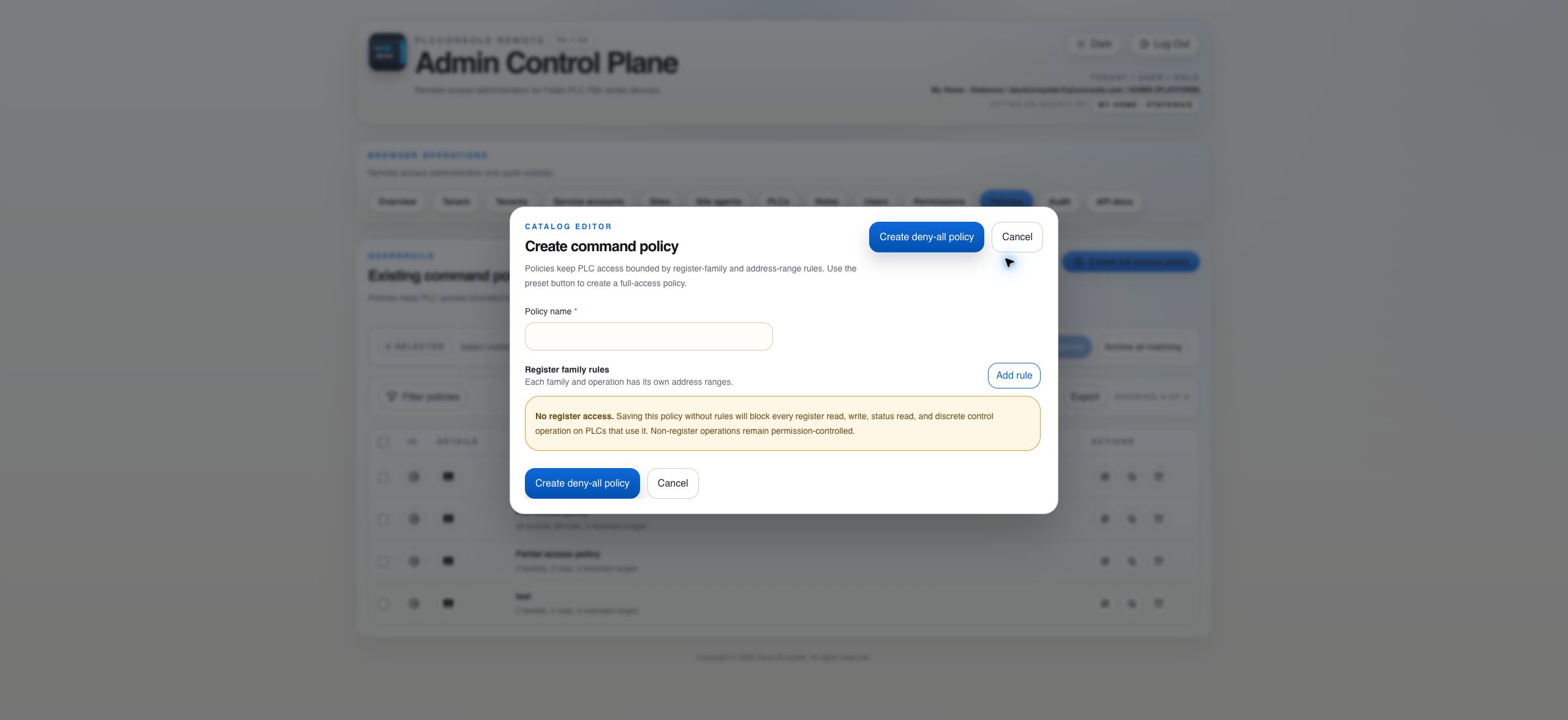
Constrain register access by operation, Fatek register family and optional address range after permission has allowed the request.
The user must first have the relevant read, write or control permission at an effective scope.
The policy linked to that PLC can further restrict register operations, families and ranges.
The server validates the family’s minimum, maximum and address step before execution.
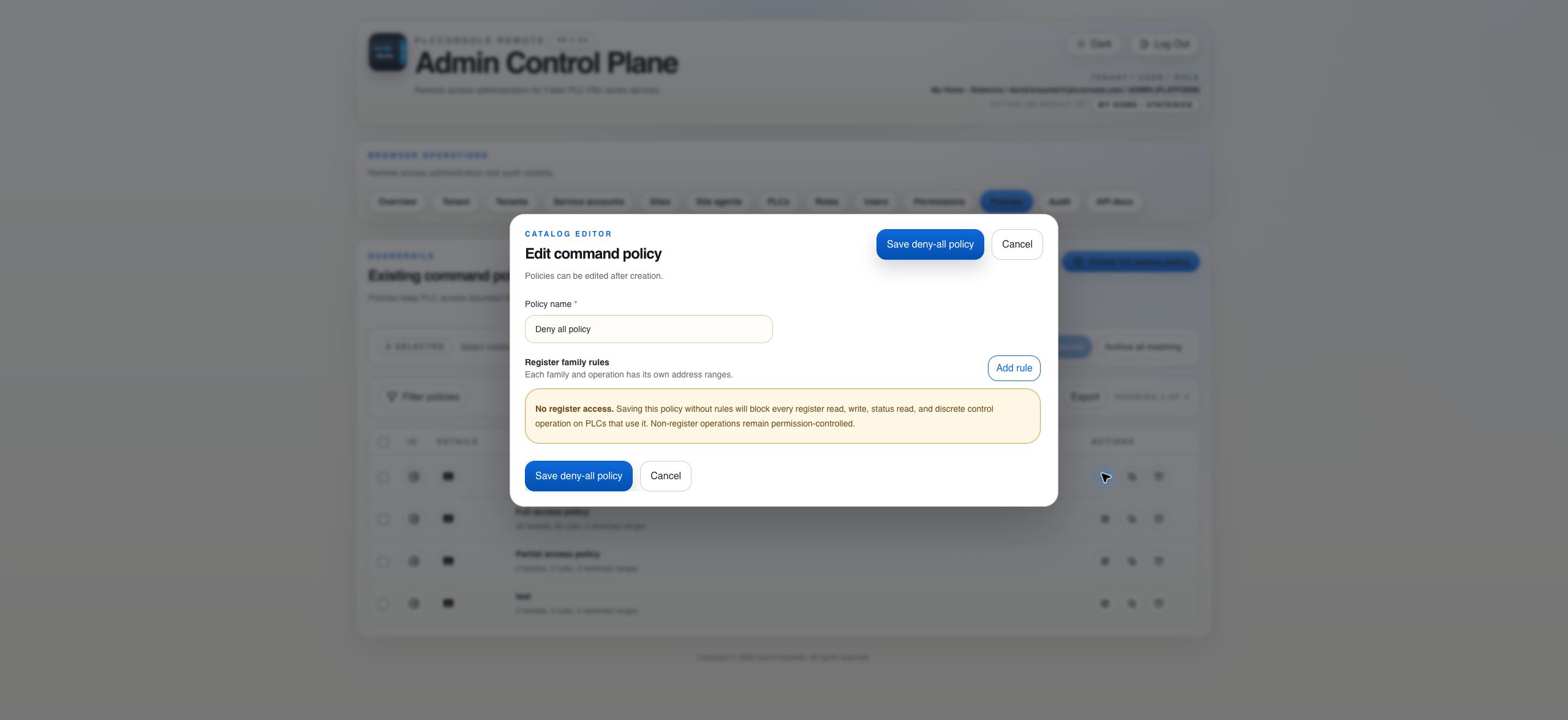
No assigned policy is unrestricted by policy. An assigned policy with no rules denies all register access. A policy never expands a user’s permissions.
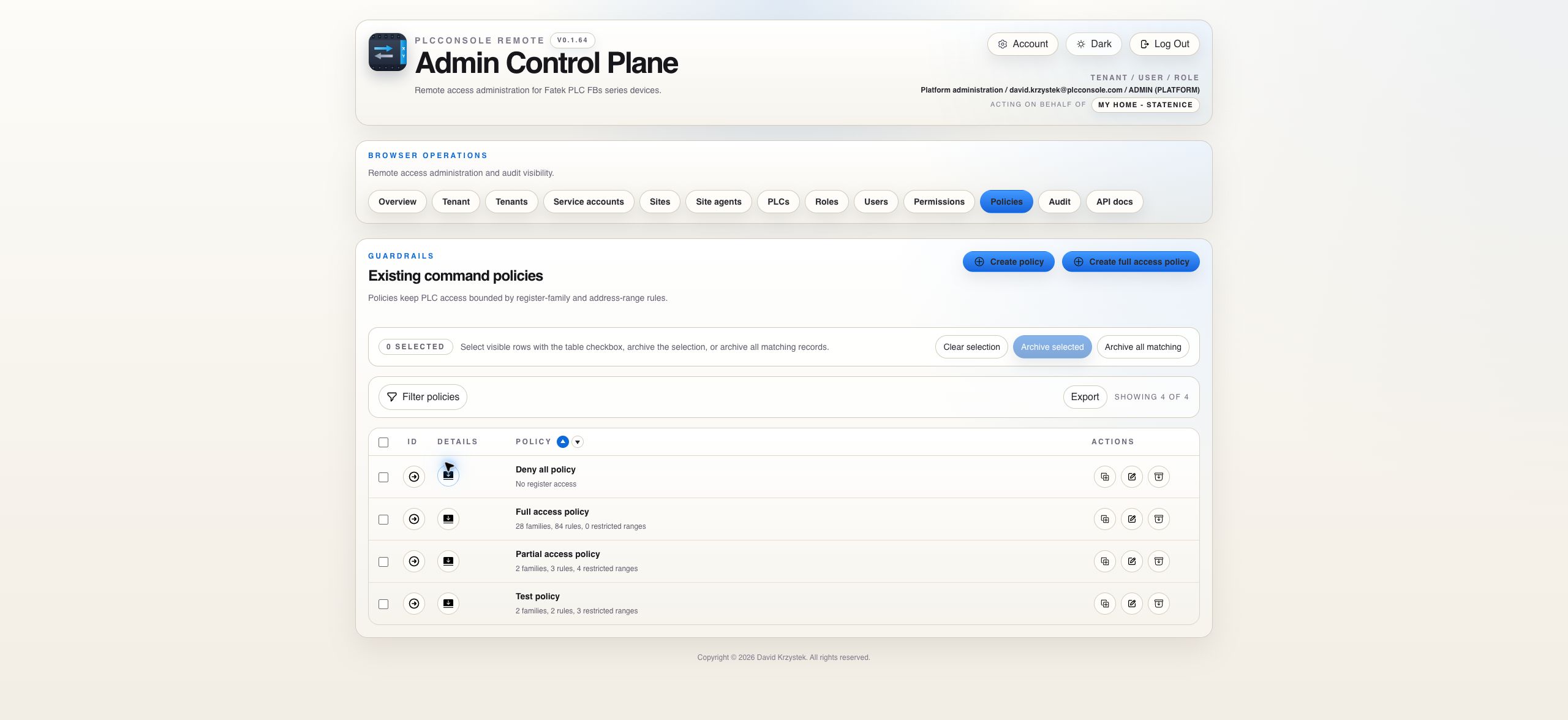
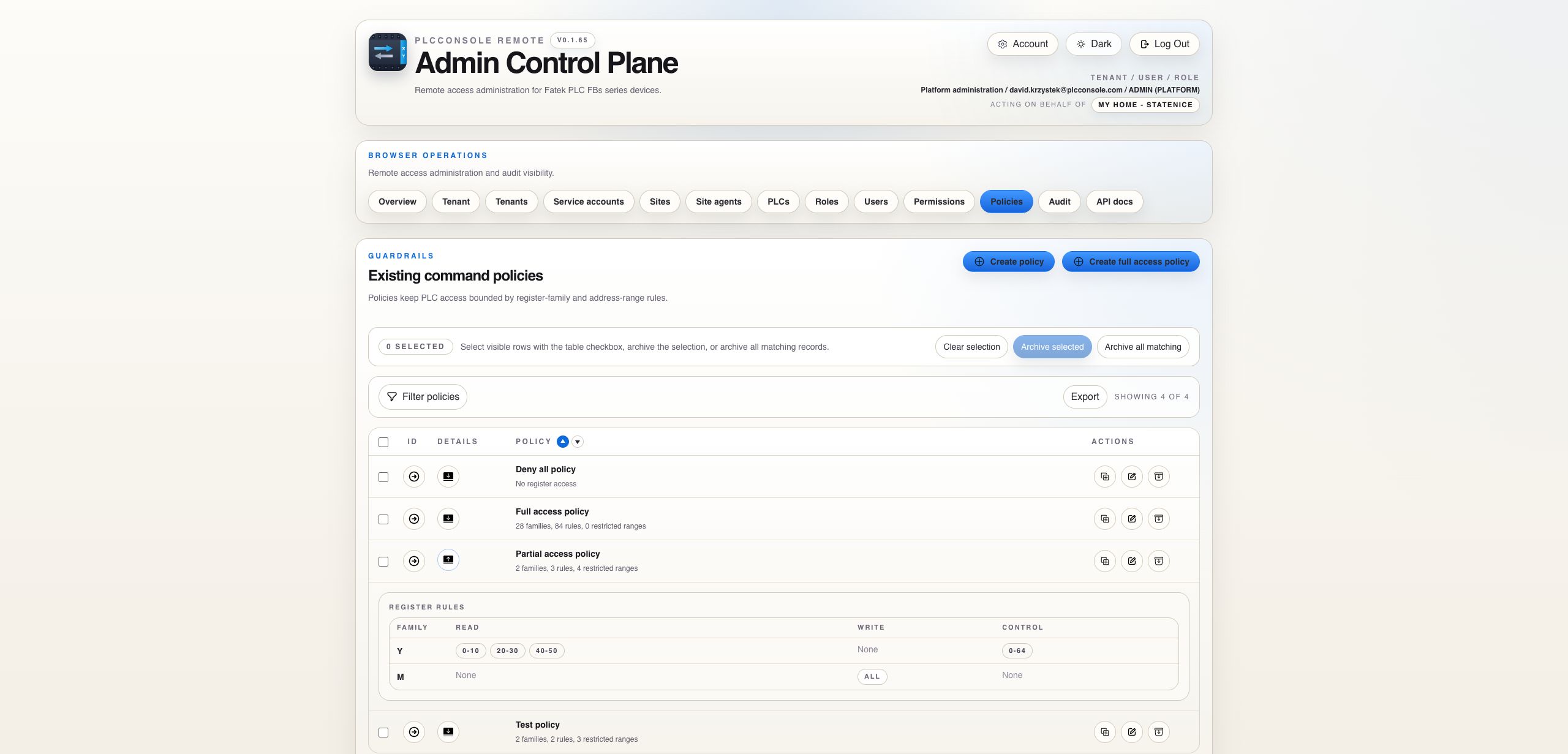
Expansion keeps family-operation rules and optional ranges next to the policy that owns them. Read the operation and family together, then verify every inclusive range against the target PLC program.
| PLC policy state | Register result | Non-register operations |
|---|---|---|
| No policy assigned | The policy gate is unrestricted; permission and protocol validation still apply. | Controlled by their corresponding operation permissions. |
| Policy with matching rule and no ranges | All valid addresses for that family and operation pass the policy gate. | Unaffected by register rules. |
| Policy with matching ranged rule | Every requested address must fall inside an allowed inclusive range. | Unaffected by register ranges. |
| Assigned policy with no rules | All register operations are denied intentionally. | Test, status, run and stop remain permission-controlled. |
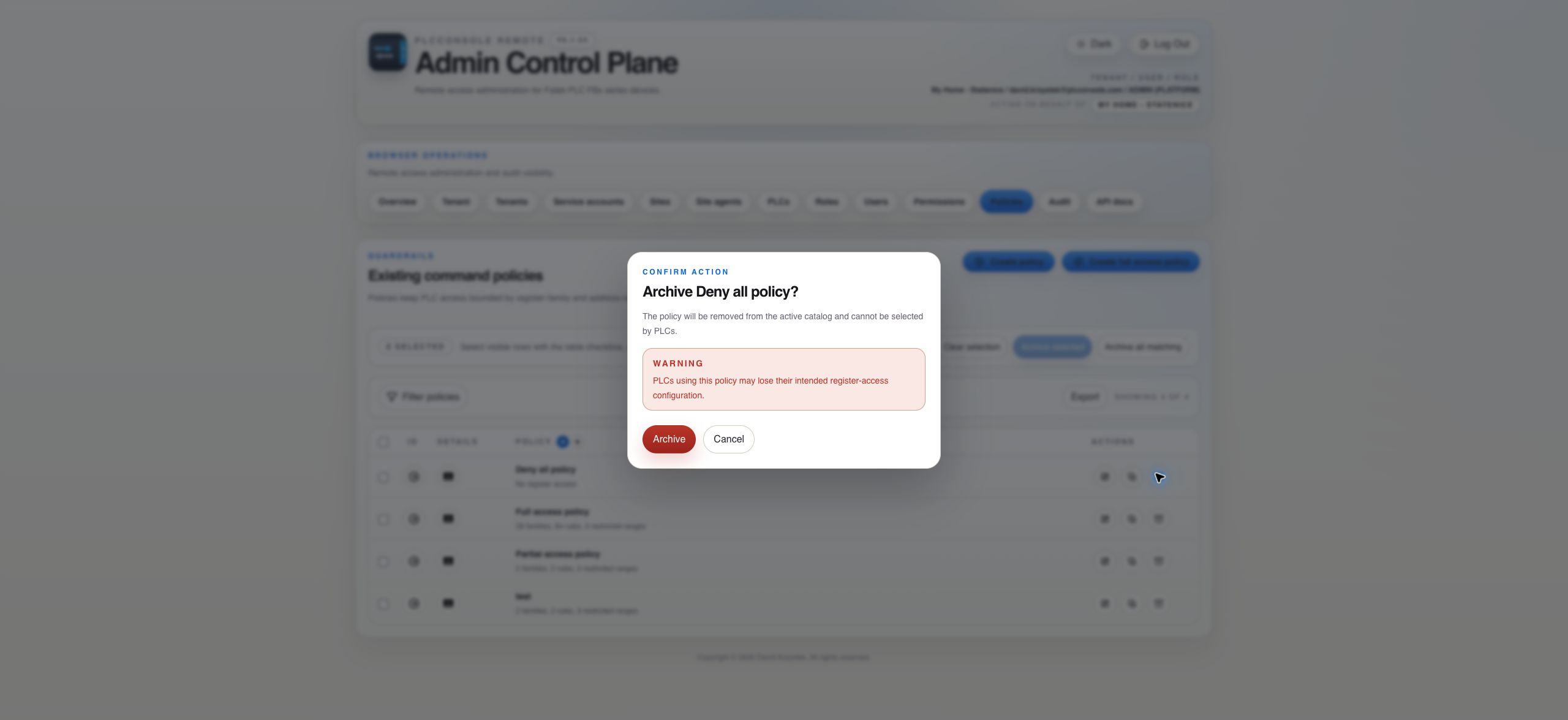
| Assigned policy unavailable | The request fails closed rather than silently becoming unrestricted. | Investigate the catalog relationship before operating the PLC. |
device.register.read, device.register.write or device.register.control must be granted at an applicable scope and the assigned PLC policy must cover the complete register request.The policy appears in the active catalog, its expanded row shows the expected family-operation rules and ranges and the target PLC references it by name.
Grant register-read permission and create READ rules only for the families and ranges used by the monitoring view. Do not add WRITE or CONTROL rules.
Add WRITE for the exact family and address range containing approved set points. Keep control coils or unrelated data registers outside the rule.
Use the control permission and CONTROL policy operation for the intended discrete family and addresses. Do not treat it as ordinary numeric write access.
Assign a policy with zero register rules when status, test, run or stop may remain available but all register reads and mutations must be blocked.
Open the PLC's assigned policy and compare family, operation and every address in the request. Permission alone does not bypass policy.
Check the selected family's supported minimum, maximum and address step. Double-word families may require aligned addresses and consume more than one word.
A rule with no ranges allows all valid addresses for that family and operation. Add explicit ranges or remove the rule.
Reassign dependent PLCs first. An unavailable assigned policy fails closed and may interrupt intended register operations.