PlcConsole
Remote Manual · Estate

Sites and PLCs

Model the physical location first, register its PLCs and keep catalog lifecycle separate from live reachability.

Sites

Define the physical scope

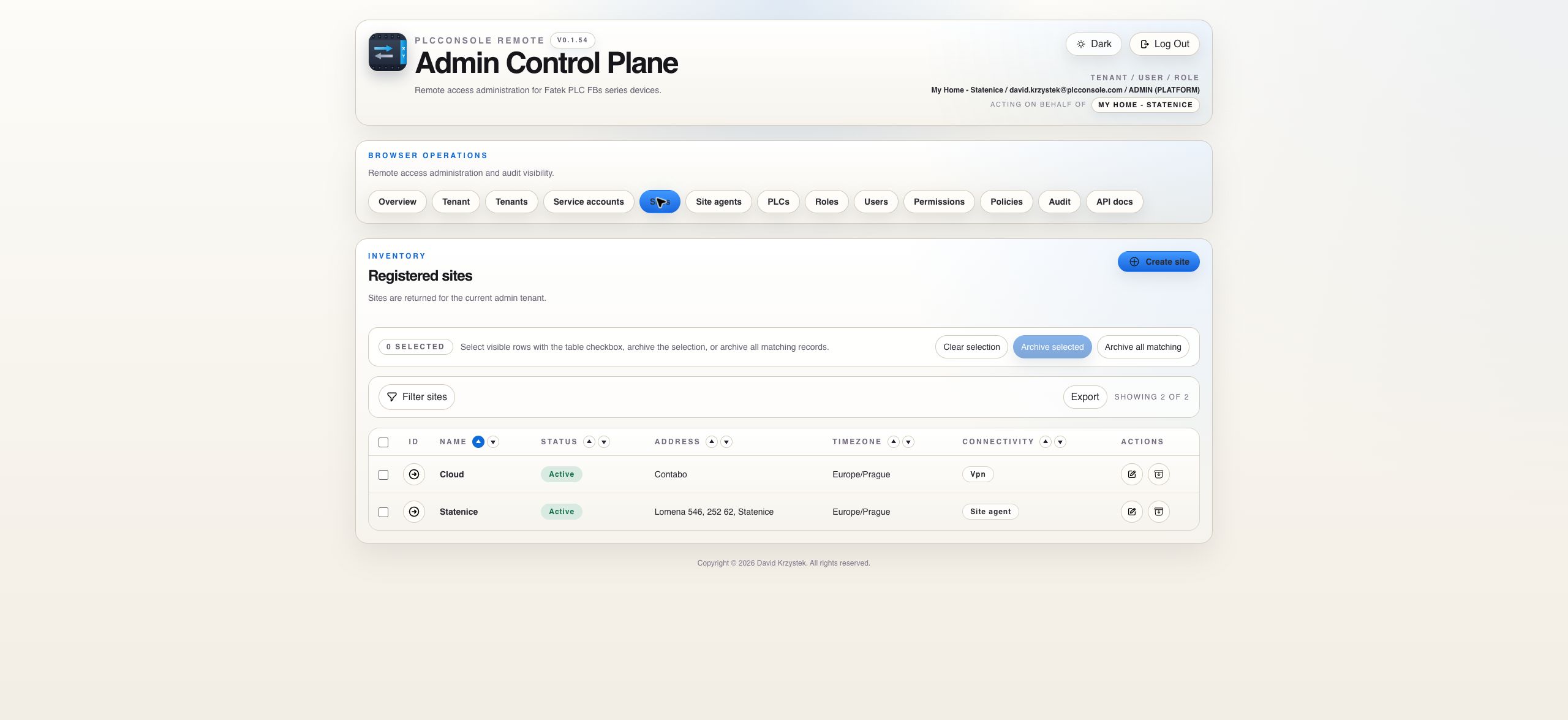
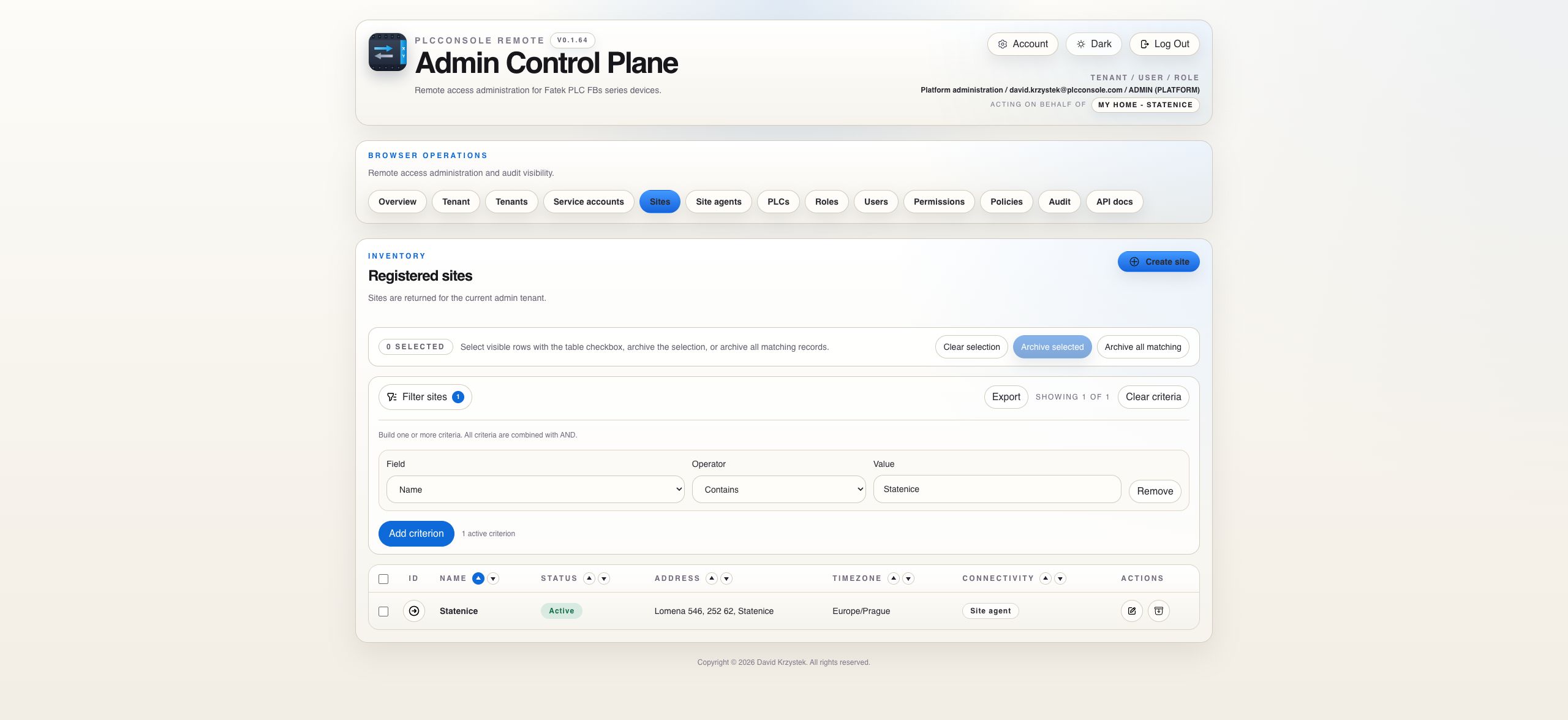
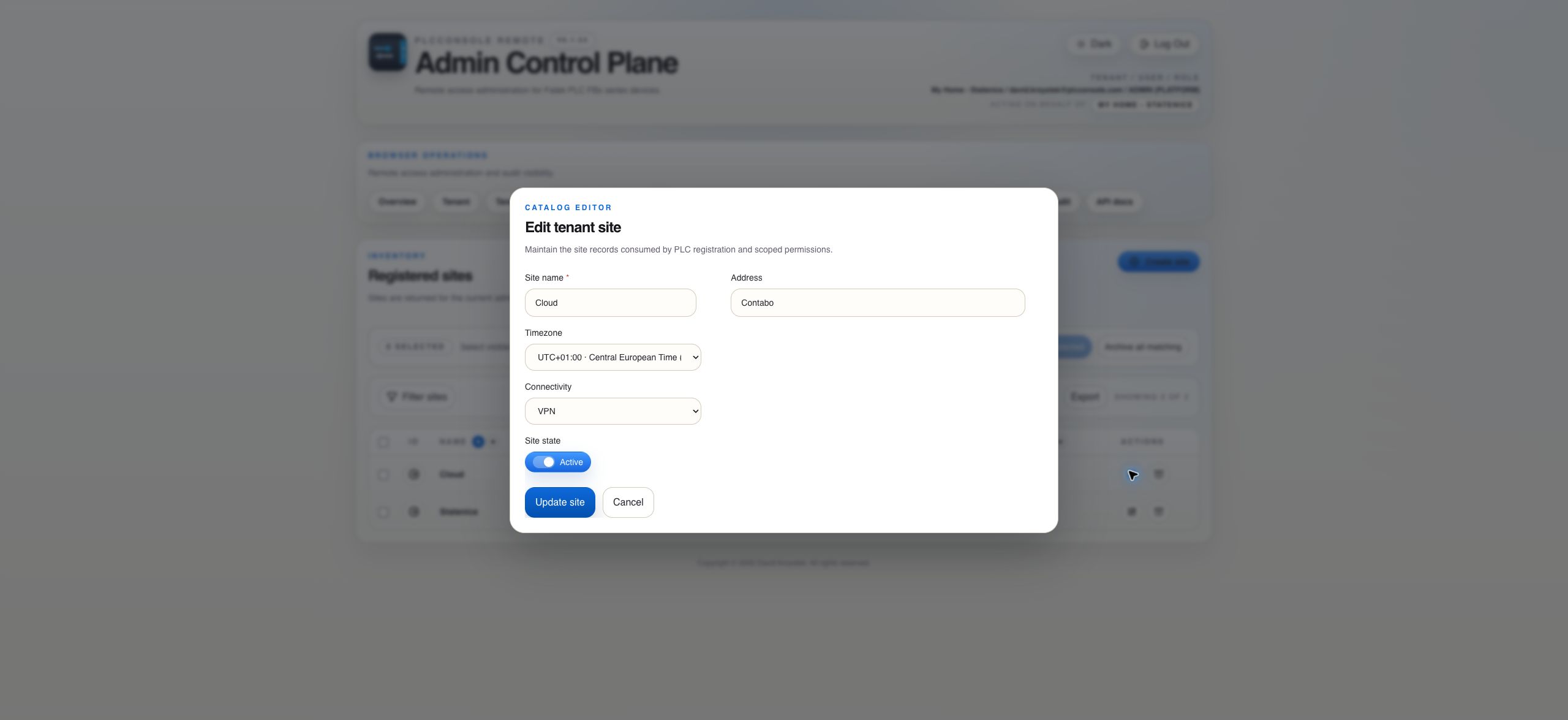
A site is a tenant-owned location used to group PLCs and site agents. Create it before the resources that belong to it.

PLCs

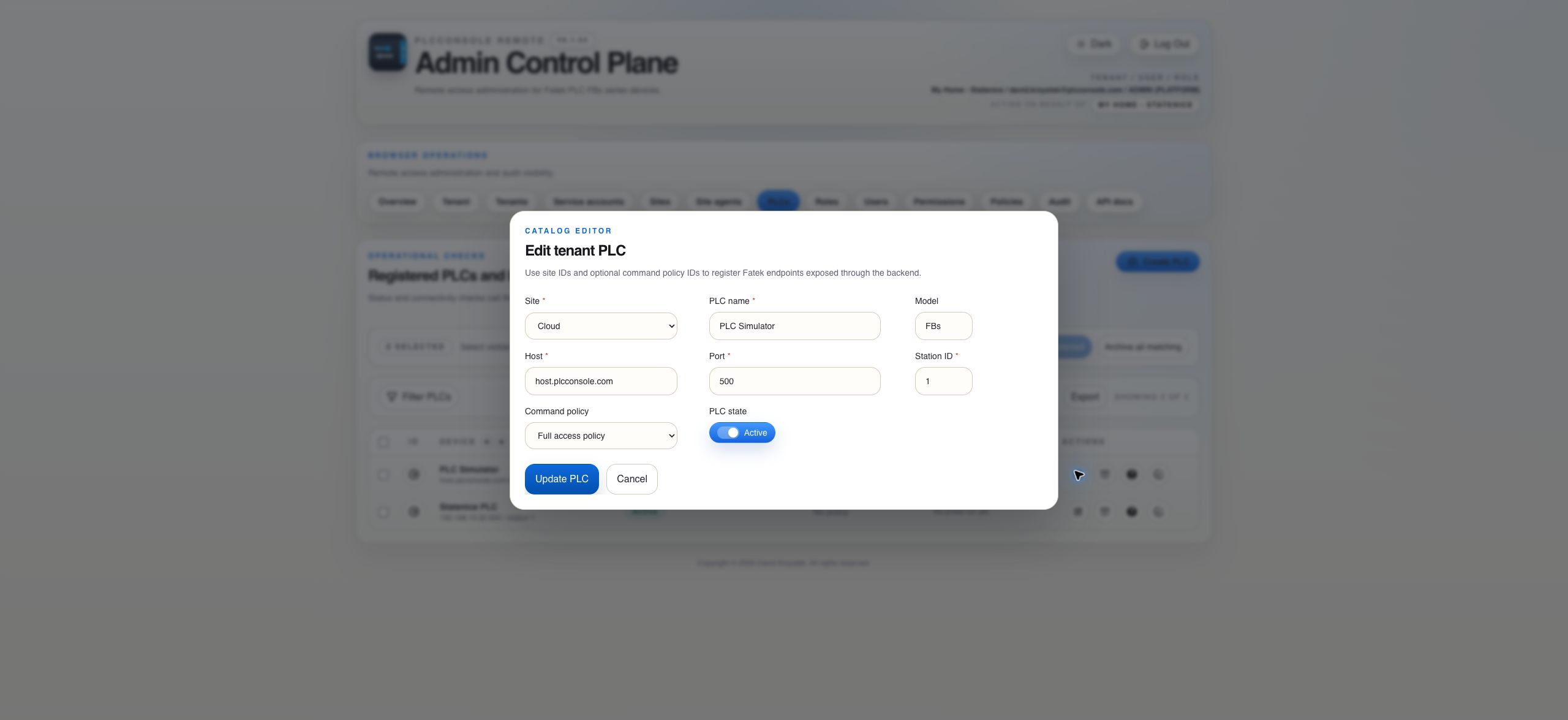
Register the device and its operating boundary

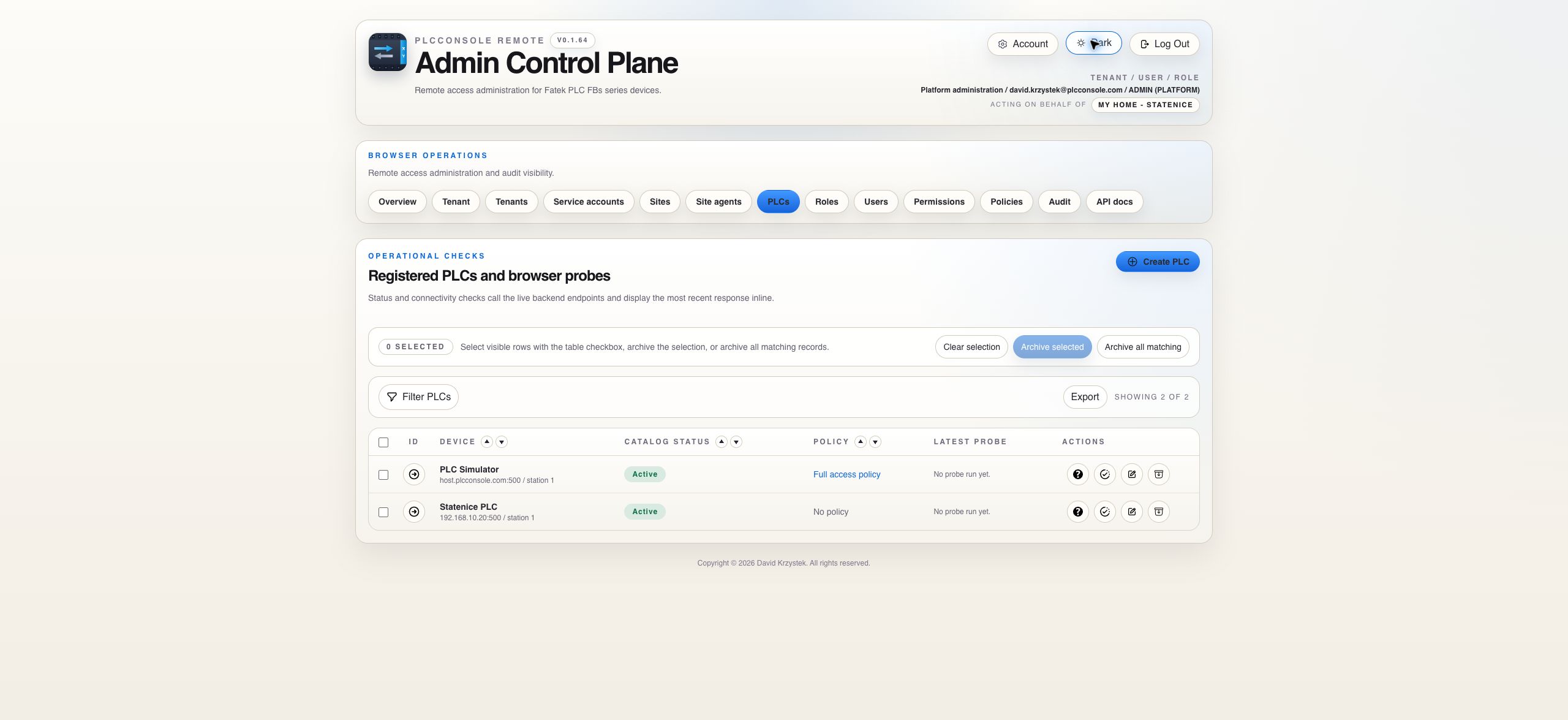
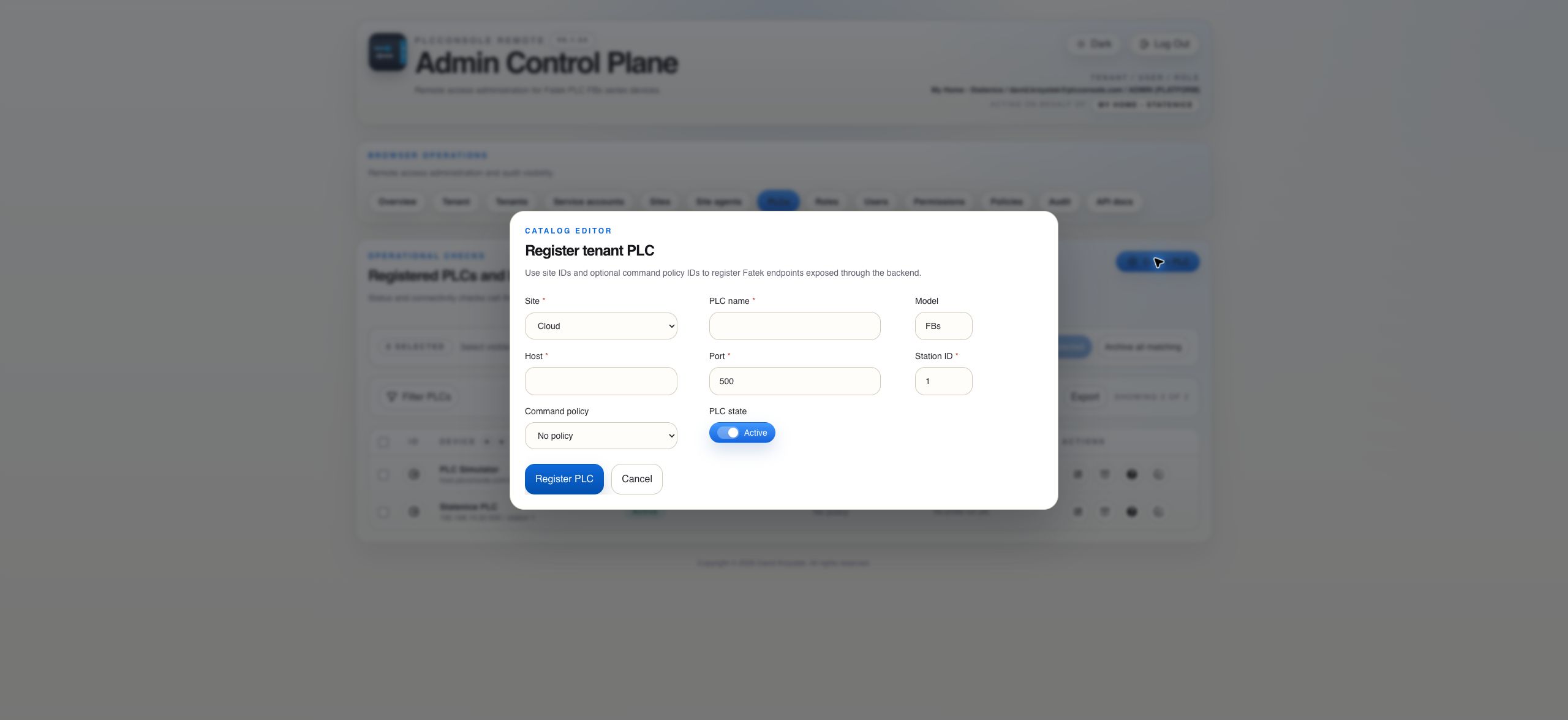
The PLC catalog owns device configuration. Current reachability comes from the latest probe or connection result rather than the catalog status alone.

Connection Route

Connectivity provides a route, not permission

Site agent

Outbound connection from the site

The agent opens a secure persistent connection to the control plane and performs structured Fatek operations locally.

VPN

Managed network route

An approved VPN route can reach the PLC when routing, firewall policy and operational ownership already exist.

Both routes carry PlcConsole-owned operations. The backend still enforces tenant visibility, role permissions, command policy validation, per-PLC serialization and audit recording. Neither route should expose a raw PLC protocol tunnel to the user.

Build Order

Create ownership, route and policy in a deliberate sequence

1

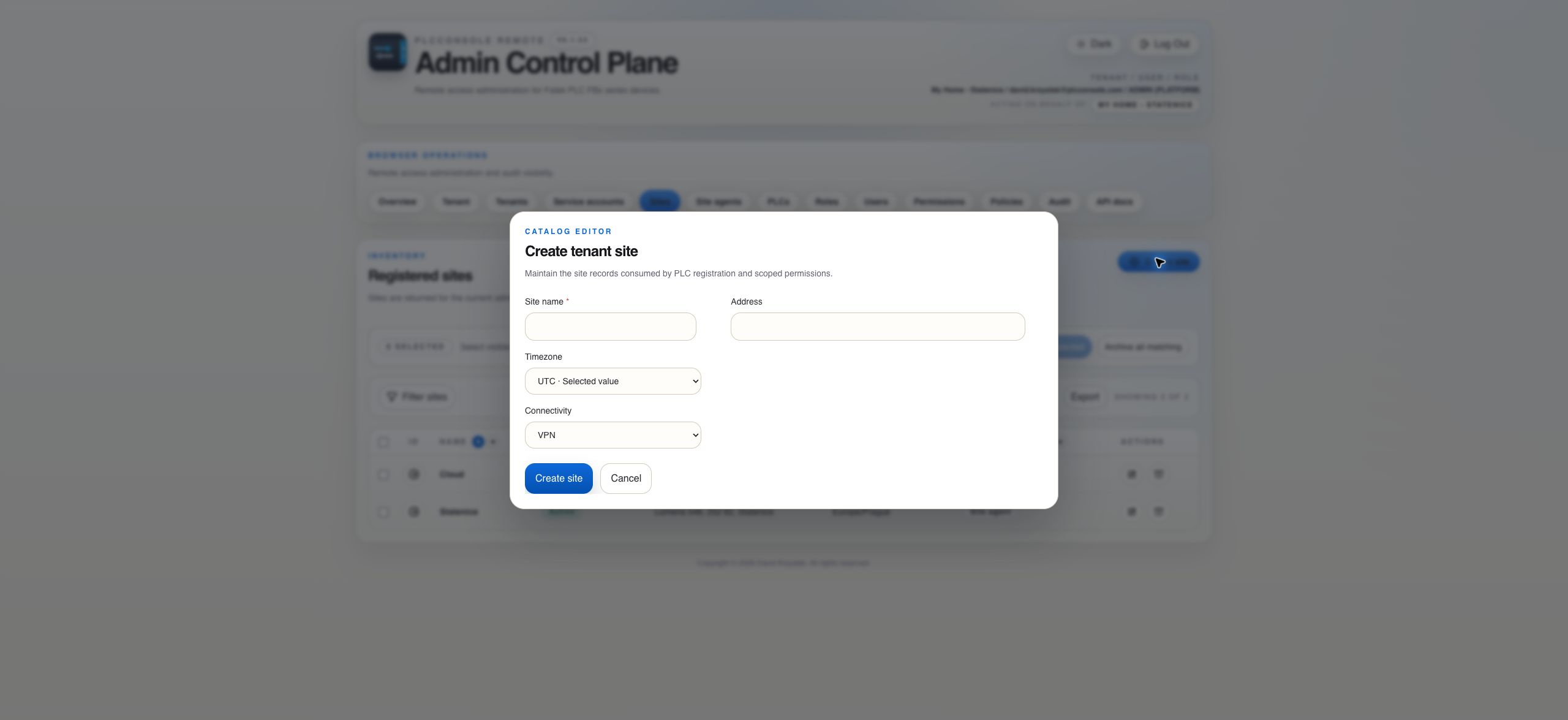
Create the site

Record the physical scope, timezone and connectivity mode before creating dependent resources.

2

Establish connectivity

Install an outbound site agent or confirm the approved VPN route and network restrictions.

3

Register the PLC

Assign the site, endpoint metadata, station ID, lifecycle state and command policy.

Verification

  1. Confirm the header identifies the intended tenant.
  2. Open Sites and verify the location is Active with the intended connectivity mode.
  3. For SITE_AGENT, confirm an Active and Connected agent exists for that site.
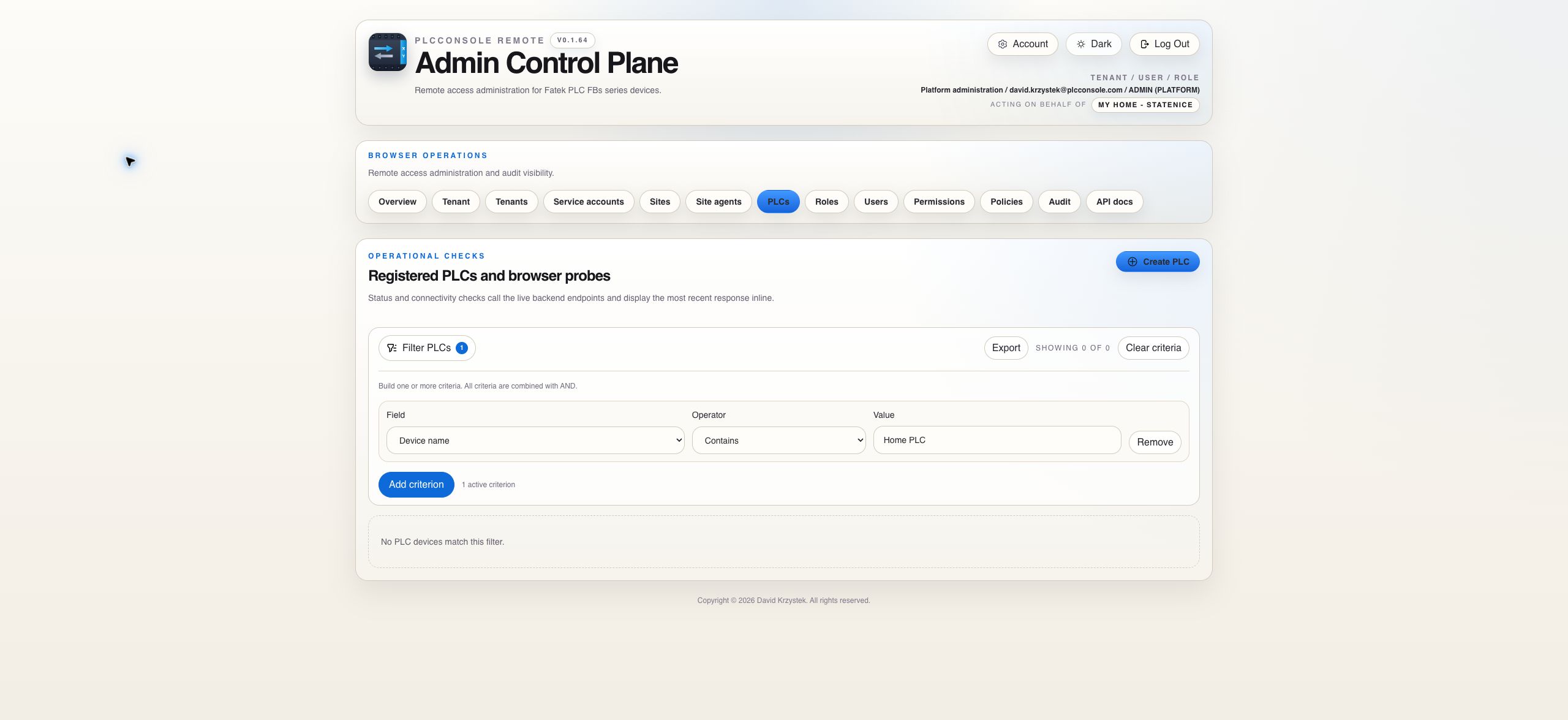
  4. Open PLCs and run Test, then Status if permitted.
  5. Verify the latest probe separately from Catalog Status.
  6. Open audit history when you need evidence of the configuration change or connection test.
Field Reference

Understand which values define identity and which define reachability

FieldMeaningOperational consequence
Site name and addressHuman-readable physical or organizational location.Used for grouping, filtering and administration; it does not establish connectivity.
TimezoneThe site's local time context.Helps present operational timestamps in a meaningful local context.
Connectivity modeVPN or SITE_AGENT route expected for the site.SITE_AGENT must be selected before an agent can be created for the site.
PLC host and portNetwork endpoint reachable from the approved backend or site-agent route.Kept backend-owned and excluded from the mobile operator context.
Station IDFatek station addressed at the configured endpoint.An incorrect value can leave TCP reachable while protocol operations fail.
Command policyOptional register-operation guardrail assigned to the PLC.No policy leaves the policy gate unrestricted; an assigned empty policy denies all register operations.
Catalog stateWhether the site or PLC is enabled for normal use.It does not prove that the route or PLC is currently reachable.
Route Decision

Choose the route that matches site ownership and network operations

Prefer a site agent when

  • The site can make outbound connections but should not expose an inbound PLC route.
  • You want a site-specific credential that can be rotated or revoked independently.
  • The agent host can reach only the explicitly registered PLC endpoints.
  • You need agent version, heartbeat and connection evidence in the control plane.

Use VPN when

  • A managed network route already exists and has clear operational ownership.
  • Routing and firewall rules can limit reachability to approved PLC endpoints.
  • VPN monitoring and incident response are already part of the site's infrastructure process.
  • The control plane can reach the PLC without exposing that network metadata to operators.
Neither route changes authorization. Tenant ownership, visibility, permission, command policy, validation, per-PLC serialization and auditing are enforced by the control plane for both paths.
Troubleshooting

Separate catalog, route and PLC failures

Active but unreachable

Active is a stored lifecycle state. Check the latest probe, site route, agent or VPN health and the PLC endpoint.

TCP opens but commands fail

Verify station ID, Fatek protocol response and PLC readiness. A successful network handshake alone does not prove end-to-end protocol success.

Site agent cannot be created

Edit the site and select SITE_AGENT connectivity first. Then return to the Site agents page.

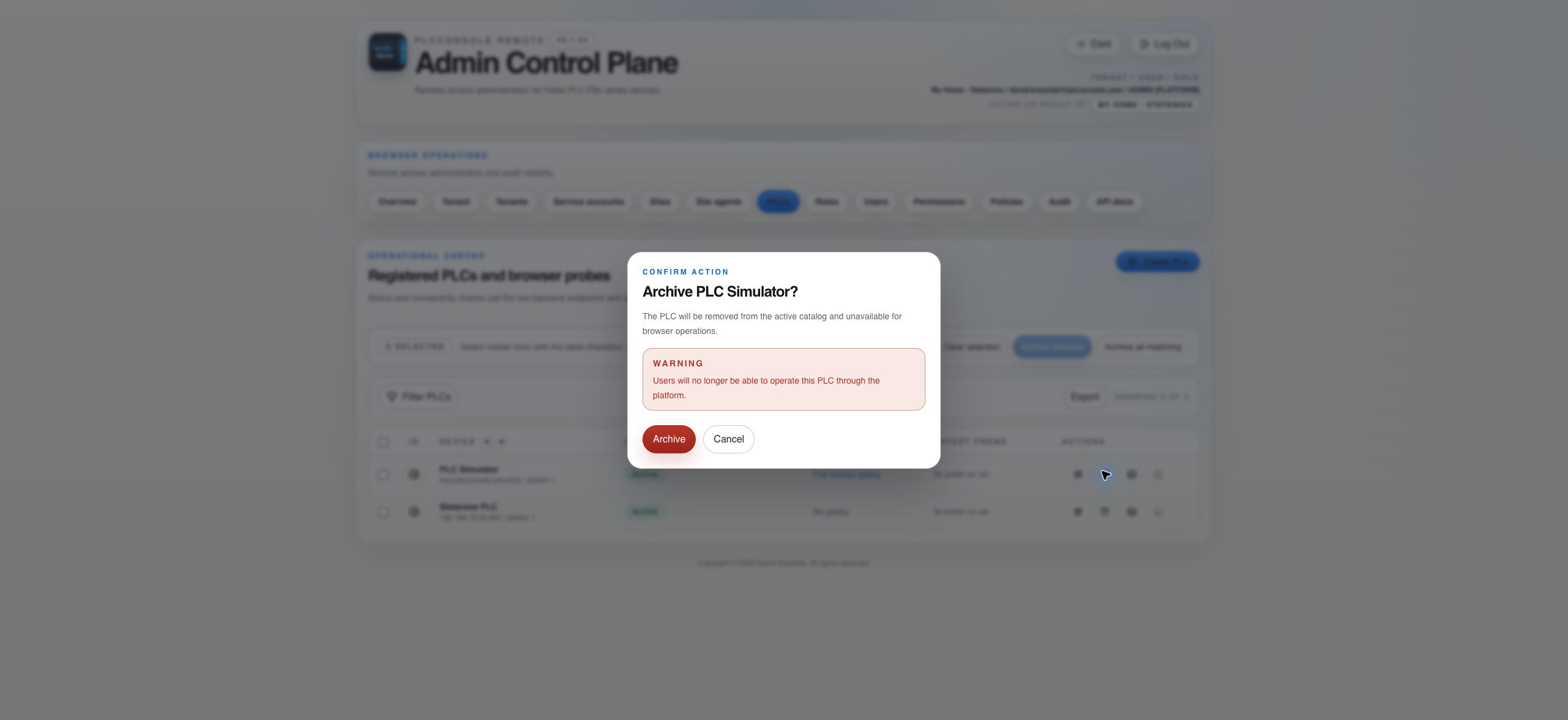
Archive warning lists dependencies

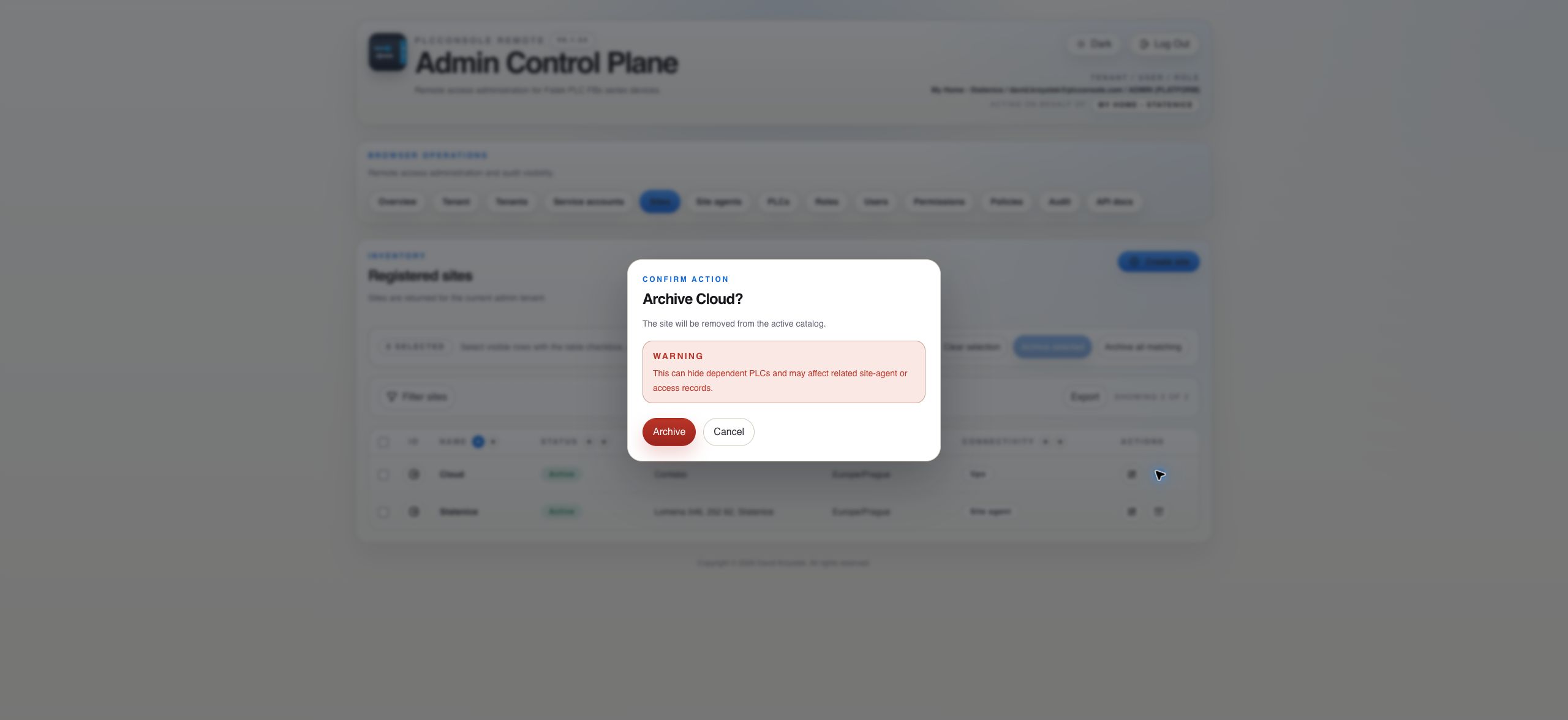
Stop and review those PLC or agent relationships. Archive is terminal for normal catalog use and is not the same as temporary disablement.