PlcConsole
Remote Manual · Machines

Service accounts

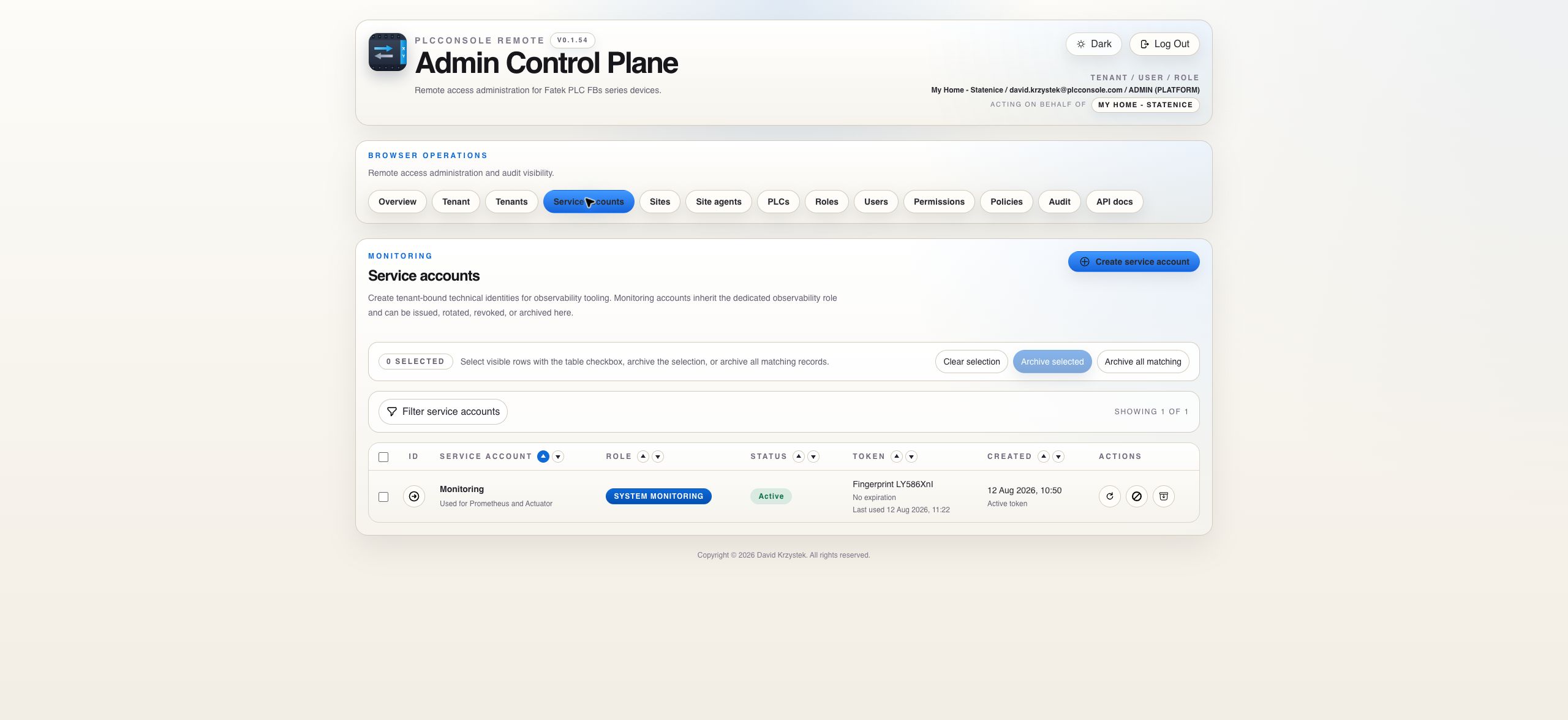
Create non-human identities for approved integrations and maintain their token lifecycle independently of human sessions.

Machine Identities

Keep automation separate from human accounts

A service account represents a named integration or automated workload. Its ownership and role should make the intended use clear before a token is issued.

Token Lifecycle

Copy once, store securely and rotate without ambiguity

A newly issued token is a credential. Transfer it directly into the intended secret store and avoid repository files, screenshots or ordinary logs.

Plan rotation so the consuming integration can adopt the replacement safely. After a suspected compromise prefer immediate revocation and controlled reissuance. Confirm the resulting authentication activity in the audit page.

Account Model

Use one machine identity for one operating purpose

Field or stateMeaningGuidance
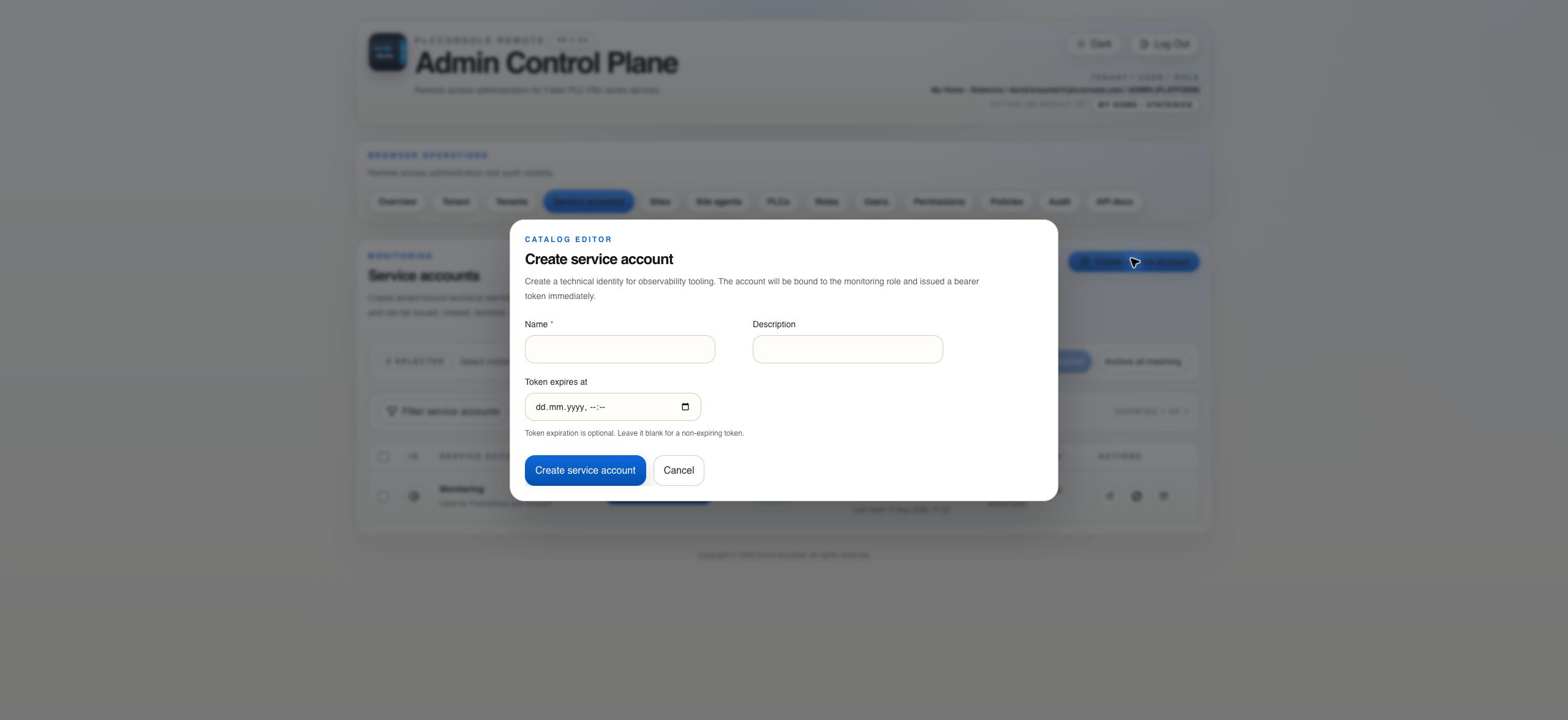
NameStable human-readable identity for the integration.Include the system or workload purpose, not a person's name.
DescriptionOperational ownership and intended use.State where the token is consumed and who is responsible for rotation.
Token expiryOptional end time for the issued token.Prefer explicit expiry where the integration can rotate predictably.
Active tokenThe current token may authenticate until expiry, rotation, revocation or archive.Monitor last-use evidence and rotate according to the owning process.
RevokedExisting tokens can no longer authenticate.Reactivate only after confirming the integration and target environment are trusted.
ArchivedThe machine identity is retired from normal administration.Create a new identity rather than attempting to reuse an archived one.
Procedure

Create and hand off a service account safely

Before you begin

  • Identify the approved monitoring or integration workload.
  • Confirm the dedicated system role is sufficient.
  • Choose the owner and rotation interval.
  • Prepare the destination secret store before issuing the token.

Expected result

The account appears Active, the one-time token has been stored by the consuming integration and subsequent authentication is visible without exposing the token value.

Steps

  1. Choose Create service account.
  2. Enter a descriptive name, ownership description and optional token expiry.
  3. Submit and copy the bearer token from the one-time display.
  4. Place it directly into the integration's protected secret store.
  5. Close the dialog only after confirming the value was stored successfully.
  6. Start or reload the integration and verify authentication and last-use evidence.
  7. Record the owner and next rotation date in the organization's credential process, not in the token itself.
Lost token: the existing value cannot be shown again. Rotate the account and store the replacement immediately.
Rotation and Revocation

Choose the lifecycle action that matches the risk

Rotate

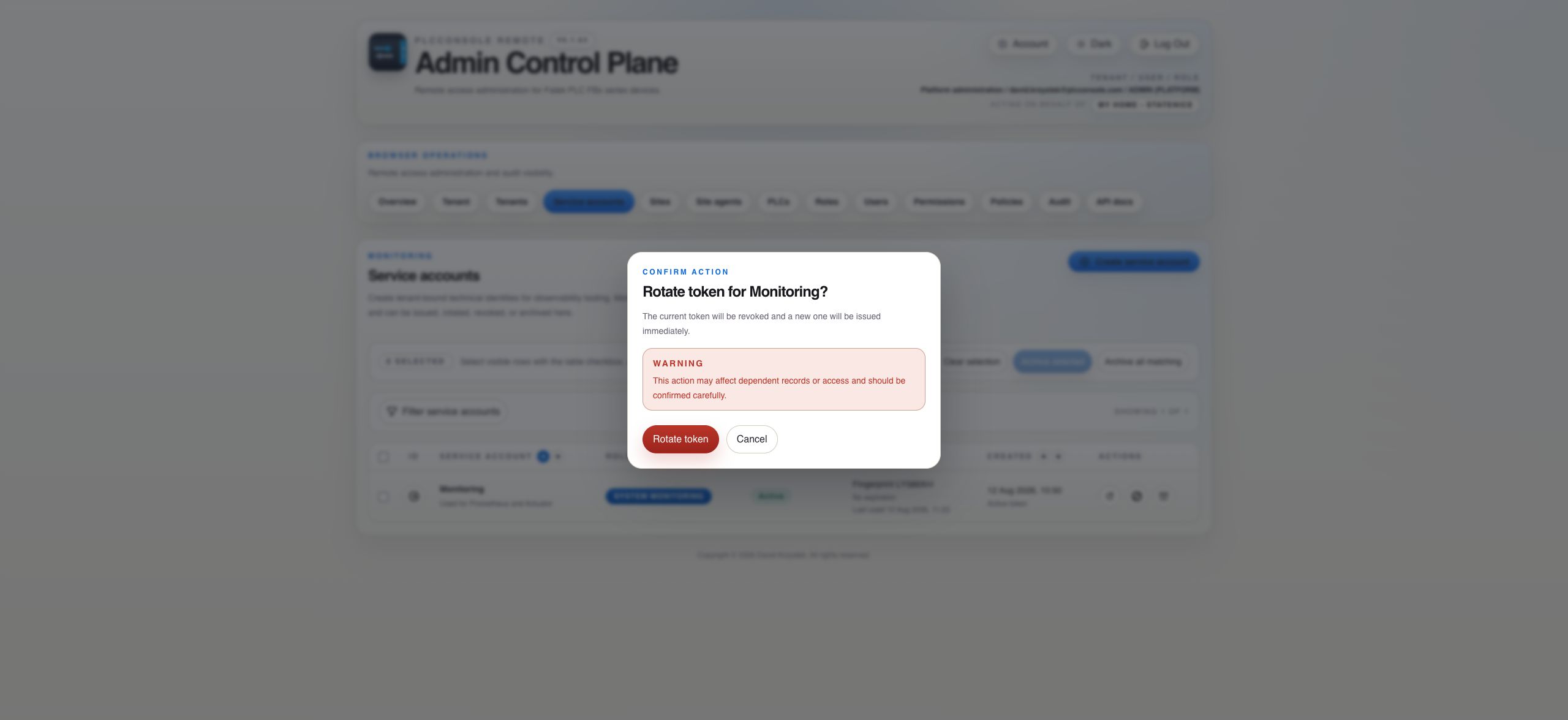
Use planned rotation when the integration remains trusted but needs replacement authentication material. The current token is revoked and the new token is shown once.

Revoke

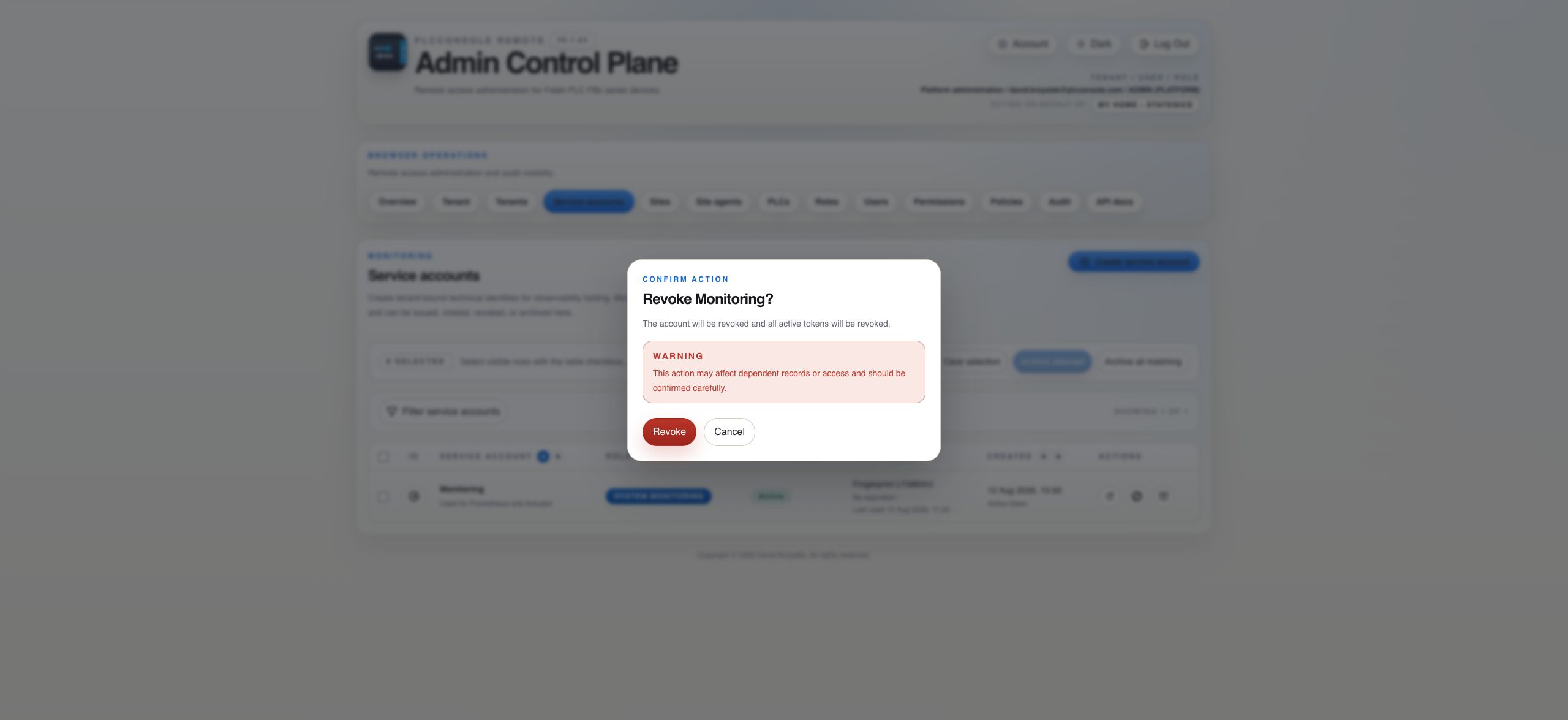
Use revocation when authentication must stop immediately. Confirm the integration is no longer expected to operate before treating resulting failures as incidents.

Reactivate

Use reactivation only after the workload and environment have been reviewed. A new token is issued and must be handled like an initial secret.

Archive

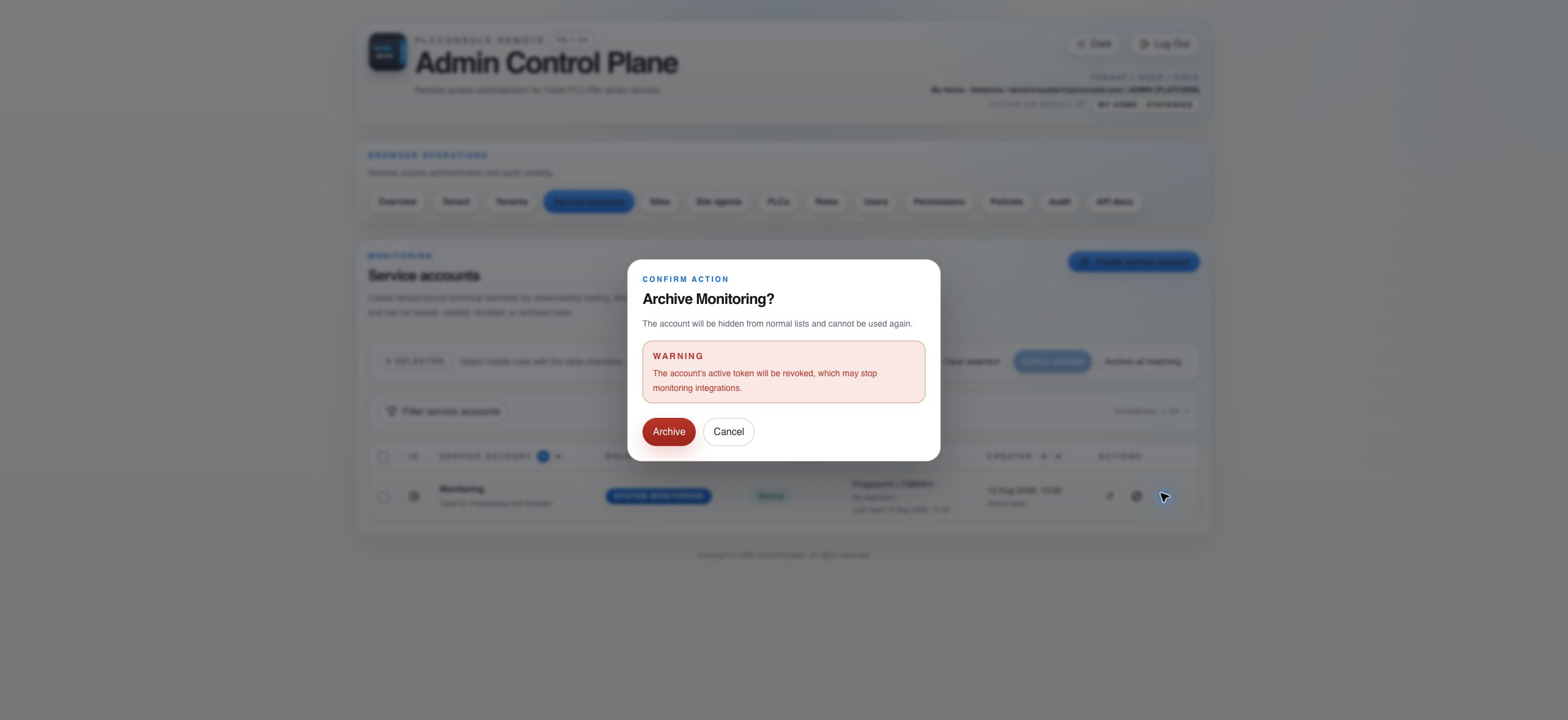
Use archive when the integration is retired permanently. Active tokens are revoked and the account leaves normal lists while history remains.

Planned rotation checklist

  1. Schedule the change with the integration owner.
  2. Confirm that a brief authentication interruption is acceptable because rotation invalidates the current token immediately.
  3. Rotate and copy the replacement into the protected configuration.
  4. Reload the integration and verify successful authentication.
  5. Review audit evidence and unexpected use of the old token.
Troubleshooting

Treat authentication failures as lifecycle evidence

Integration stopped after rotation

Confirm the consumer loaded the newly issued token and did not retain an old environment value or secret-store version.

Token expired

Rotate or reactivate according to the account state, then update the integration. Do not extend operation by creating unowned duplicate accounts.

Unexpected authentication activity

Revoke first, preserve the relevant audit interval and investigate the workload host plus secret-store access.

Account appears unused

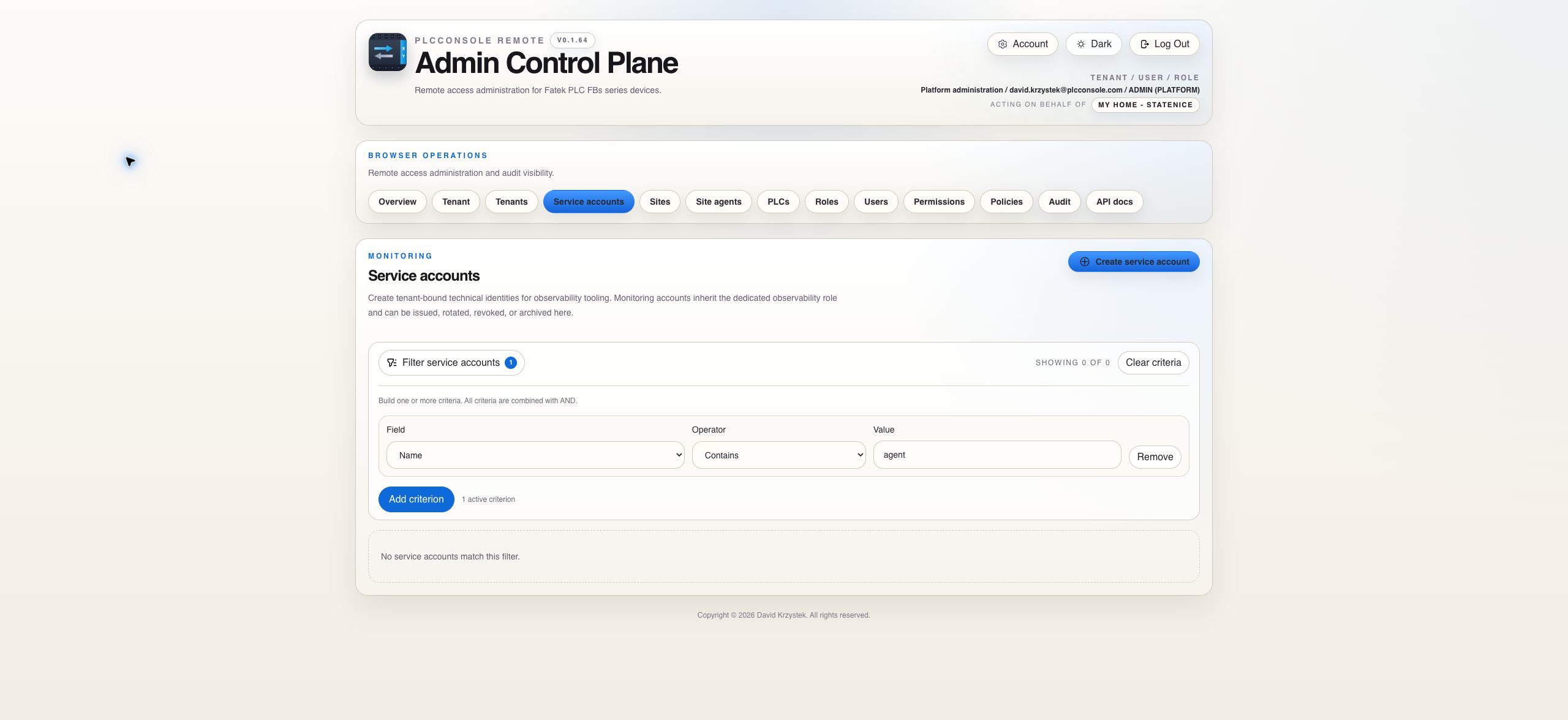
Verify active filters and last-use evidence before archive. Coordinate with the named owner because dormant integrations may run only on schedules.