PlcConsole
Remote Manual · Interface

Common controls and table behavior

Use the same inspection and lifecycle controls consistently across catalogs, operational views and audit history.

Working Set

Narrow the records before acting

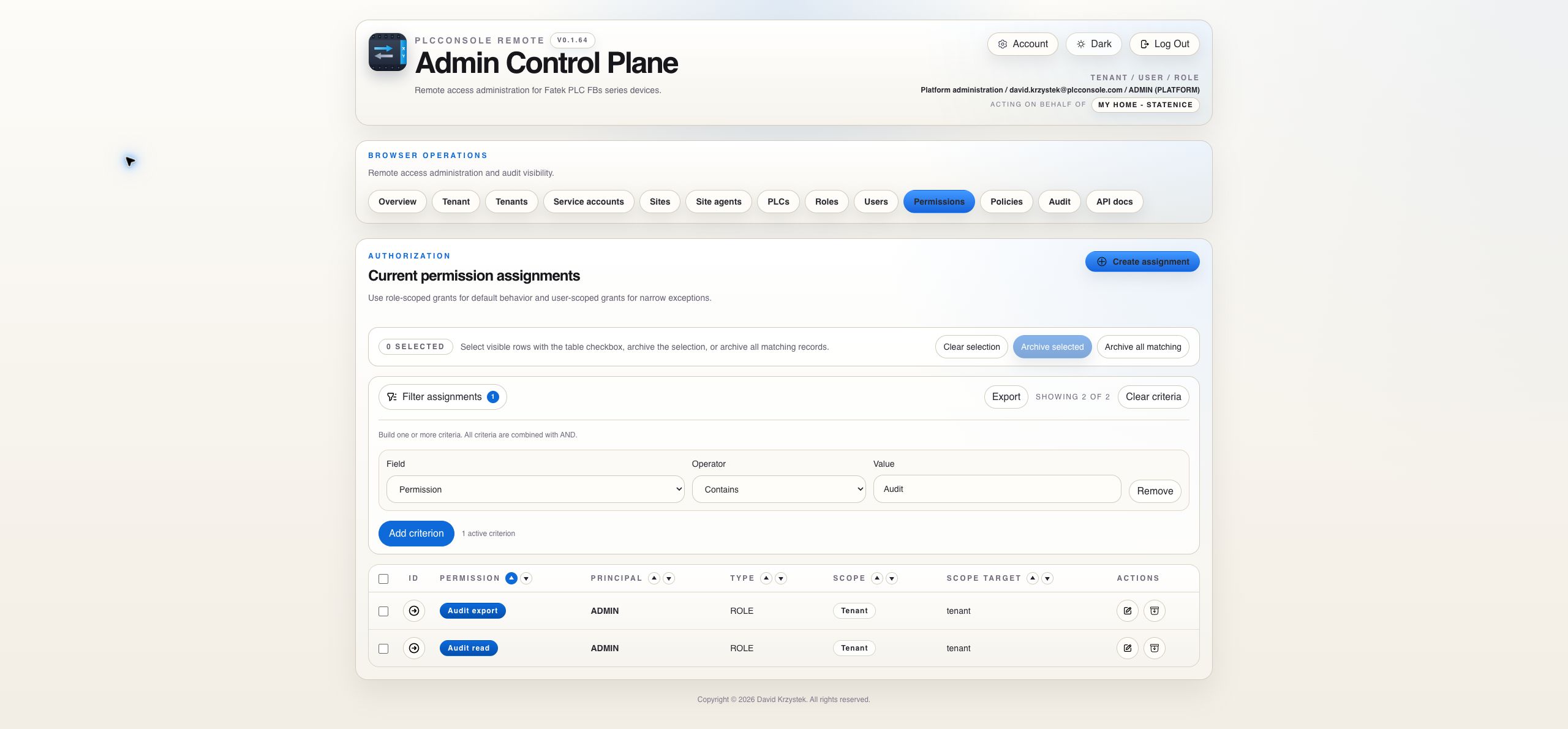
Most PlcConsole Remote tables use the same sequence: filter, sort, choose a page size, inspect the relevant records and only then perform an action.

ControlWhat it changesWhat it does not change
FilterRestricts the result to records matching all active criteria.It does not modify, archive or hide records permanently.
SortOrders the current result by the selected column and direction.It does not change the stored order of records.
RowsChanges how many records are displayed on one page.It does not change the total matching record count.
PaginationMoves through the current filtered and sorted result.It does not clear filters or selection automatically.
ExportProduces a portable representation of the permitted, filtered dataset.It does not grant access to records outside the caller's authorization.
Before reporting missing data: clear active criteria, return to the first page and verify the active tenant context shown in the header.
Inspection

Keep the primary row compact and open detail only when needed

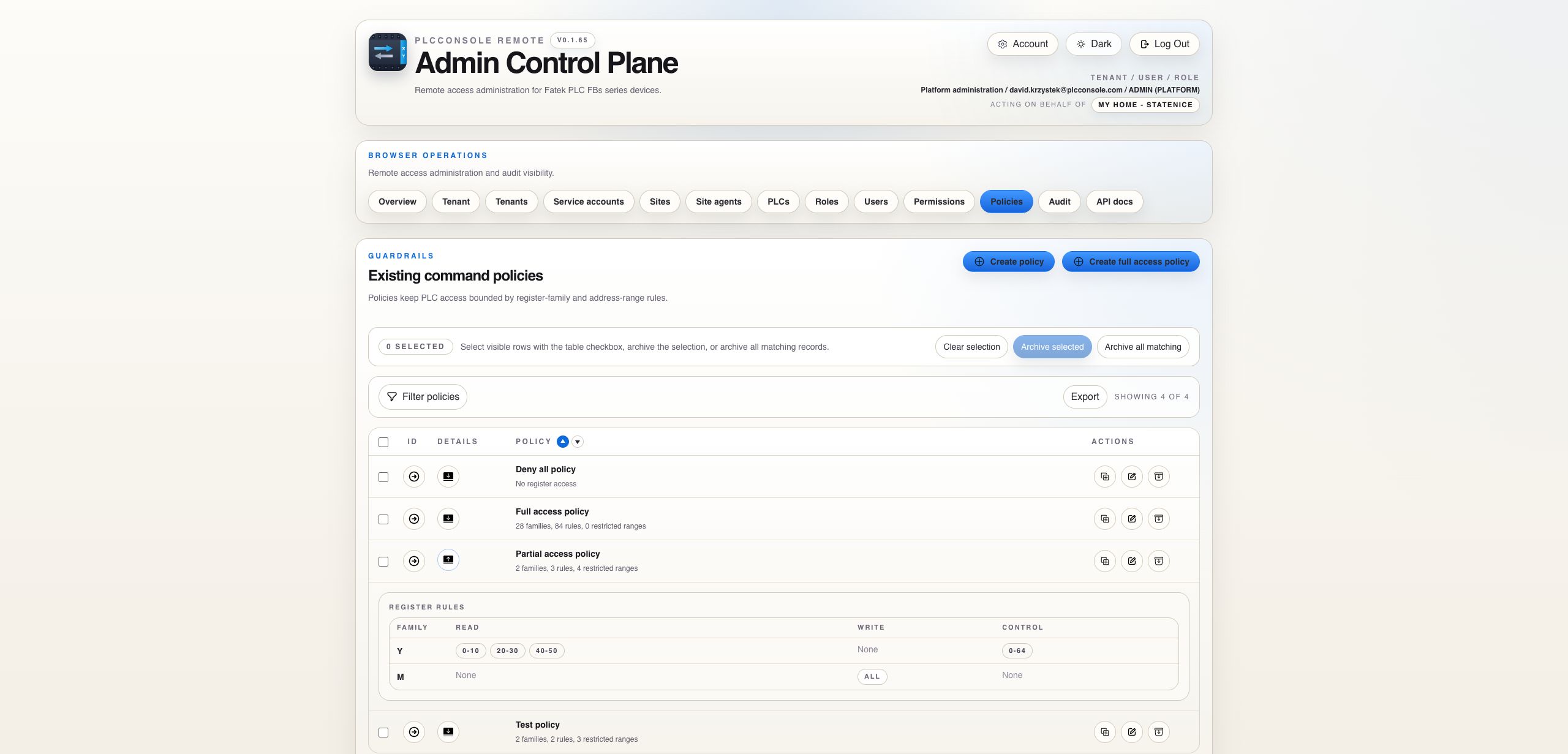
The primary row contains fields useful for comparison. Secondary evidence remains behind expansion or a detail dialog so wide tables stay readable.

Copy ID

Copy the stable record identifier when opening a support case, comparing an audit event or referring to one resource in infrastructure logs. A display name can change; the identifier remains the precise reference.

Expand and collapse

Expand one relevant row, read its grouped detail and collapse it when finished. Expansion is read-only unless the detail explicitly presents an action.

Icon actions

Use the accessible label or hover hint to confirm an icon's purpose. Table actions are ordered so lifecycle-changing edit and archive controls remain at the end.

Current state versus history

Catalog rows show the current stored state. Audit and operational tabs explain how that state was reached and what happened at a particular time.

Selection

Distinguish visible rows, selected records and all matching records

Row checkbox

Selects one record by ID. Use it when a lifecycle action applies to a small, reviewed set.

Header checkbox

Selects or clears the rows visible on the current page. It is not equivalent to selecting every matching record across all pages.

Archive selected

Archives only the explicitly selected IDs. The confirmation reports the number of selected records before submission.

Archive all matching

Evaluates the active filters across the complete result, including records on pages that are not currently visible. Review the filters and confirmation count carefully.

Safe bulk workflow: apply a narrow filter, compare the displayed matching count with your expectation, inspect representative rows, then choose selected records or all matching records deliberately.
Lifecycle

Archive is deliberate and domain-specific

Archive removes a record from normal active use without erasing its historical evidence. Its downstream effect depends on the resource.

ResourceImmediate consequenceReview before confirming
TenantHidden from normal administration and excluded from active-session flows.Tenant access, active users and whether temporary disablement is sufficient.
SiteRemoved from the active catalog.Dependent PLCs, site agents and scoped permission assignments.
PLCNo longer available as an active managed device.Operator visibility, assigned policy and operational dependencies.
User or roleStops normal identity or role use while retaining history.Active sessions, replacement ownership and users assigned to the role.
Permission assignmentRemoves that additive grant from effective access.Whether another role or user assignment still grants the same permission.
PolicyCannot be selected by PLCs from the active catalog.PLCs that rely on the policy for their intended register boundary.
Agent or service accountCredential or token stops authenticating and the record leaves normal lists.Dependent connectivity or monitoring integrations.
Do not use archive as a temporary pause. Where a Disabled state exists, use it when the resource may return. Use archive for terminal retirement from normal operation.
Responsive Use

Expect compact navigation and intentional horizontal table movement

On narrow screens the Browser Operations and operational-detail tabs wrap to additional rows. Wide data tables may provide their own horizontal scroll area so command, failure or duration detail remains readable without overlapping adjacent columns.

Scroll inside the table container rather than the entire page. Expand a row when secondary detail is available and use the same action labels and confirmation wording as on desktop. Mobile presentation changes layout, not authorization or lifecycle semantics.