PlcConsole

Site Automation

Site Automation organizes devices into sites, zones, actors, actions, and sensors. It is intentionally exposed as a structured workflow instead of being scattered across separate screens.

Site Automation Workflows

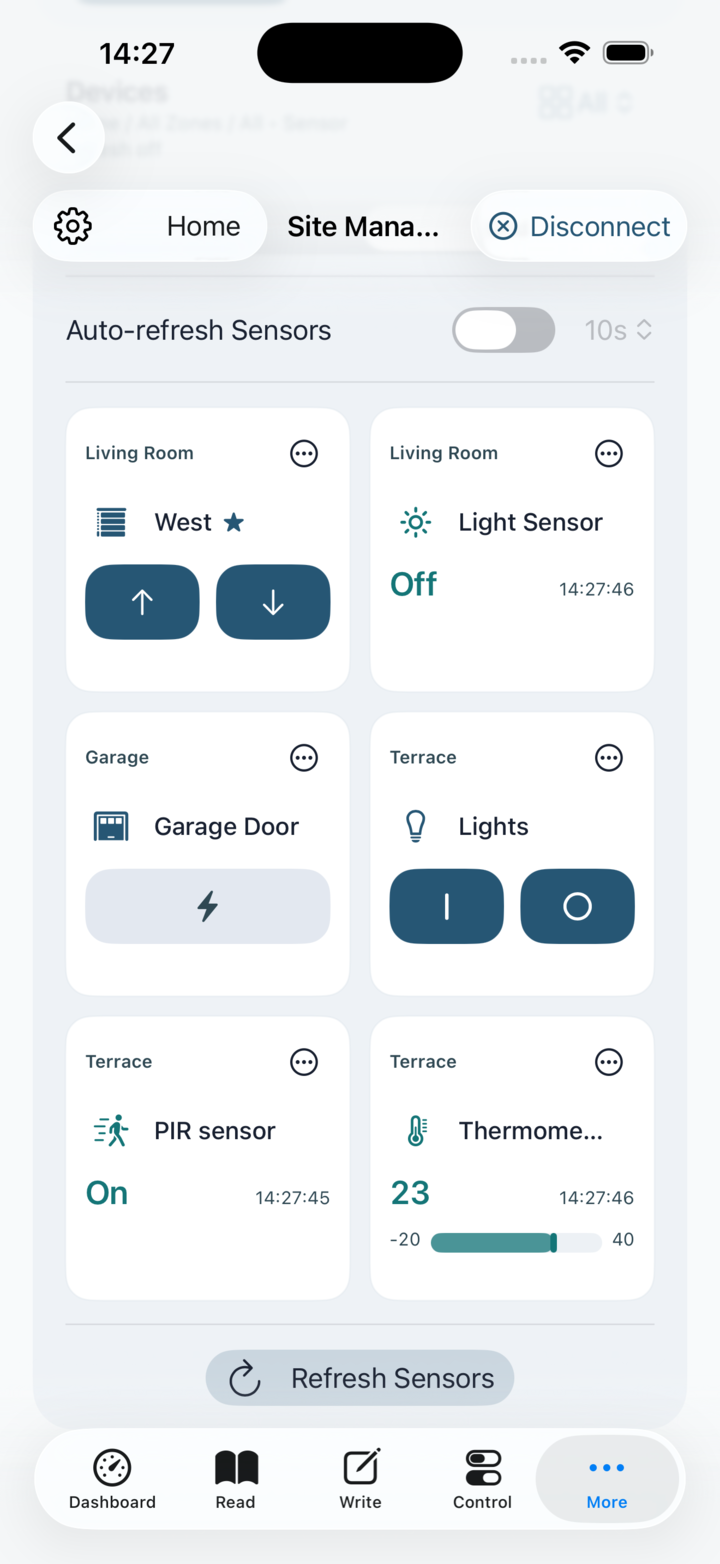
The site-management flow centers on a site picker, zone picker and a device area that merges actors and sensors into one collection. From there, the app lets you filter by scope, mark favorites, refresh visible sensors and open the editors for detailed metadata.

Site Automation is a foreground control and monitoring layer over the active PLC profile. Device filters show All, Controls, Sensors or Favorites; the zone picker can show one zone, all zones or favorite zones. Reordering is intentionally available only under the All device filter, so a hidden device cannot move unexpectedly within its zone.

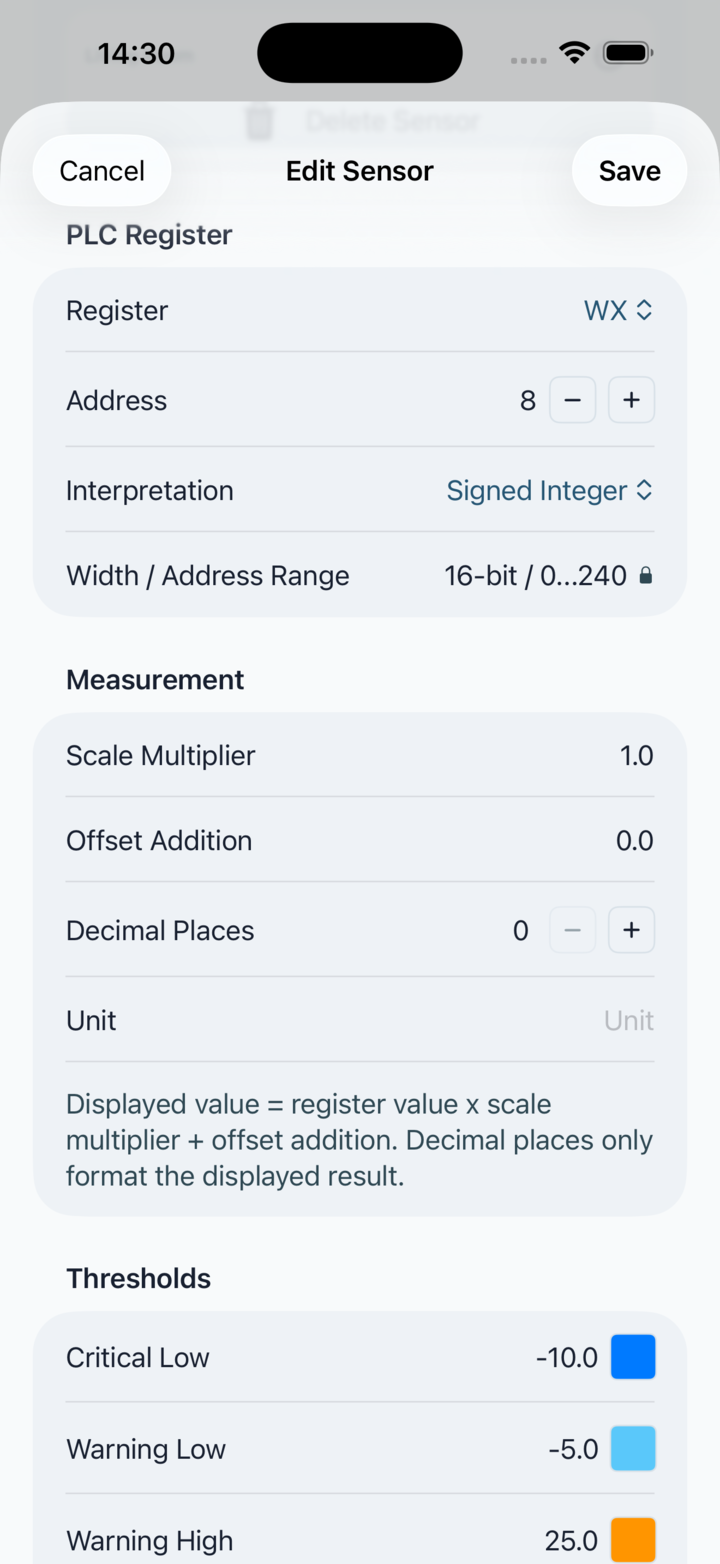
Sensor auto-refresh reads only currently visible sensor tiles while the Site Automation screen and app are active. A sensor range bar uses the final displayed measurement after multiplier and offset, not the raw PLC register value. Auto-refresh stops when the app is no longer active.

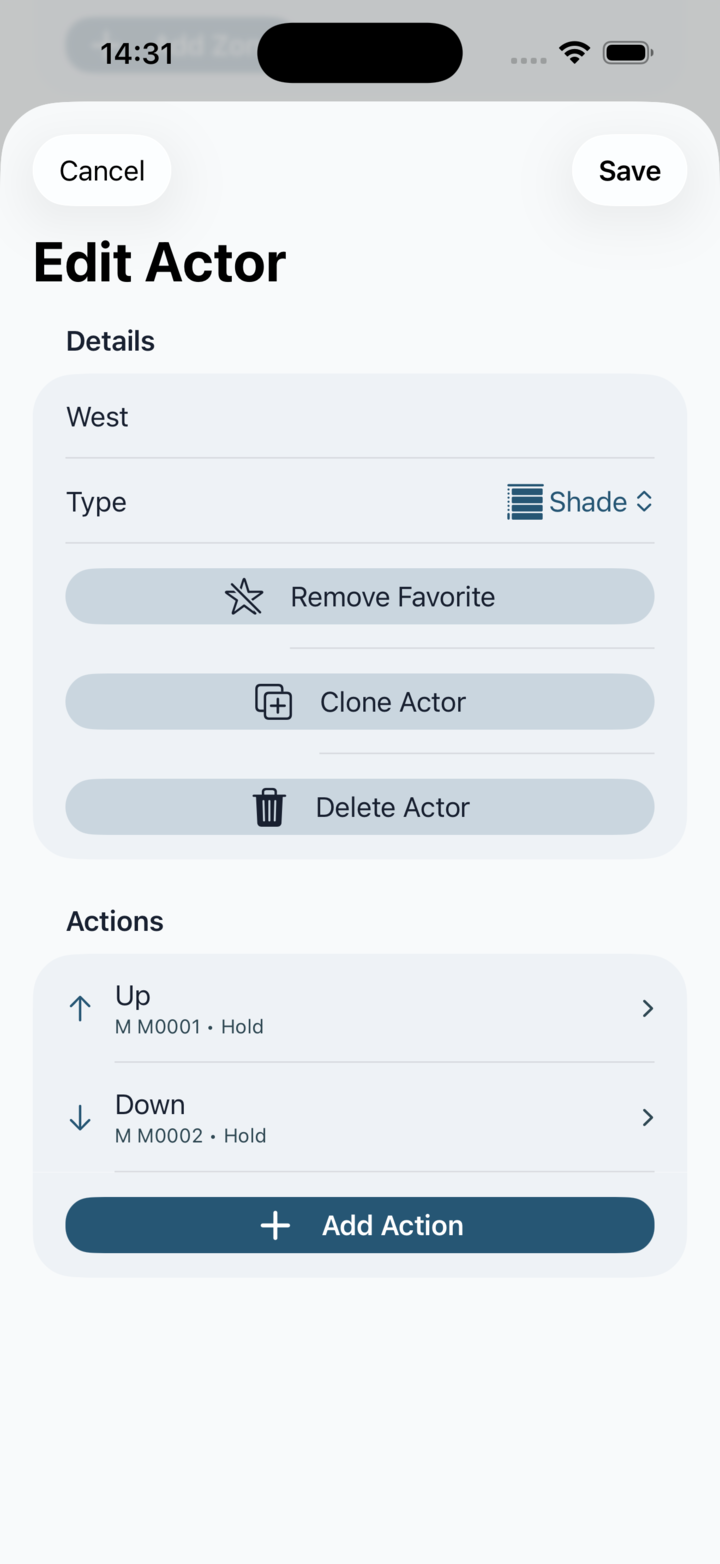
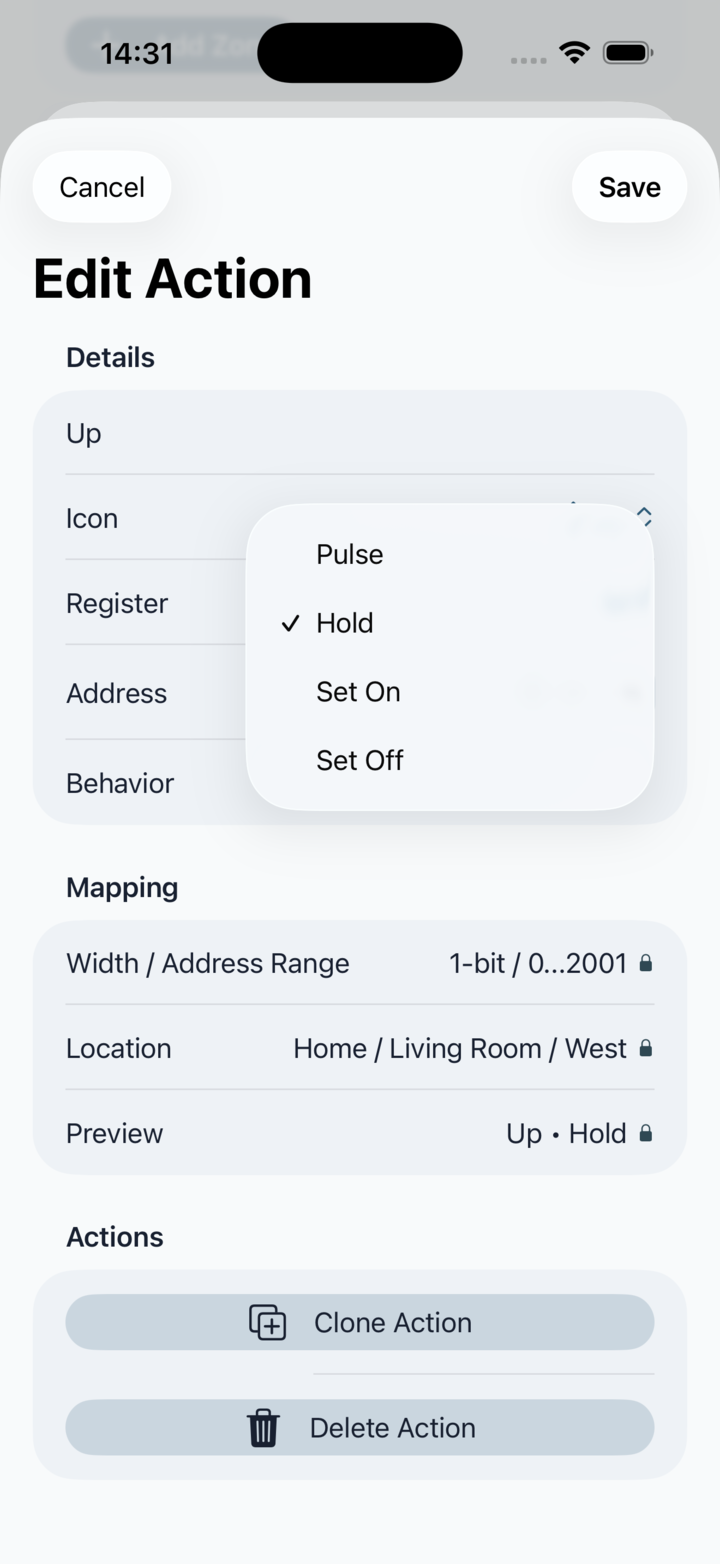
Actor actions map to helper-style M and S bit registers. Do not treat the app as the physical safety system: PLC ladder logic remains responsible for output interlocks, motor safety, timers and safe failure behavior.

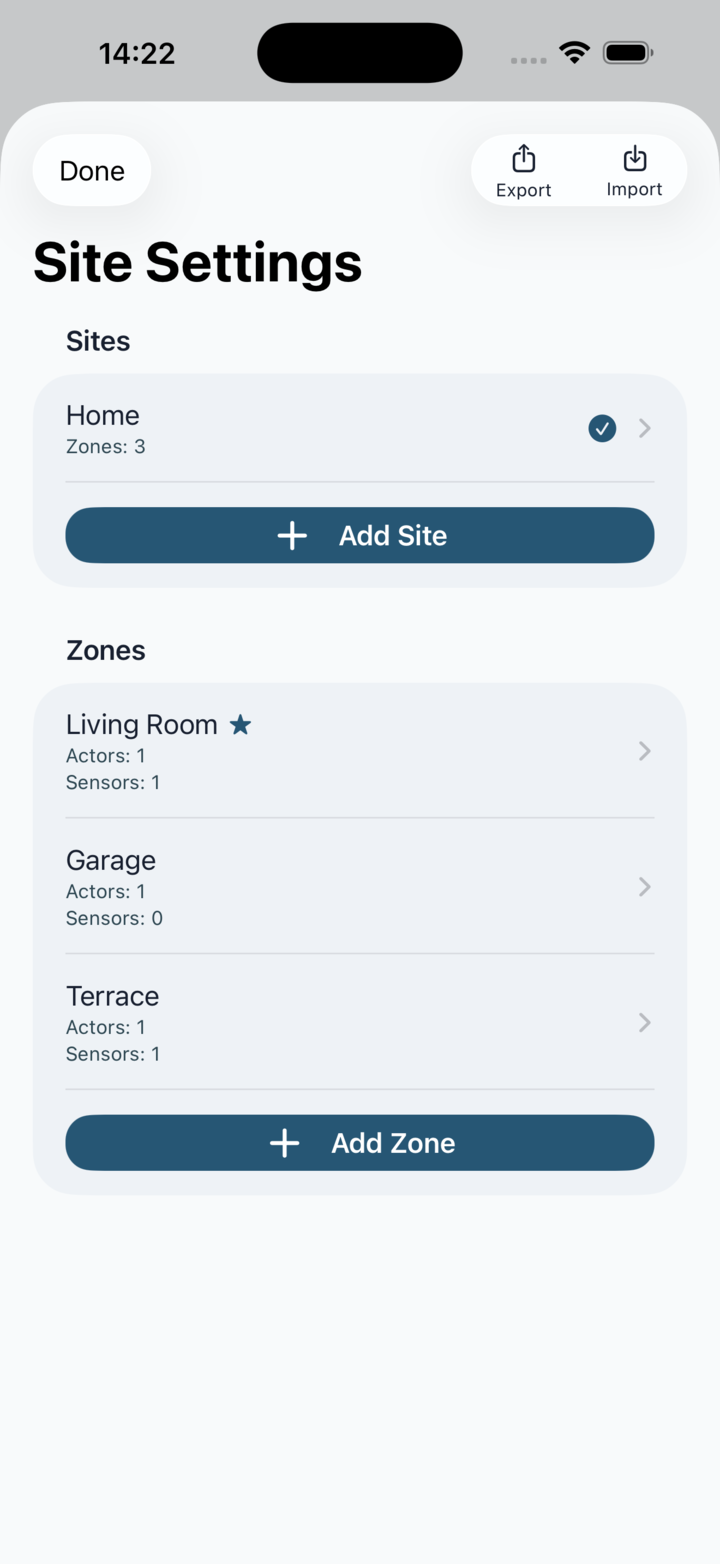
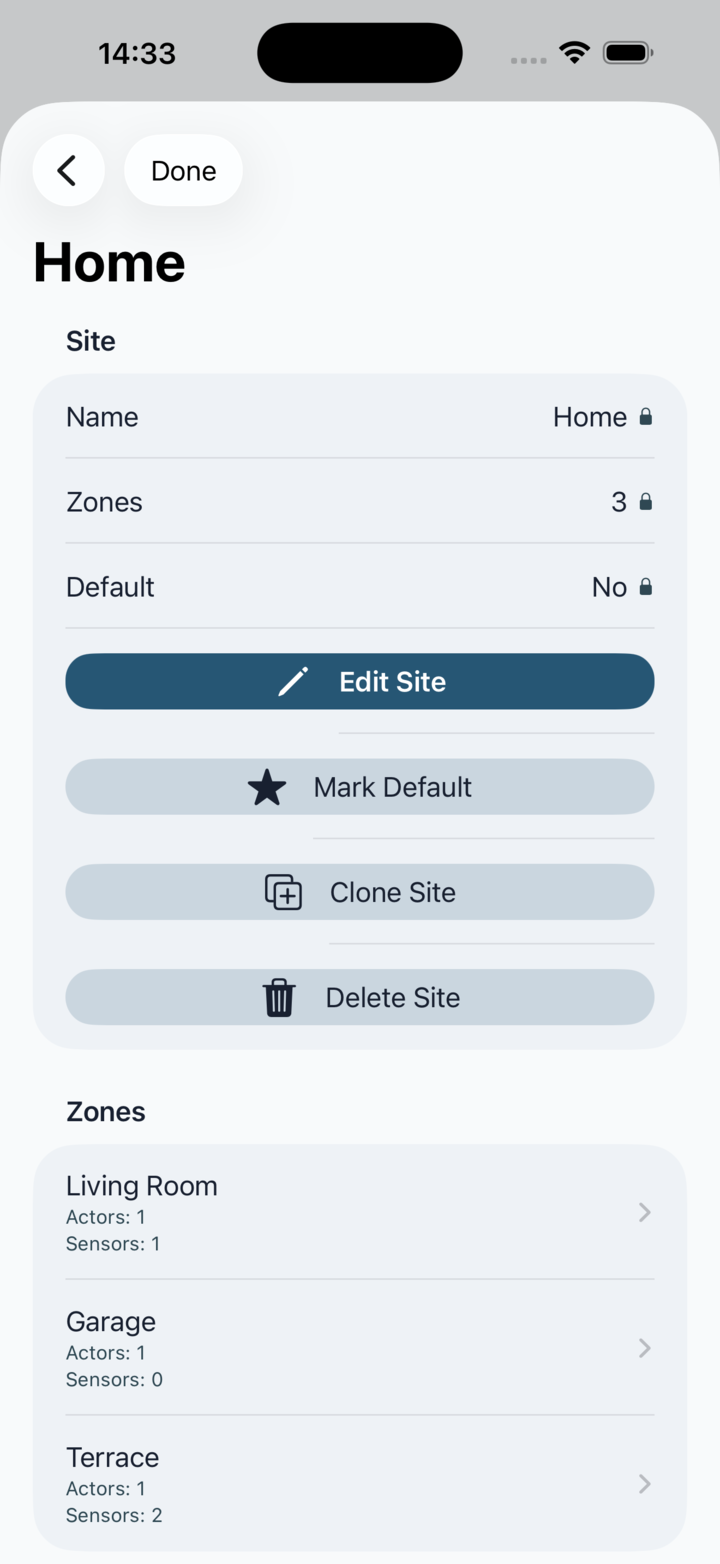
Hierarchy: Site Settings opens the tree and lets you add, edit, delete, export or import the full hierarchy.

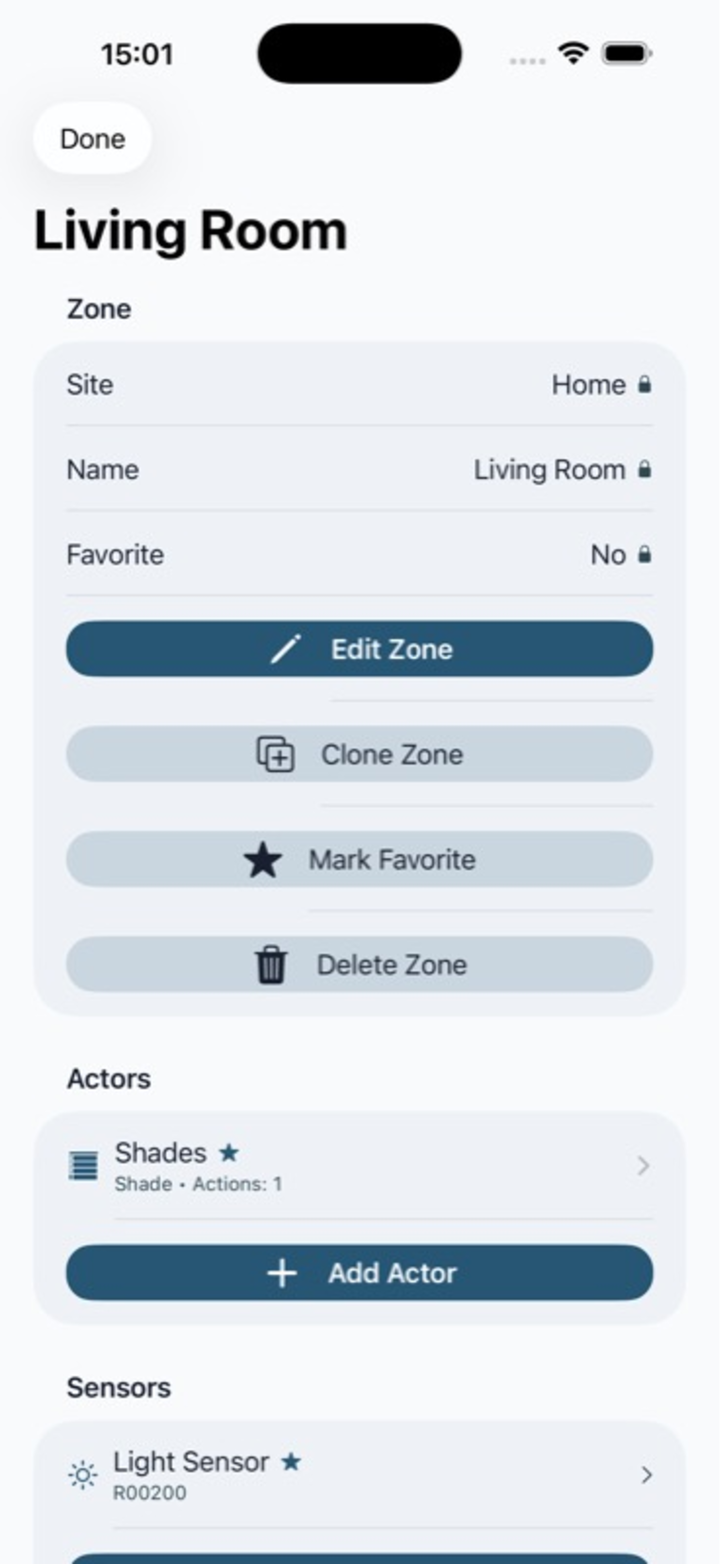
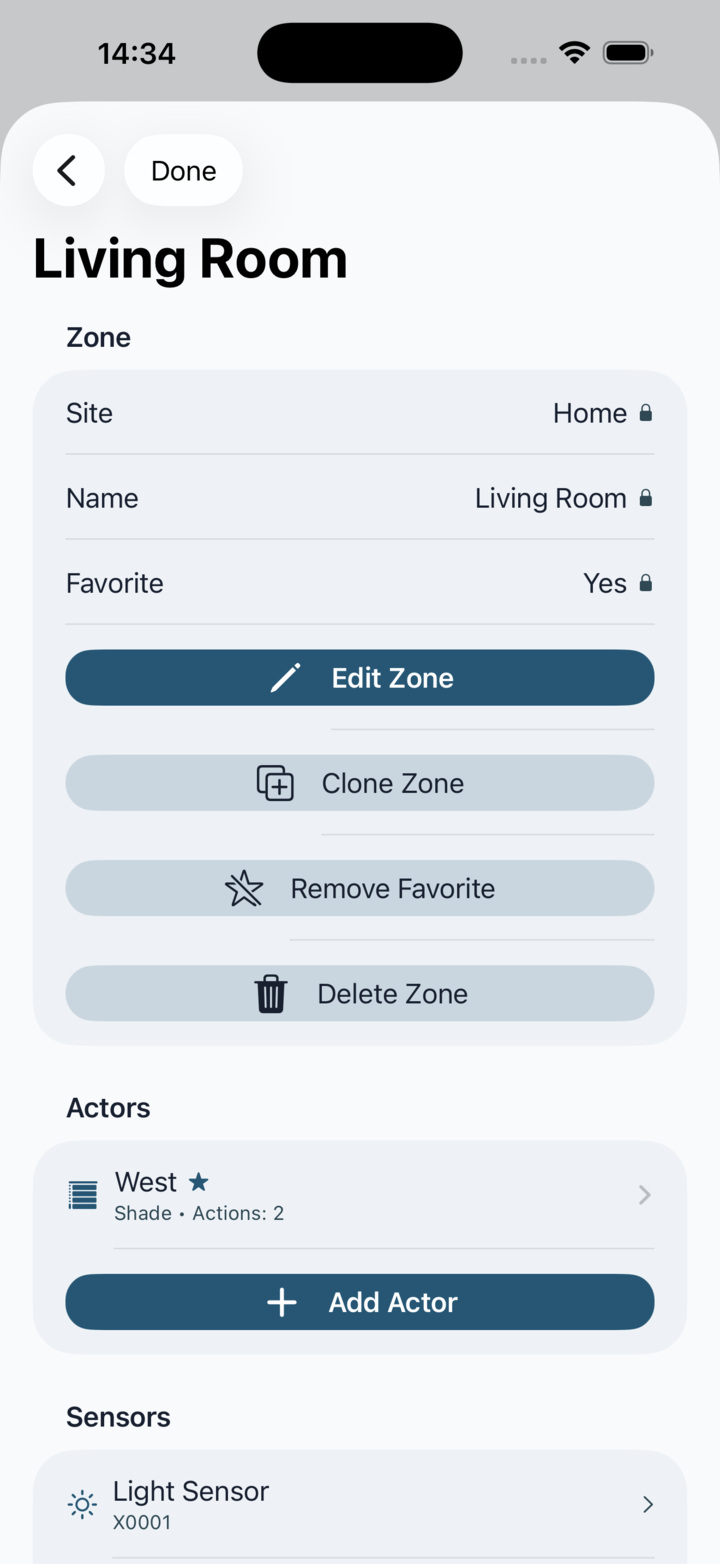
Zone focus: Zone detail shows the actors and sensors that belong to one zone and exposes the zone-level actions directly beside the sections.

Unified board: The device area can switch between list and grid layout and filter by All, Controls, Sensors or Favorites without splitting actors away from sensors.

Site Structure

Editors