 PlcConsole
Preferences
Description
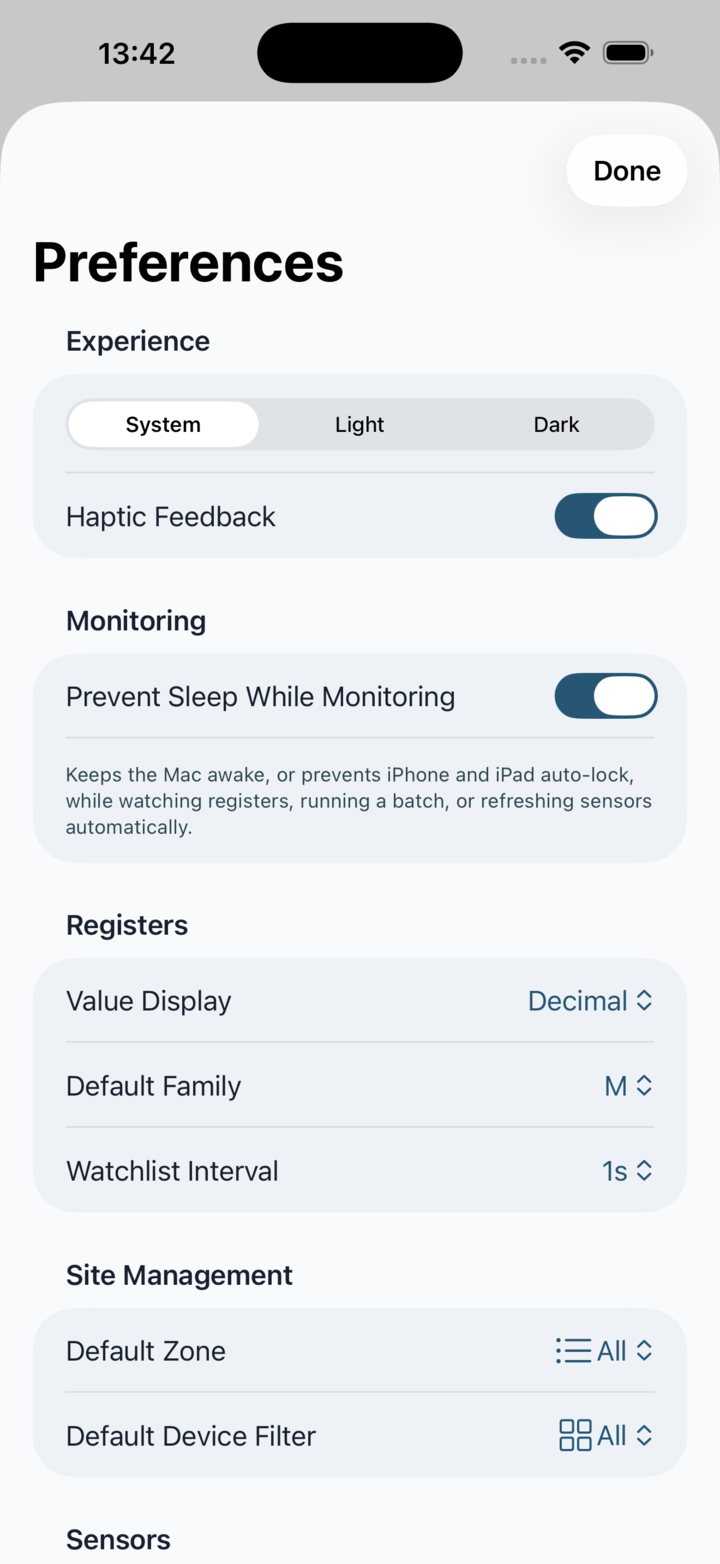
The Preferences screen groups app-level decisions that affect other screens. Changes persist locally and take effect immediately. Use Done to close it when you have finished; there is no separate save step.
Experience: Choose theme behavior and enable or disable app haptics.
Monitoring: Choose whether active monitoring may keep the device awake, then select Watchlist and sensor refresh intervals.
Defaults and history: Set register defaults, the opening Site Automation scope, History density, protocol visibility and clear locally stored command history.