 PlcConsole
Read Registers - Value
Description
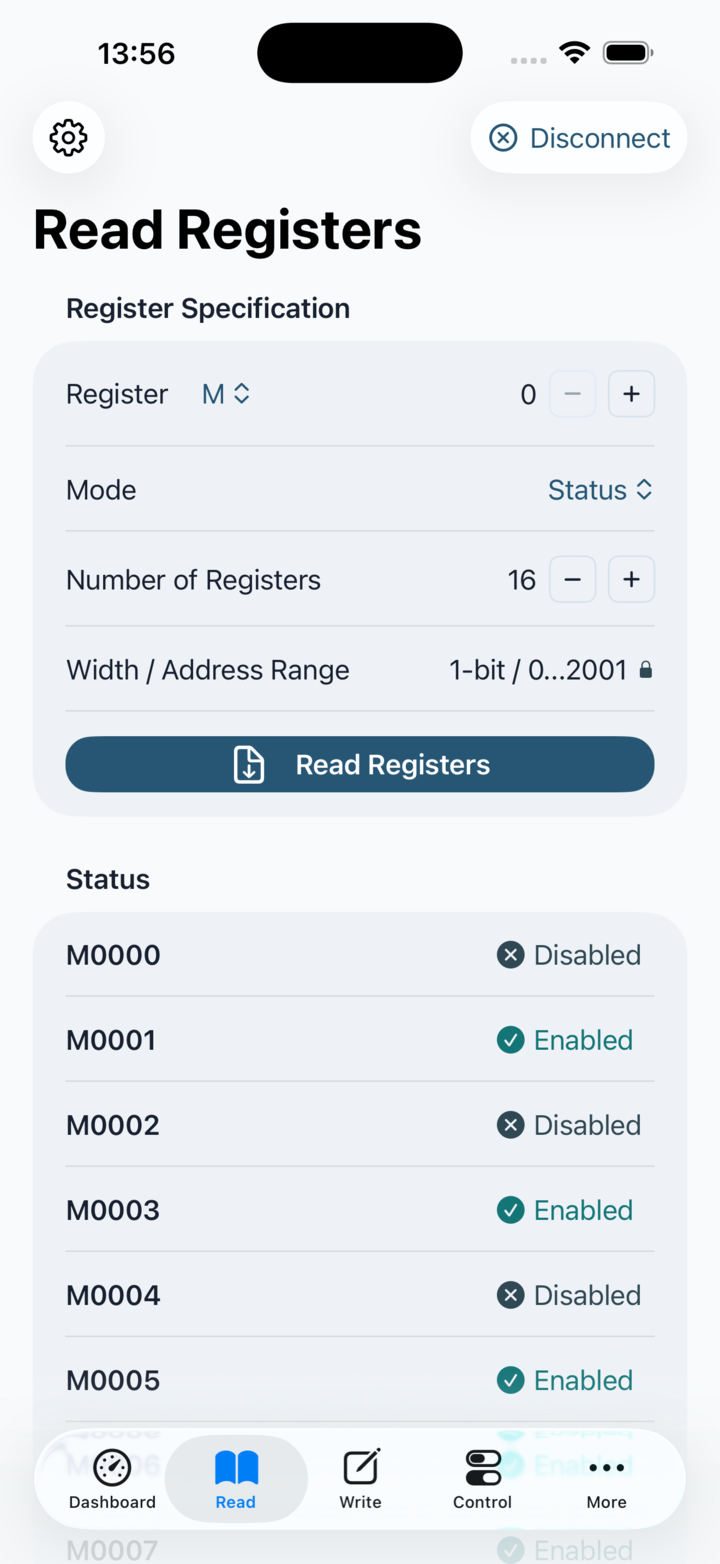
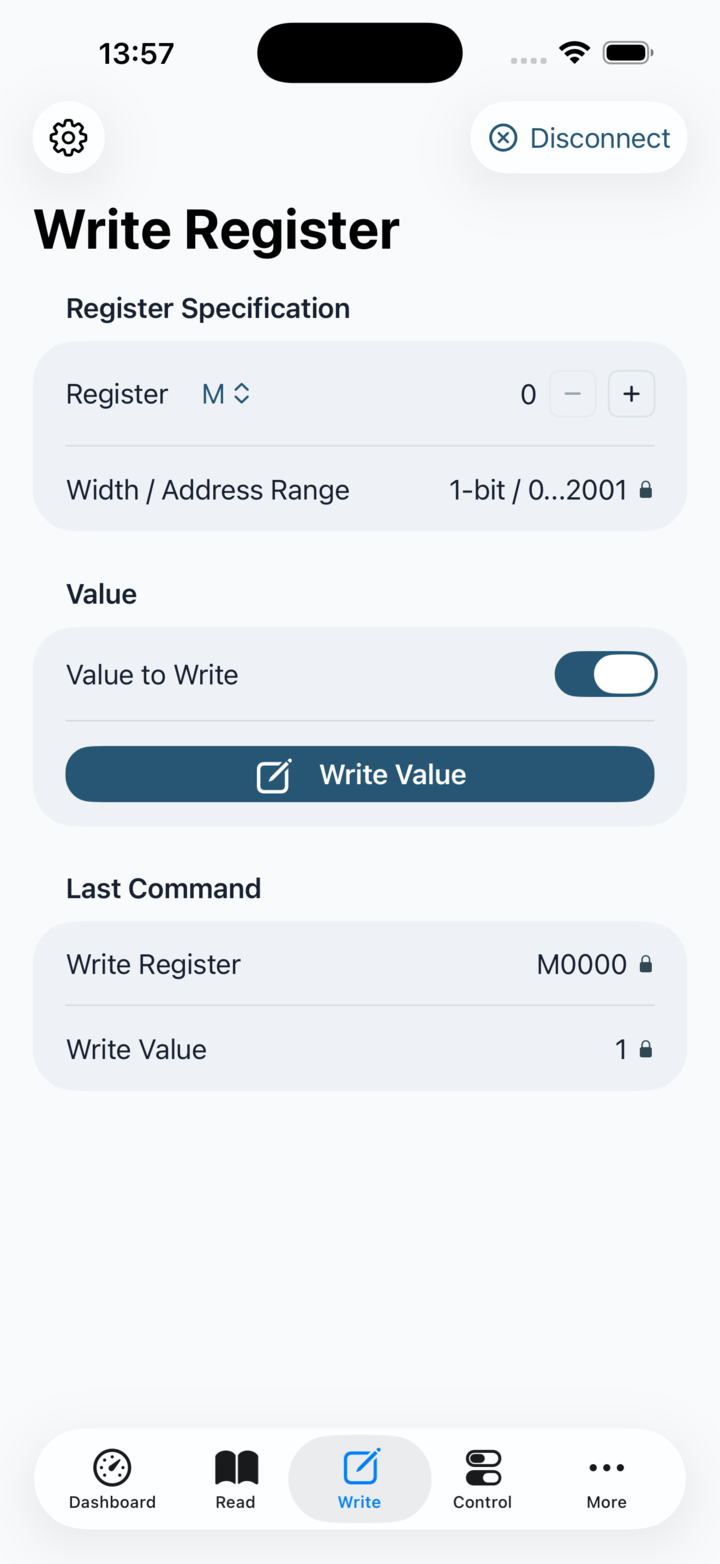
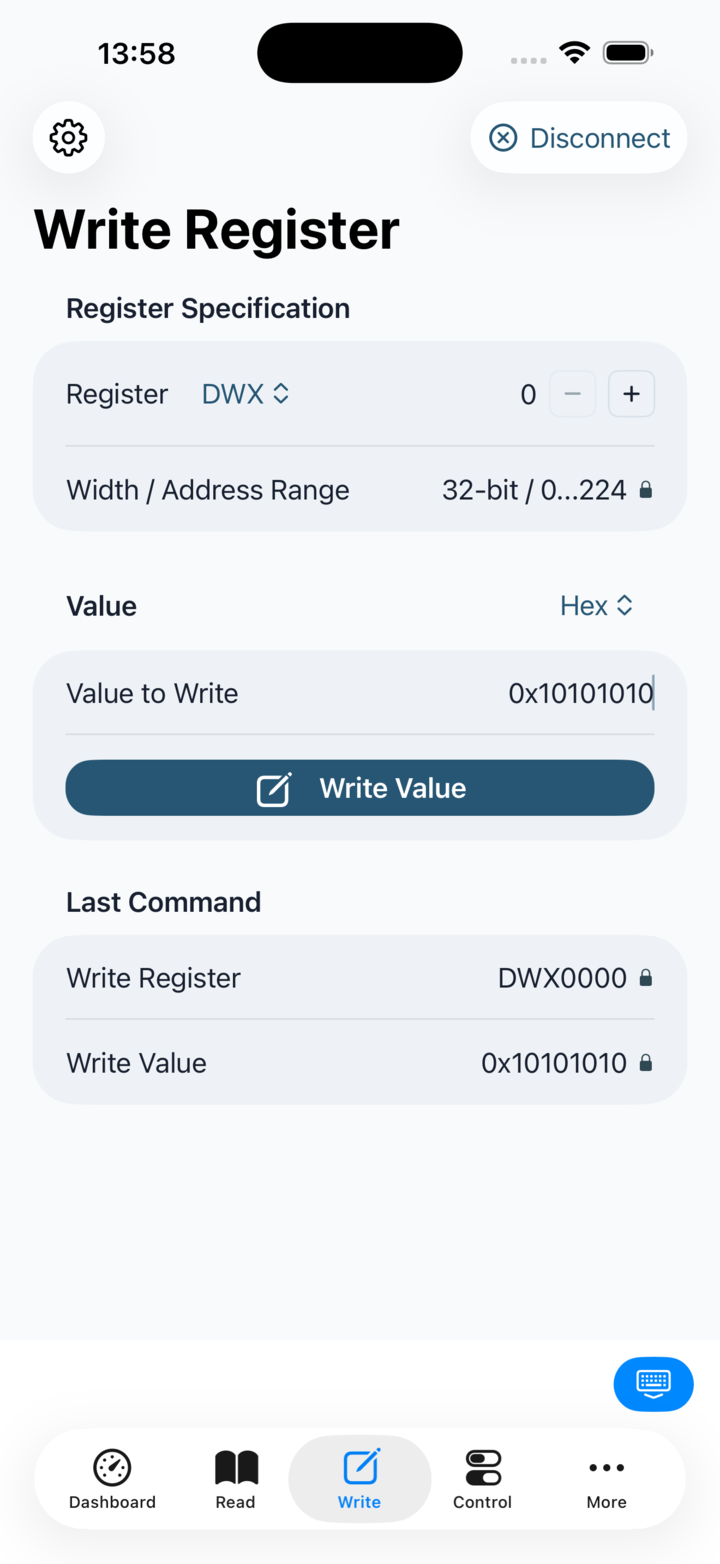
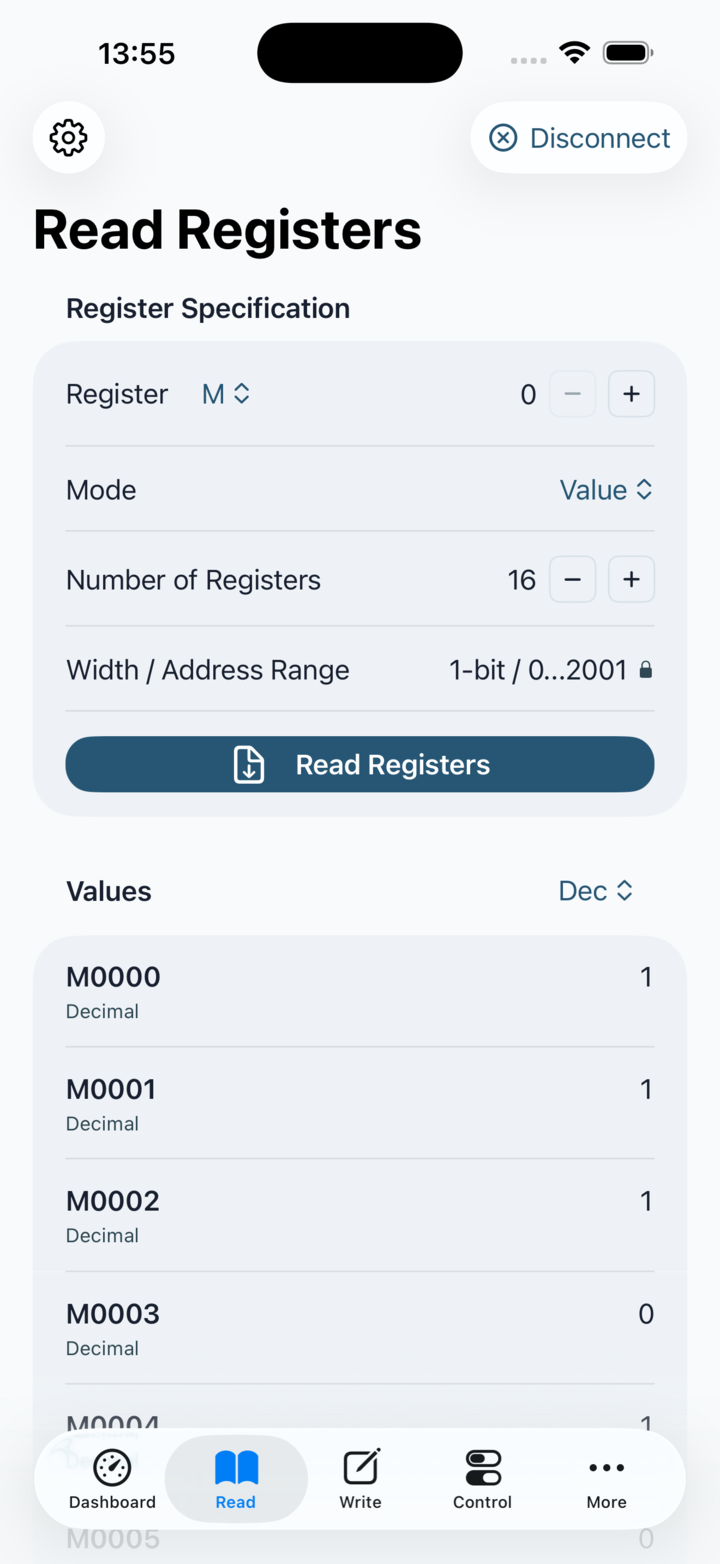
This screen reads a contiguous register range and renders the result using the selected display format. The family picker controls the allowed address range and the address step, so the input row is really a compact register specification rather than three unrelated fields.
Mode: The Mode picker only matters when the family supports status reads; otherwise value mode is forced.
Validation: The width and address-range summary explains why a range is valid or rejected, which is useful when the start address or count is not aligned.
Range limit: Number of Registers is limited by the selected family's maximum read count and by the remaining valid addresses from the chosen start address. Free also limits one read request to 4 registers, while Pro can read larger contiguous ranges.
History: The read operation writes history entries that preserve both the register range and the returned values.