Batch Workflow
The batch screen edits a working copy first, not the saved preset.
Review row order, register family, values and timing before saving a
repeatable sequence.
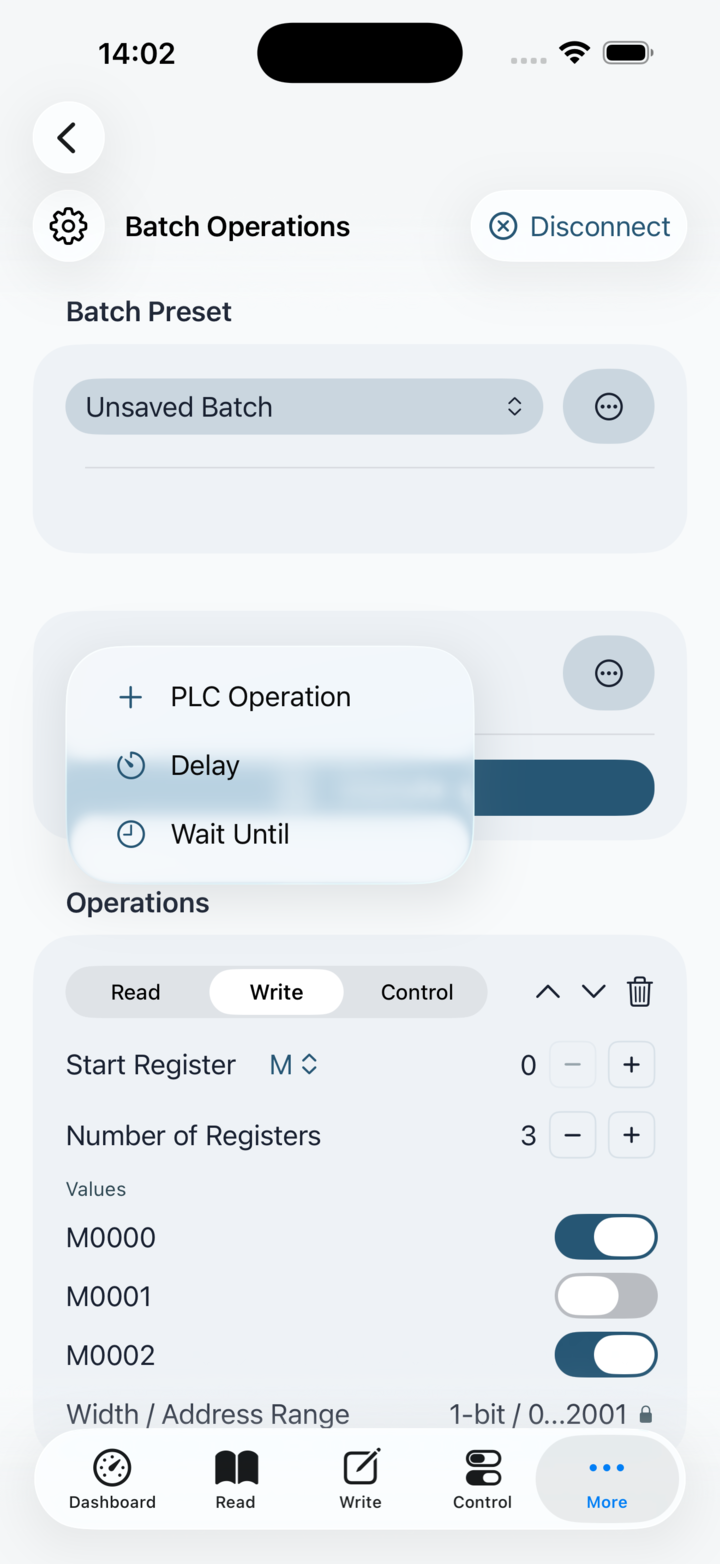
Add PLC Operation for a read, write or discrete control command. Add
Delay to wait locally for a duration or Wait Until to pause until the
selected time of day. Delay and Wait Until do not send PLC traffic.
Arrange rows with the explicit move controls, then run only after the
screen reports valid configuration.
Execution is sequential and cancellable. Stop Batch cancels the active
sequence, including long delays and time waits. While running, editing,
reordering, adding and removing rows is disabled so the displayed plan
cannot diverge from the sequence being executed.
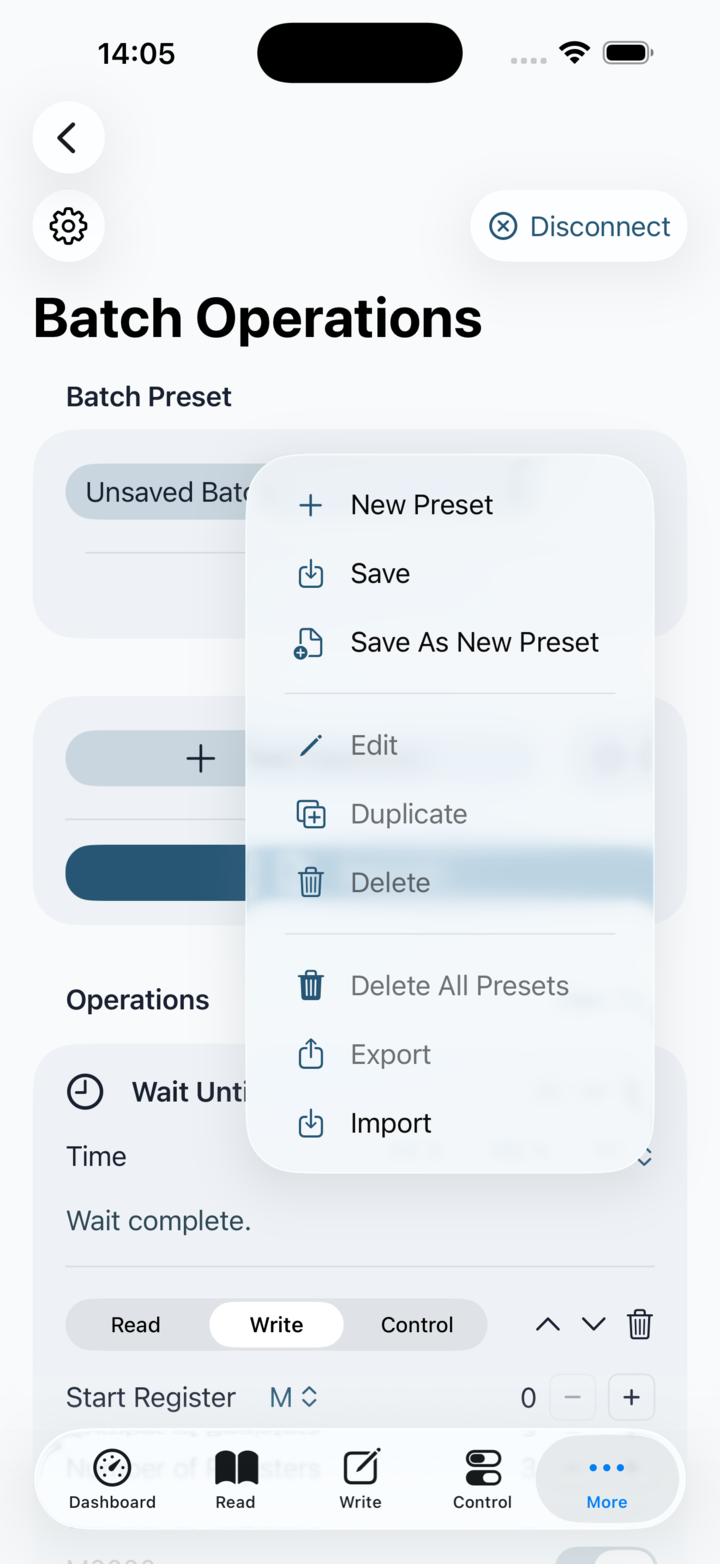
A named preset is a saved copy of the current working batch. Switching
away from modified work asks whether to save, discard or cancel.
Imported presets are validated and never execute automatically; when an
imported identifier already exists, choose Replace, Keep Both or Cancel.
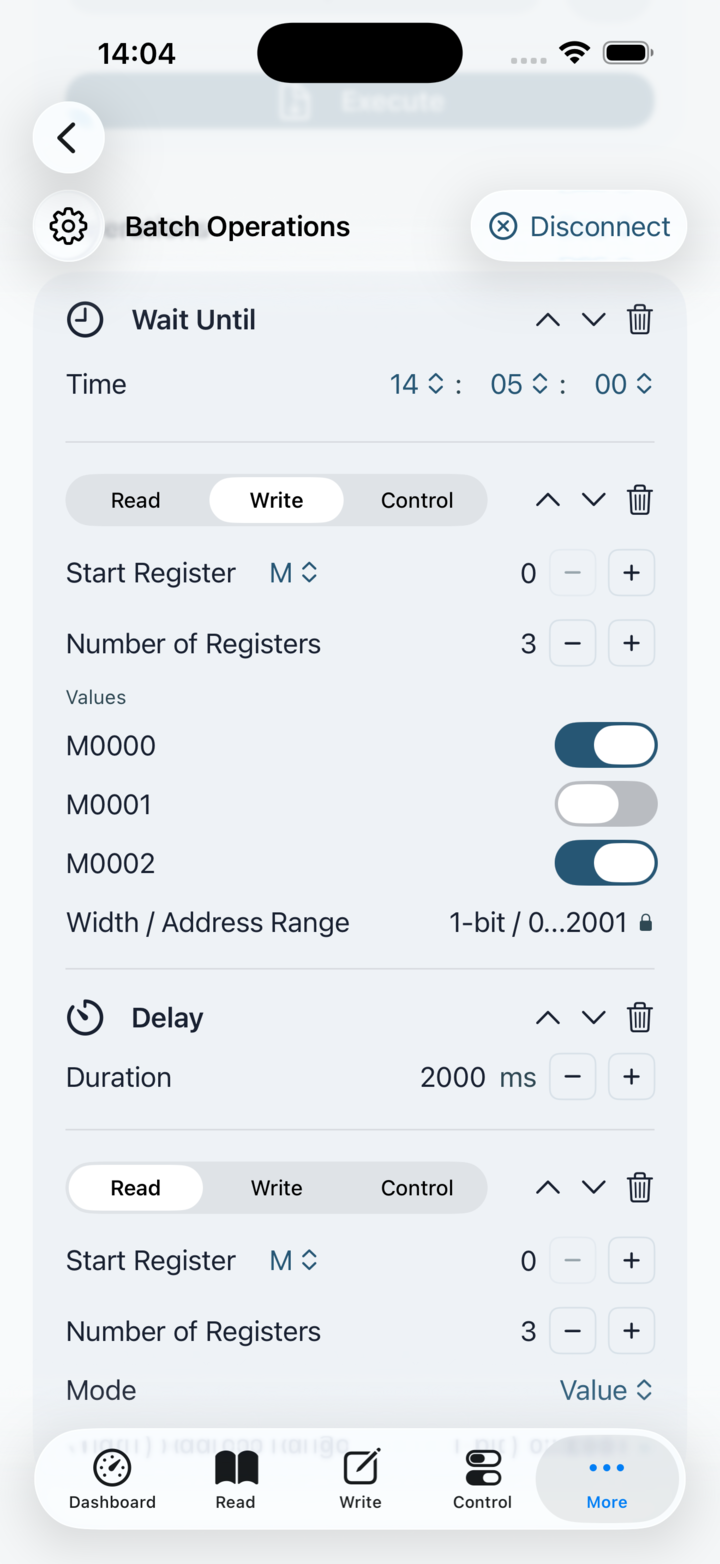
PLC Operation rows: choose Read, Write or Control.
Reads retain returned values in the completed row. Writes accept decimal,
0x-prefixed hexadecimal or 0b-prefixed binary values. Control rows
apply the selected discrete action. A batch needs an active PLC profile
only when it contains one or more PLC Operation rows.
Timing rows: Delay waits for its configured duration.
Wait Until uses hour, minute and second pickers for a time today. If
that time has already passed when the row is reached, it completes
immediately. Both timing rows remain cancellable and send no PLC traffic.
 PlcConsole